Securing the Host Machine
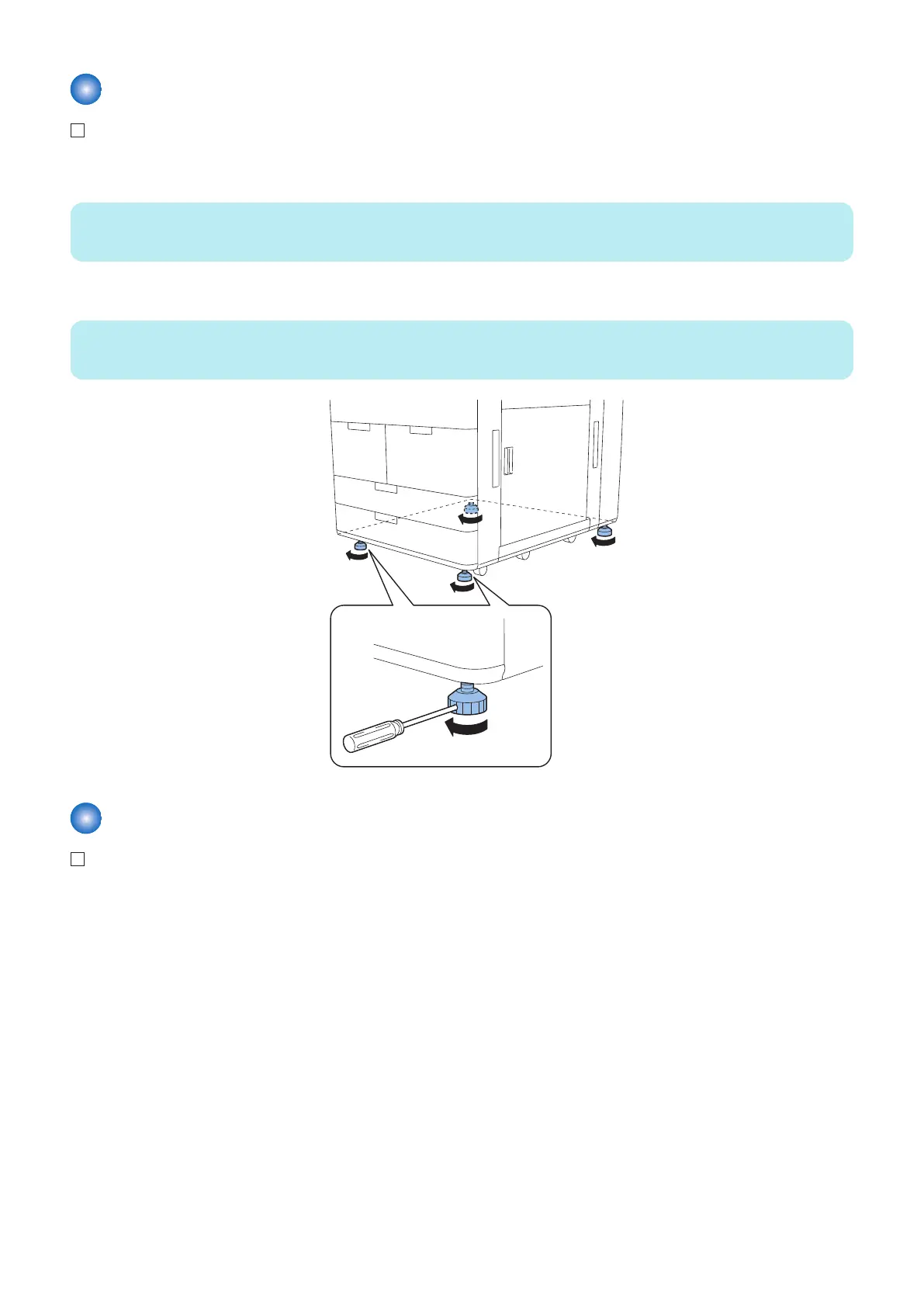
1. Determine the installation position of the host machine, and rotate the 4 adjusters by hand until they are in close
contact with the floor.
NOTE:
If they cannot be rotated by hand, use a screwdriver to loosen so they can be rotated by hand.
2. Move the adjusters in the direction of the arrow using a screwdriver, and secure them.
NOTE:
Securing of the adjuster is not for earthquake resistance.
Preparing Connection of the Main Power
1. Connect the power plug of the host machine to the outlet.
2. Host Machine
69



 To Next Page
 Loading...




