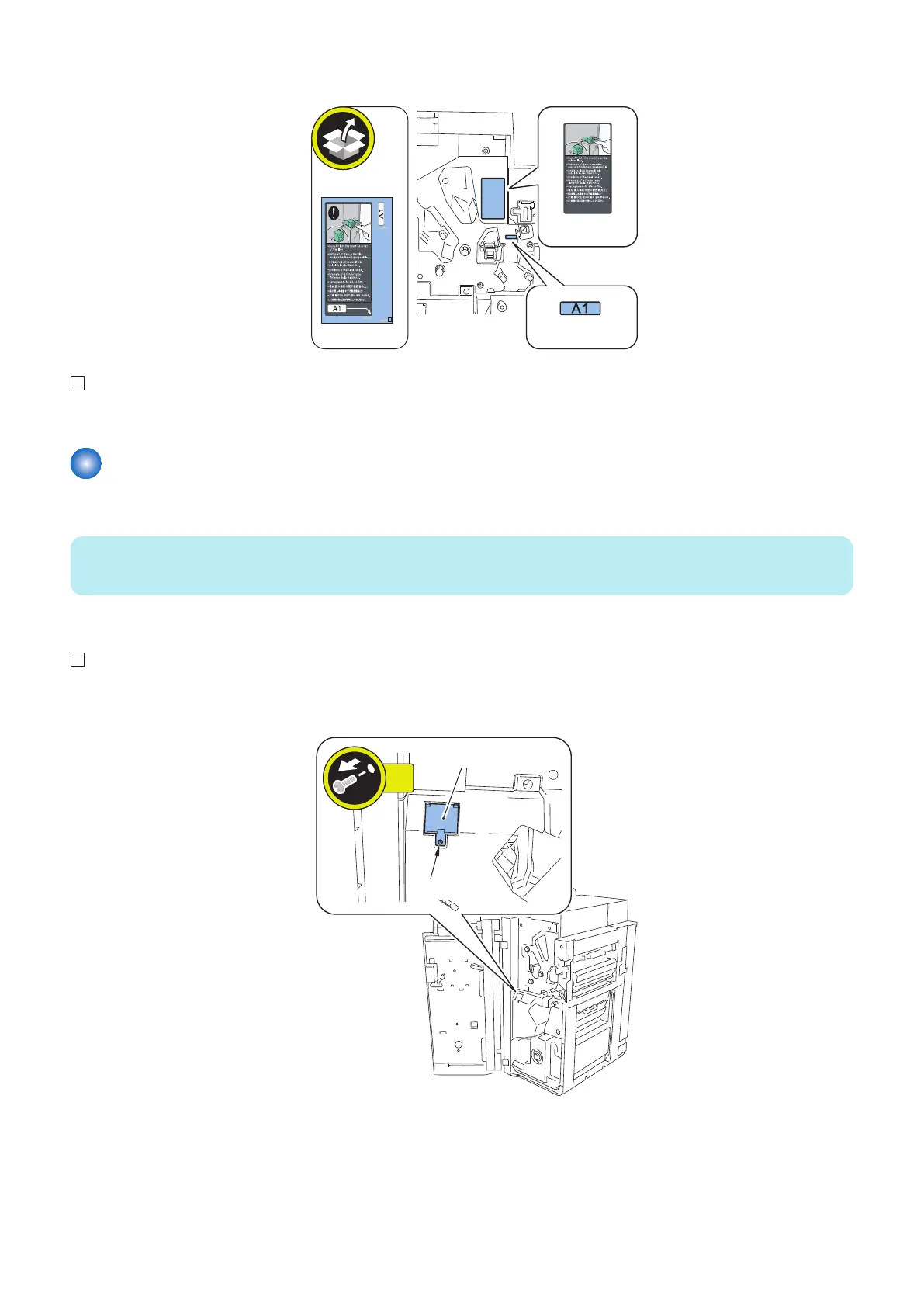
2. Affix the Operation Label and Jam Recovery Label to the Inner Cover (Upper).
Operation
Label
Jam Recovery
Label
3. Close the Front Cover.
Adjustments
■ Punching Operation Settings
NOTE:
Depending on the Punch Unit to install, you may need to make settings of the DIP Switch on the switch PCB found in the Finisher.
● Preparations
1. Open the Front Cover to remove the Switch Cover.
• 1 Screw
6. Paper Output Options
751


 To Next Page
 Loading...





