■ Operation Checks
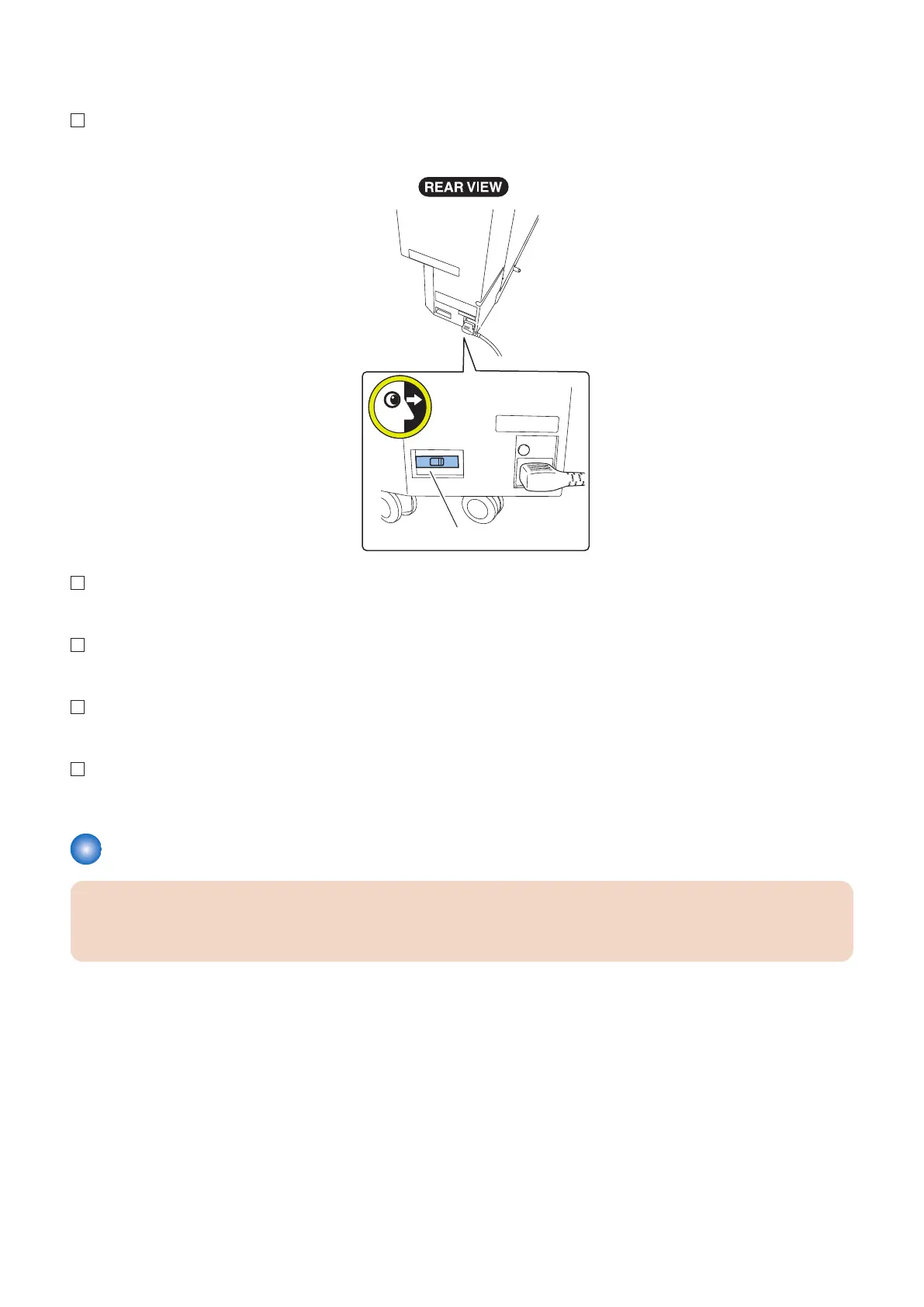
1. After the completion of all installations, check that the Leakage Breaker is turned ON.
2. Turn on the Host Machine.
3. Confirm that the combination of the firmware version for the Host Machine and the equipment is appropriate.
4. Check the insertion operation from the tray.
5. Check the Z-folding, C-folding operation (Document Insertion/Folding Unit only).
Adjusting the Height and Tilt
CAUTION:
Depending on the condition of the floor of the site of installation, you may need to adjust the height and tilt of the equipment.
Carry out the following procedure to adjust the height and tilt of the equipment.
■ Removing the Wrench (for Document Insertion/Folding Unit)
If it is necessary to use the Wrench for “Adjusting the Heights and Tilt”, remove the Wrench according to the following
procedures.
6. Paper Output Options
626


 To Next Page
 Loading...





