P1086708-001 ZXP Series 9 Card Printer Service Manual 321
Replacement Procedures for the Printer
Procedures: Y-Roller
Y-Roller
For replacement, use Kit Y Roller 105936G-036. Contact Zebra Customer Service at
+01 877-275-9327 for ordering information.
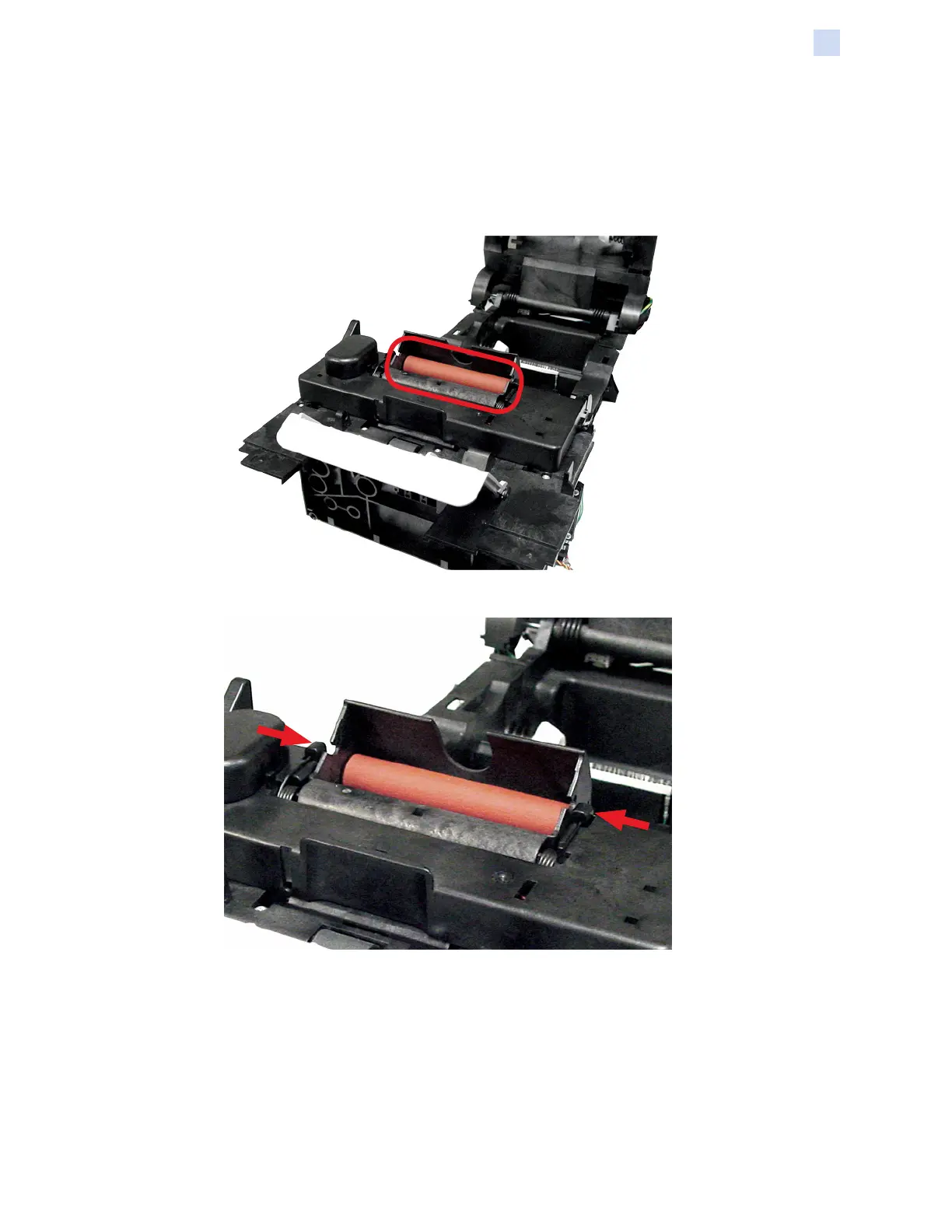
Step 1. Locate the y-roller assembly (circled below).
Step 2. Release the two torsion springs (arrows below).


 To Next Page
 Loading...