Programming technology functions (cycles)
9.4 Milling
Turning
508 Operating Manual, 01/2015, 6FC5398-8CP40-5BA2
The part program or ShopTurn program to be processed has been cr
e-
the editor.
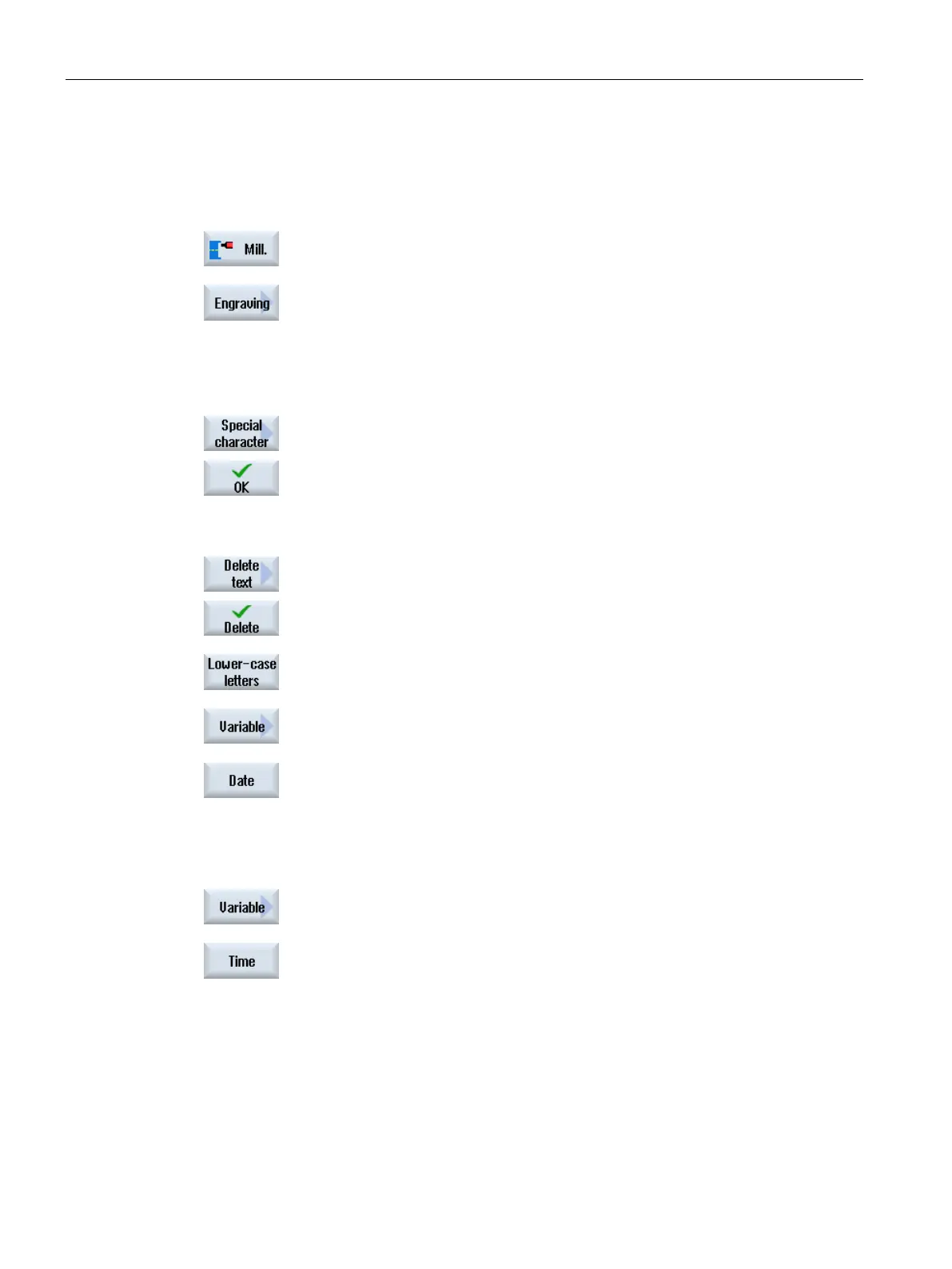
Press the "Milling" softkey.
Press the "Engraving" softkey.
The "Engraving" input window opens.
Entering the engraving text
Press the "Special characters" softkey if you need a character that does
not appear on the input keys.
The "Special characters" window appears.
Position the cursor on the desired character.
Press the "OK" softkey.
The selected character is inserted into the text at the cursor position.
If you wish to delete the complete text, press the "Delete text" and "D
e-
lete" softkeys one after the ot
her.
Press the "Lowercase" softkey to enter lowercase letters. Press it again
to enter
uppercase letters.
Press the "Variable" and "Date" softkeys if you want to engrave th
e
The data is inserted in the European date format
(<DD>.<MM>.<YYYY>).
obtain a different date format, you must adapt the format specified in
the text field. For example, to engrave the date in the American date
format (month/day/year => 8/16/04), change the format to
<M>/<D>/<YY> .
Press the "Variable" and "Time" softkeys if you want to engrave the
current time.
The time is inserted in the European format (<TIME24>).
To have the time in the American format, change the format to
<TIME12>.
:
Text entry: Time: <TIME24> Execute: Time: 16.35
Time: <TIME12> Execute: Time: 04.35 PM


 To Next Page
 Loading...











