Teaching in a program
18.4 Teach-in via Windows
Turning
844 Operating Manual, 01/2015, 6FC5398-8CP40-5BA2
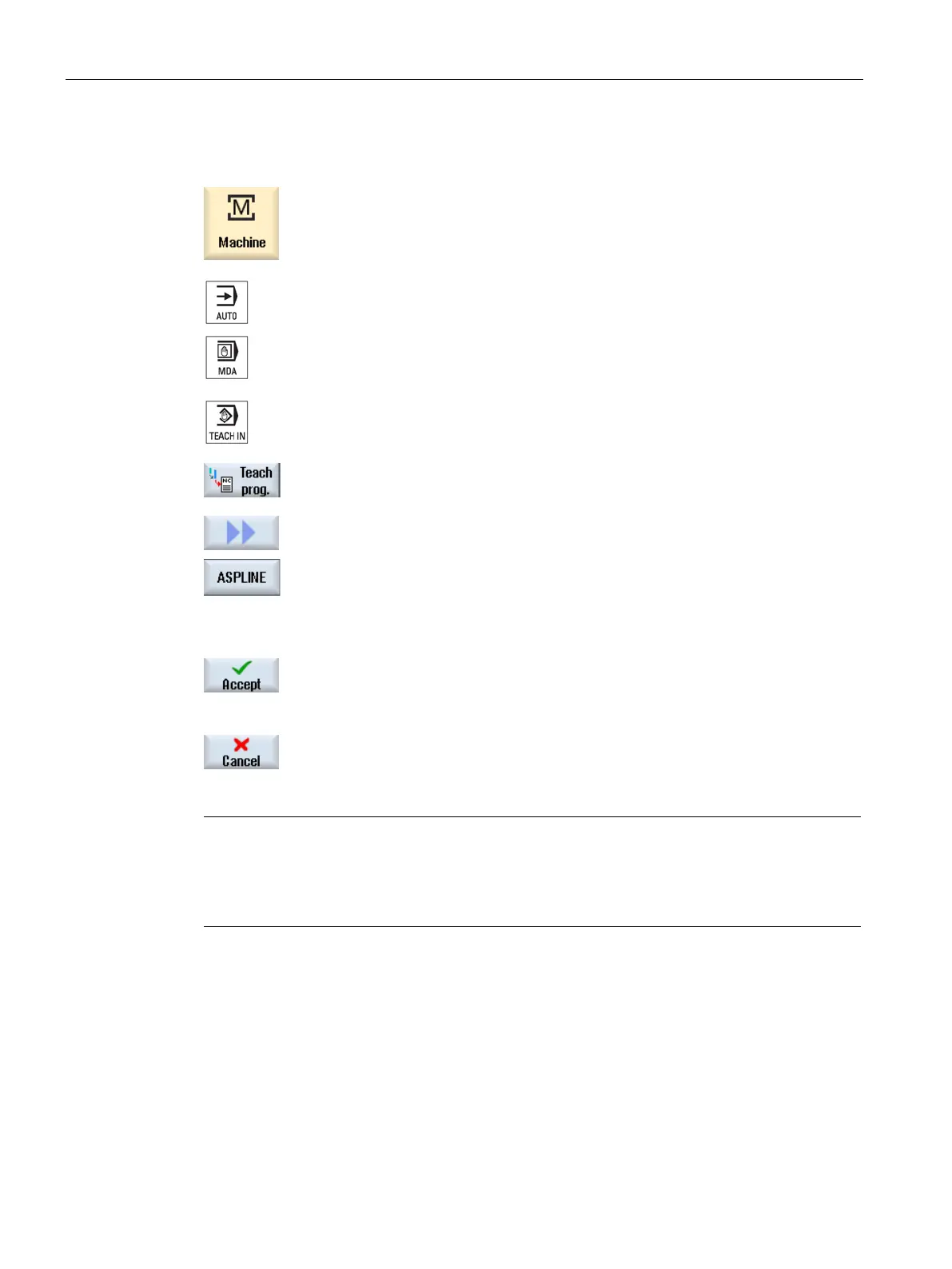
Select the "Machine" operating area.
Press the <AUTO> or <MDA> key.
Press the <TEACH IN> key.
ress the "Teach prog." softkey.
Press the ">>" and "ASPLINE" softkeys.
-spline" window opens with the input fields.
Traverse the axes to the required position and i
f necessary, set the
transition type for the starting point and end point.
Accept" softkey.
A new program block will be inserted at the cursor position.
ress the "Cancel" softkey to cancel your input.
Note
Selection of axes and parameters for teach-in
You can select the axes to be included in the teach
-in block in the "Settings" window.
You also specify here whether motion and transition parameters ar
e offered for teach-in.


 To Next Page
 Loading...











