Appendix 3 •
••
• 437
Appendix 3
C-MAP Charts
Introduction
This Electronic Chart System is also compatible with C-MAP private industry Vector Chart format CM-93 available
from C-MAP Norway A/S. This material is used like Hydrographic Offices S57ed3 charts, but it doesn't have ENC
status as defined by IMO, IHO and IEC and it cannot be used to replace paper charts.
CM-93 format is encrypted for preventing unauthorised use and then the user needs an Authorisation Code to view
the CM-93. This Authorisation Code is entered manually from control panel.
Before any CM-93 charts can be used in the ECDIS, it is loaded into the hard disk and converted into the system’s
own internal format (SENC). CM-93 charts can be updated only by loading newer complete set of CM-93 charts.
CM-93 chart material is stored into two CD-ROMs.
For any other detail of CM-93 charts use the Vector Chart Material Chapter of this manual.
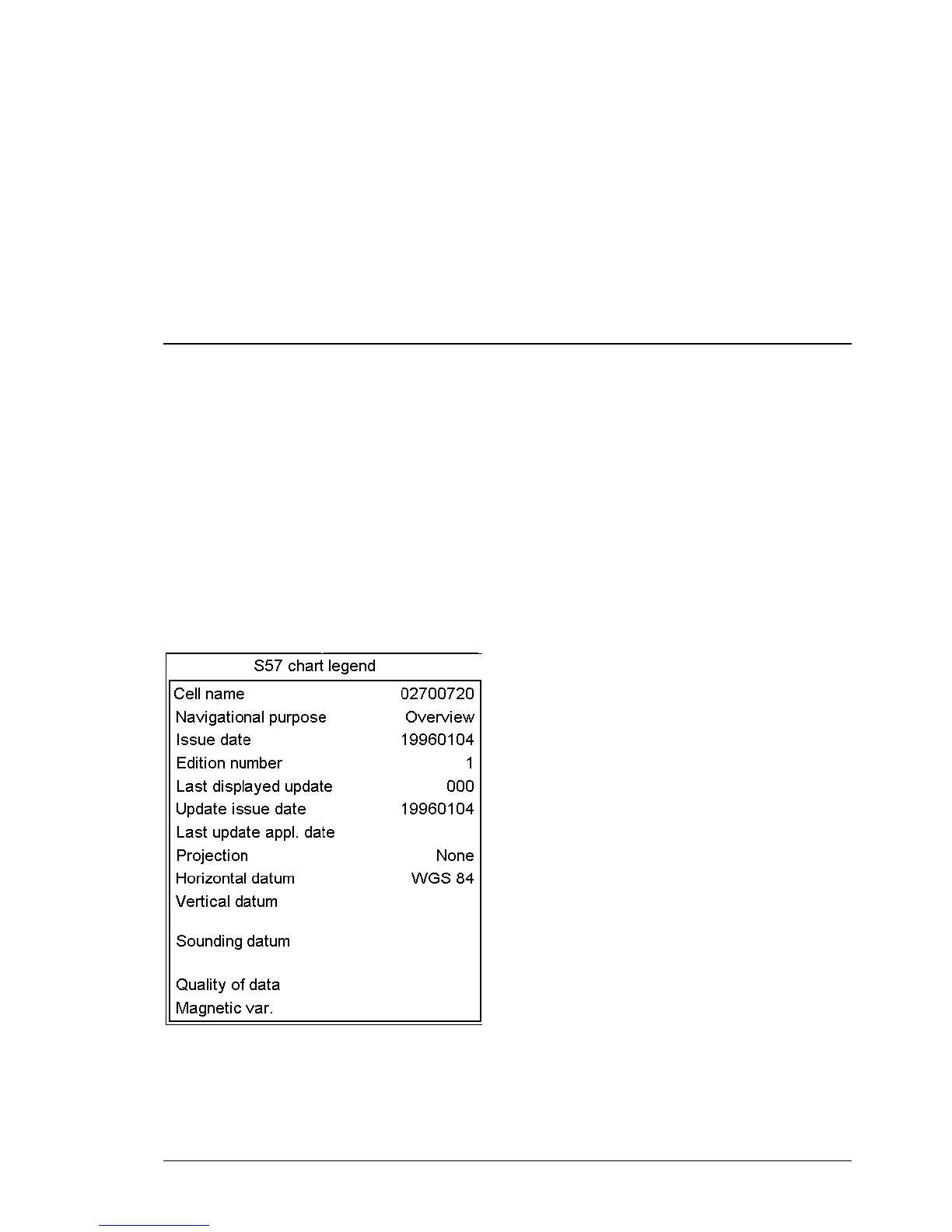
S57 Chart Legend with C-MAP charts
An example of Chart Legend with C-MAP chart.



 To Next Page
 Loading...








