www.trilithic.com
Page III-7
180 DSP Operation Manual
Signal Level Meter
ViewPoint Sync
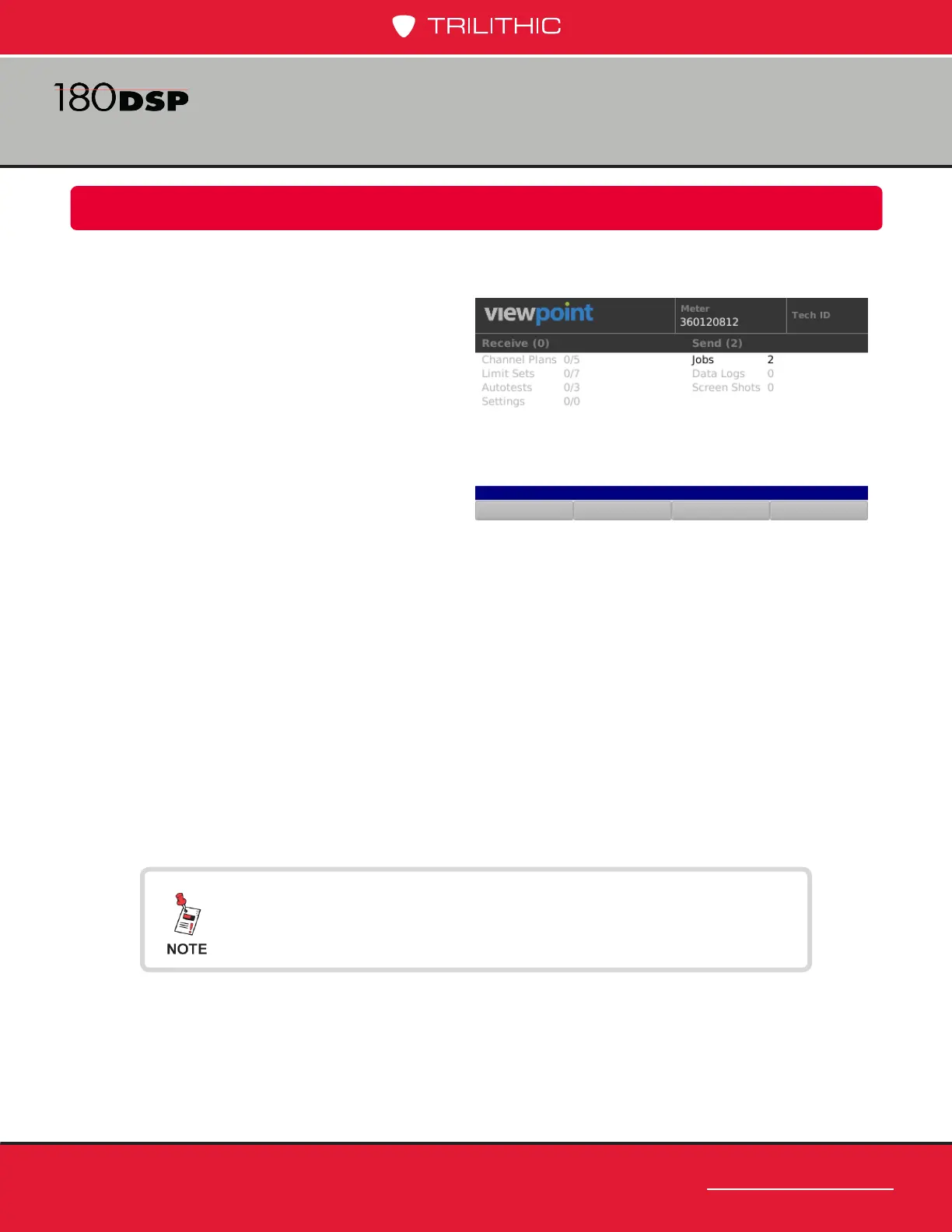
Once you have successfully connected to ViewPoint, the screen will display the status of the
conguration and test data on your device for the current user.
Upon connecting, a comparison is made
between the conguration les on the 180
DSP and what is currently available for the
device in ViewPoint.
The results of this comparison will be shown
in the Receive column for the following types
of les:
• Channel Plans
• Limit Sets
• Autotests
• Settings
The Send column shows the number of test les on the 180 DSP, including:
• Jobs
• Data Logs
• Screen Shots
The meter will automatically sync to ViewPoint and does the following:
• Downloads all of the new/updated conguration les to the 180 DSP
• Uploads all of the test data les to the ViewPoint WFM Module
Only Closed jobs and their associated data will be uploaded
and deleted. Otherwise, the data is sent to the server but the
job is still available for more testing.



 To Next Page
 Loading...
