Channel tracking will set the waveform output of
one channel to be the same as the other channel.
When the settings of one channel are changed,
those changes are tracked on the other channel.
This function also has the ability to perform
inverted tracking, where the output on one
channel is inverted in relation to the other channel.
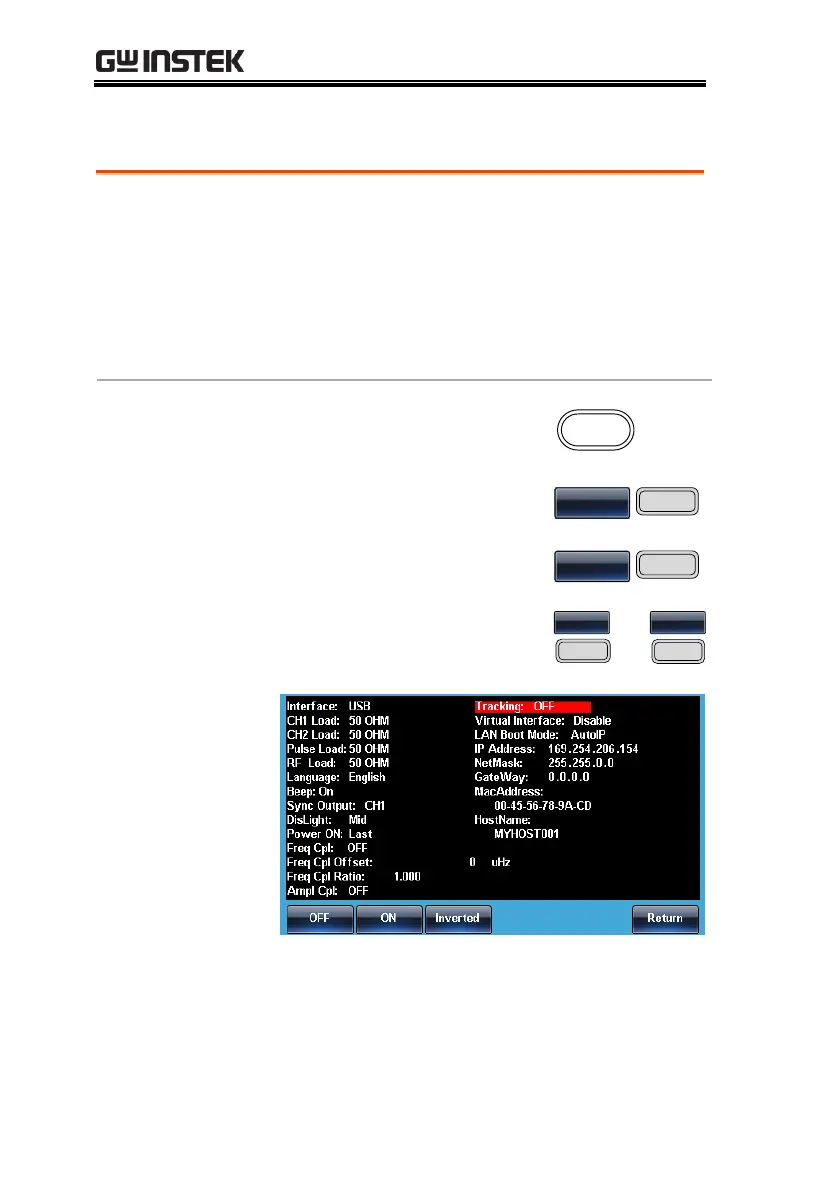
4. To select the tracking
function, press F1 (OFF), F2
(ON) or F3 (Inverted).


 To Next Page
 Loading...