Customizingthesplashscreen
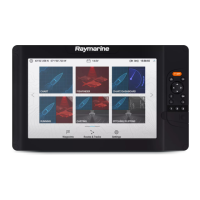
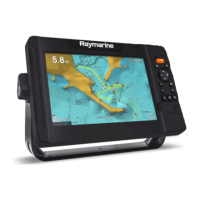
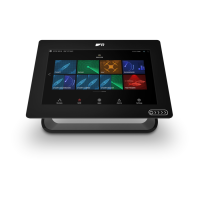
ThestandardAXIOMsplashscreen,displayedonstartup
,canbecustomizedonAxiom™,Axiom™
Pro,andAxiom™XLdisplays.
CustomImagerequirements:
•Thecustomizedimagemustbein.png,.bmpor.jpgformat.
•CustomimagescannotexceedthemaximumresolutionsupportedbyyourMFD.
•Foroptimumimagequality,theresolutionofthesplashscreenimageshouldmatchtheresolution
ofyourMFD.Refertothefollowingtable:Axiomscreenresolutions.
Note:
•SplashscreensettingsareuniquetoeachMFDandarenotsharedacrossthenetworkwith
otherMFDs.
•CustomsplashscreensarenotavailableoneSSeriesandgSSeriesMFDsthathavebeen
upgradedtorunLightHouse3software .
1.SaveyourcustomimagetoaMicroSDcardandinsertthecardintoacardreaderslotonyour
MFDorconnectedcardreader .
2.Select
Thisdisplayfromthe Settingsmenu: Homescreen>Settings>Thisdisplay.
3.Selecttheimagenamenextto Splashscreen:.
Thefilebrowserisdisplayed.
4.Browsetoyourcustomimageandselectit.
5.Select
Yes.
TheimageisimportedtoyourMFD’sinternalstorage.
ThenexttimeyourMFDpowersup,yourcustomimagewillbedisplayed.
Axiomscreenresolutions
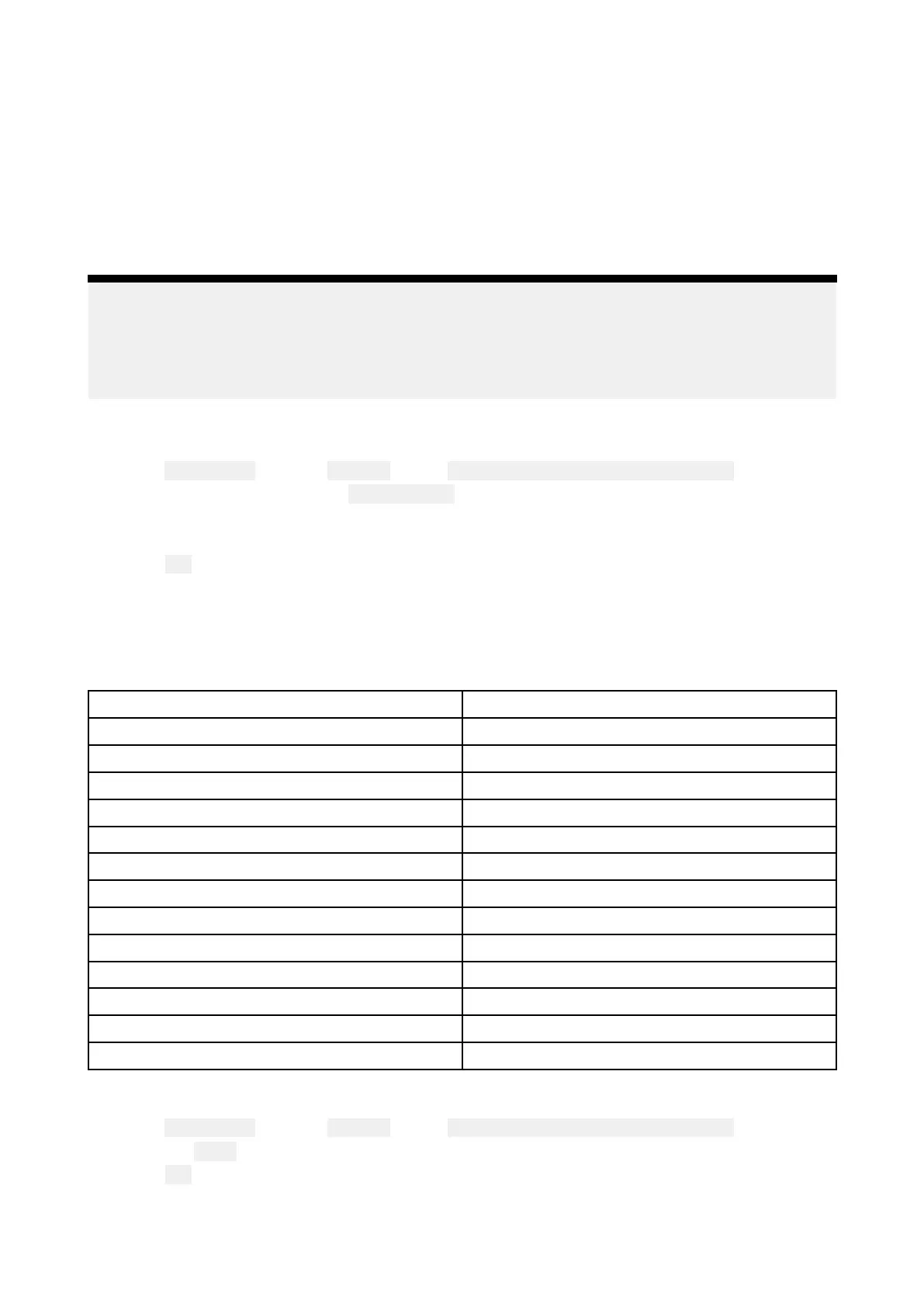
ThescreenresolutionsforAxiom™,Axiom™Pro,andAxiom™XLdisplaysareshownbelow.
MFDvariantScreenresolution(WxH)
Axiom™7+
1024x600
Axiom™9+1080x720
Axiom™12+1280x800
Axiom™7
800x480
Axiom™9800x480
Axiom™121280x800
Axiom™Pro91280x720
Axiom™Pro121280x800
Axiom™Pro161920x1080
Axiom™XL161920x1080
Axiom™XL191920x1080
Axiom™XL221920x1080
Axiom™XL241920x1200
R esettingthesplashscreengraphic
1.Select Thisdisplayfromthe Settingsmenu: Homescreen>Settings>Thisdisplay.
2.SelecttheResetfromtheSplashscreensection.
3.Select
Yes.
ThenexttimeyourMFDstartsupthestandardAXIOMsplashscreenwillbedisplayed.
Homescreen91


 To Next Page
 Loading...