Activating/deactivating the Key Card
in the vehicle
General
To activate the Key Card, it must be in the
smartphone tray and there must be a vehicle key
in the vehicle.
To deactivate the Key Card, there must be a ve‐
hicle key in the vehicle.
If BMW Digital Key is activated for the vehicle, a
digital key can be used instead of the vehicle
key.
A deactivated Key Card will remain in the list of
registered digital keys.
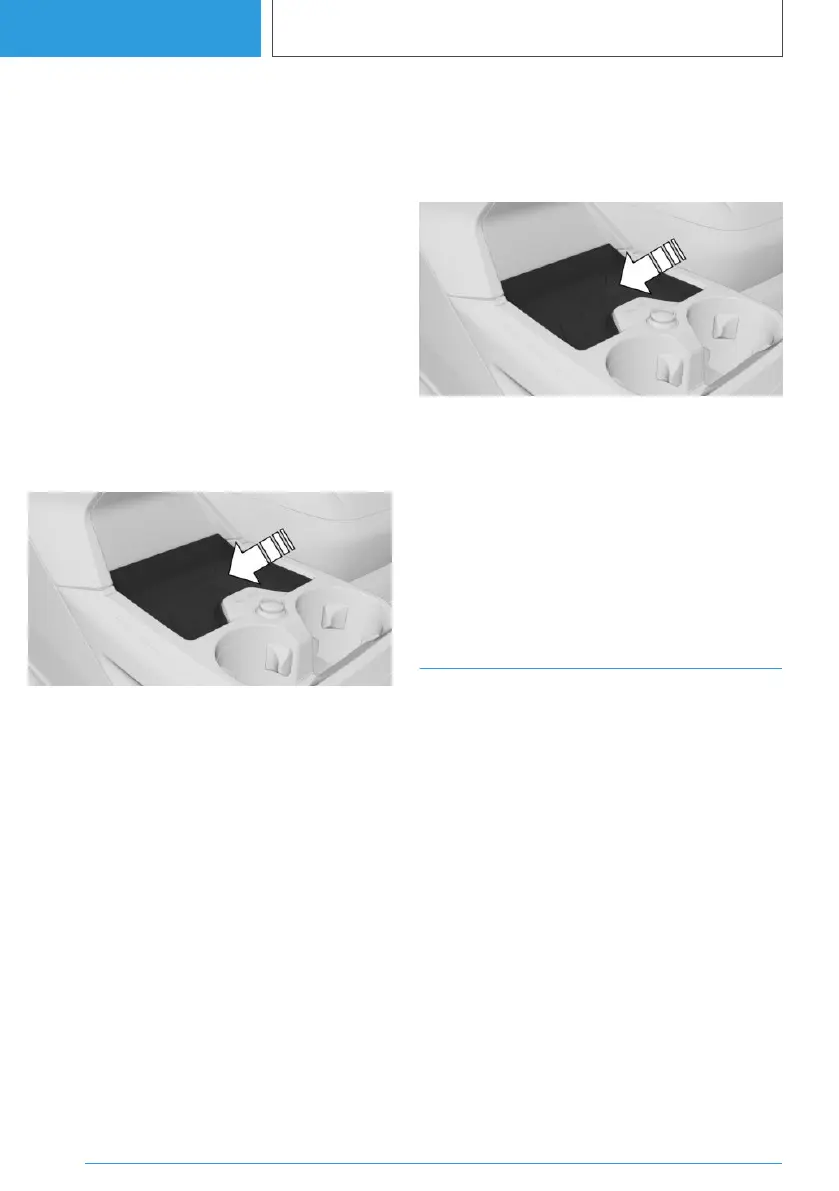
Activating the Key Card
1.
Place the Key Card in the middle of the
smartphone tray.
2. Follow instructions on the control display.
Deactivating the Key Card
1.
"MENU"
2. "Vehicle apps"
3. "Doors and windows"
4. "Key Card"
5. "Deactivate Key Card"
A deactivated Key Card will remain in the list of
registered digital keys.
Unlocking and locking the vehicle
The vehicle can be unlocked and locked with the
activated Key Card.
For further information:
Access to the vehicle interior, see page 94.
Switching on drive-ready state
1. Place the activated Key Card in the middle of
the smartphone tray.
2. Press the Start/Stop button.
Malfunction
Objects between the sensors and the Key Card,
for example a purse or wallet, may prevent the
vehicle from detecting the Key Card.
BMW Digital Key
Principle
BMW Digital Key allows you to use a compatible
smartphone to lock, unlock and start the vehicle.
General
Availability and range of functions of the BMW
Digital Key depend on the equipment and na‐
tional-market version.
BMW Digital Key can be used with a compatible
smartphone or other compatible end devices.
To unlock and start a vehicle with a compatible
smartphone, this function must be offered by the
smartphone manufacturer. The BMW app pro‐
vides a check to determine if the smartphone
and the vehicle are compatible and which func‐
tions are supported.
Seite 102
CONTROLS
Opening and closing
102
Online Edition for Part no. 01405A38CB9 - VI/21



 To Next Page
 Loading...