Overview
Sensors
The system is controlled using the following sen‐
sors:
▷ Side radar sensors, rear.
▷ Depending on the equipment: side radar sen‐
sors, front.
For further information:
Sensors in the vehicle, see page 48.
Turning the exit warning on/off
Turning on the system automatically
The exit warning activates automatically after de‐
parture if the function was turned on at the end
of the last journey.
Turning the system on/off manually
1.
Press the button.
2. "Driver assistance"
3. "Safety and warnings"
4. "Exit warning"
5. Select the desired setting.
Adjusting the exit warning
1.
Press the button.
2. "Driver assistance"
3. "Safety and warnings"
4. "Exit warning"
5. Select the desired setting:
▷ "Expanded":
All warnings are issued.
▷ "Reduced":
No advance warning is issued.
▷ "Off":
No warnings are issued.
The warning signal can be deactivated.
Displays
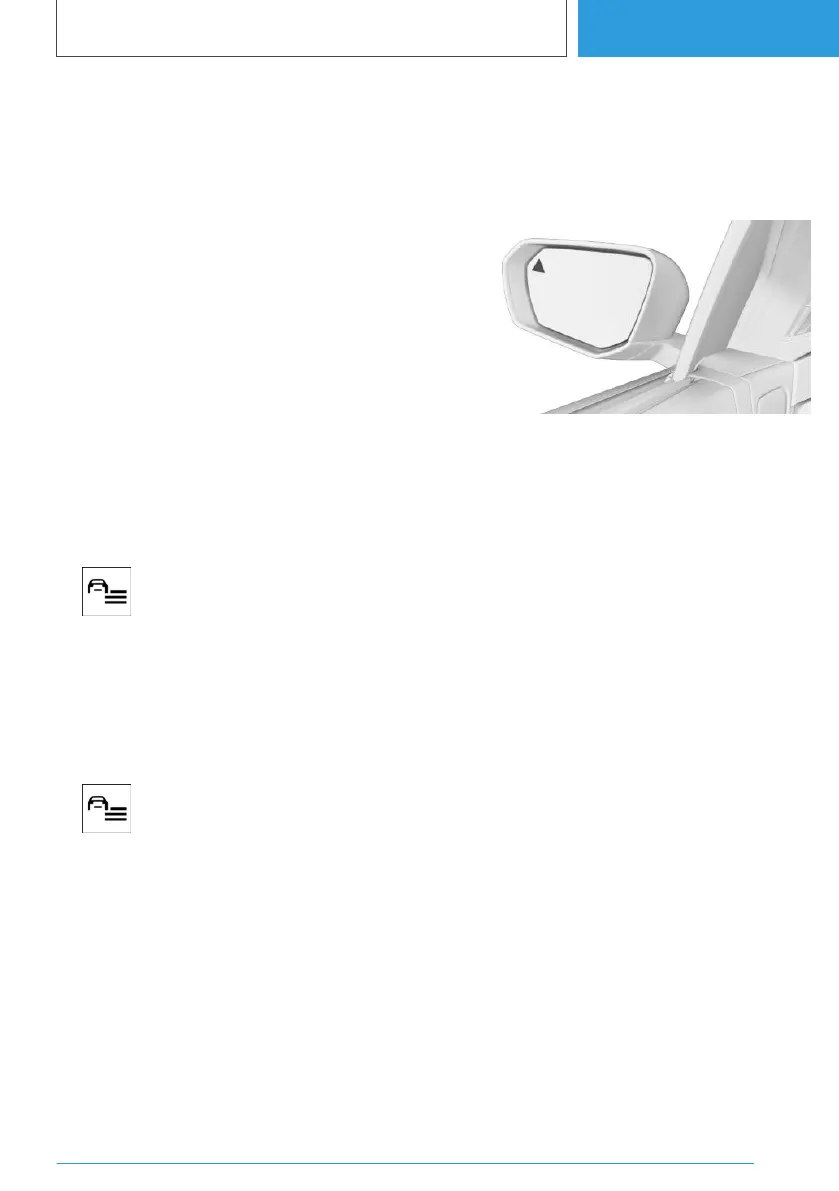
Light in the exterior mirror
The light in the exterior mirror warns of a possi‐
ble collision.
Ambient lighting
Depending on the equipment, warnings are also
indicated by the ambient lighting in the interior.
The ambient lighting starts to illuminate or flash
in case of an acute warning.
Warning function
Advance warning
The light in the exterior mirror illuminates: an ob‐
ject was detected in the opening range. In‐
creased awareness required.
Acute warning
The light in the exterior mirror flashes and an
acoustic signal sounds: there is a risk of collision
when opening the doors.
Door functions
In vehicles with electric door locks, unlocking is
delayed.
Seite 201
Safety
CONTROLS
201
Online Edition for Part no. 01405A38CB9 - VI/21



 To Next Page
 Loading...