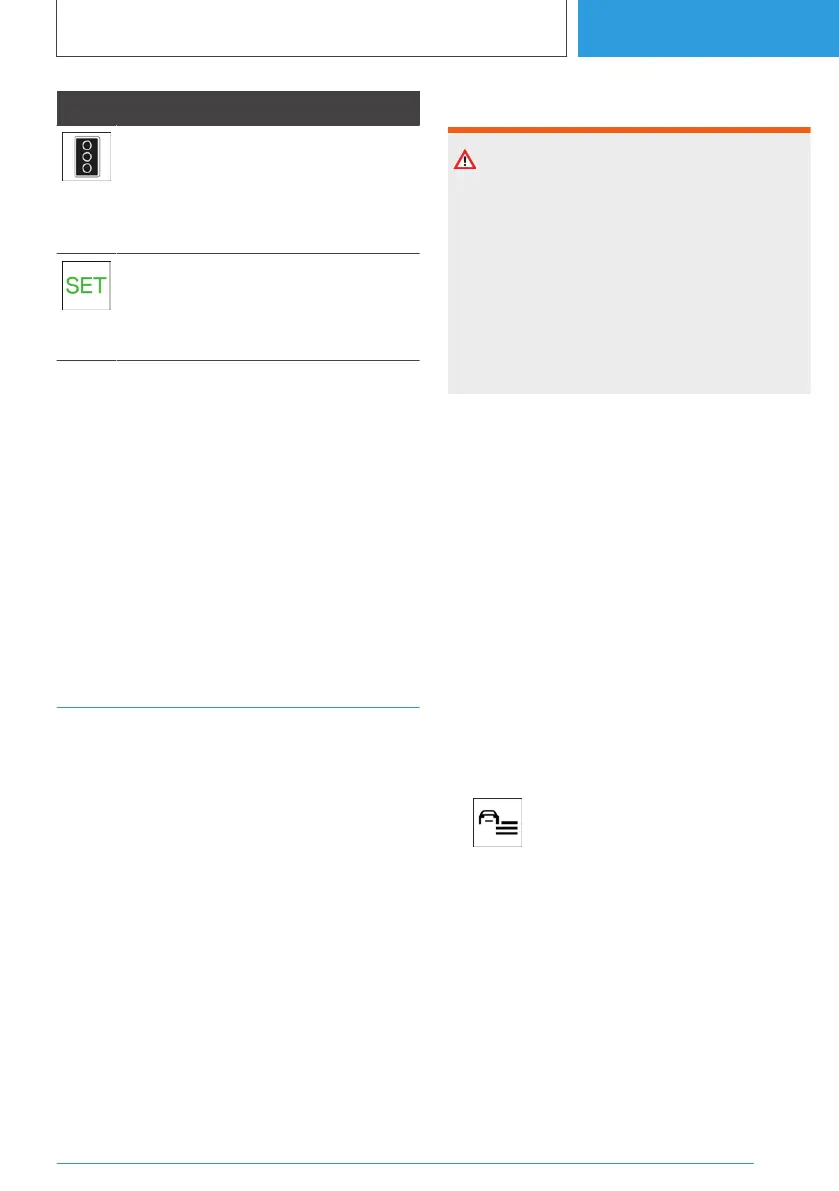
Icon Meaning
Green traffic light: the system is inter‐
rupted.
If the grey traffic light is displayed with
a red cross, it cannot be offered for ac‐
ceptance.
The detected traffic light can be ap‐
plied with the SET button.
A green tick is displayed once it has
been adopted.
System limits
The traffic light detection system may have re‐
stricted functionality in situations such as the
following:
▷ When traffic lights are hidden, for example, by
other vehicles.
▷ At a road junction with multiple lanes where
there are several sets of traffic lights.
For further information:
System limits of the sensors, see page 48.
Emergency Lane Assistant
Principle
The Emergency Lane Assistant can assist in traf‐
fic queues on motorways or motorway-like roads
with the formation of an emergency lane.
As soon as the system detects a traffic queue, a
Check Control message is shown on the control
display. Depending on the situation, the vehicle
will be steered to the right or left within the cur‐
rent driving lane in order to form an emergency
lane.
General
The system uses the Assisted Driving sensors.
Safety note
WARNING
The system does not relieve you of your per‐
sonal responsibility to assess the traffic situa‐
tion correctly. Due to system limitations, it can‐
not respond independently and appropriately in
all traffic conditions. There is a risk of accident.
Adapt your driving style to the traffic conditions.
Observe the traffic conditions, be ready to take
over steering and braking at any time, and ac‐
tively intervene if the situation warrants it.
Additionally, the Assisted Driving notices apply.
For further information:
Assisted Driving, see page 239.
Operating requirements
▷ Assisted Driving is activated.
Assisted Driving, see page 239.
▷ Traffic queue detected.
▷ Driving on a motorway or a similar road.
▷ Lane boundary detected.
▷ The function must be available in the country
in which the vehicle is being driven.
Activating/deactivating the
Emergency Lane Assistant
1.
Press the button.
2. "Driver assistance"
3. "Driving"
4. "Assisted Driving"
5. "Emergency Corridor Assistant"
Displays in the instrument cluster
Depending on the equipment and national-mar‐
ket version, the situations of the Equipment are
displayed in the Assisted View in the central dis‐
play area of the instrument cluster.
Seite 249
Driver assistance systems
CONTROLS
249
Online Edition for Part no. 01405A38CB9 - VI/21



 To Next Page
 Loading...