Overview
Sensors
The system is controlled via the Reversing Assist
Camera.
Operating requirements
▷ The luggage compartment is fully closed.
▷ The areas of the cameras are clean and clear.
Turning the Reversing Assist Camera
on/off
Turning on the system automatically
The system is automatically switched on if selec‐
tor lever position R is engaged while drive-ready
state is switched on.
Turning off the system automatically
When driving forward, the system turns off auto‐
matically when a certain distance or speed is ex‐
ceeded.
Turning the system on/off manually
Press the button.
When driving forward, the Reversing Assist Cam‐
era can no longer be turned on manually after a
certain speed has been reached.
Assistance functions of the Reversing
Assist Camera
General
Assistance functions can be faded in on the
camera image of the Reversing Assist Camera to
make the parking and manoeuvring process eas‐
ier.
Turning the assistance functions on/off
A number of assistance functions can be active
simultaneously.
1. Press the button.
2. "Driver assistance"
3. "Parking"
4. Select the desired setting:
▷ "Parking guide lines"
Driving lane lines and turning circle lines
are shown.
▷ "Obstacle marking"
The obstacles detected by Park Distance
Control PDC are displayed by markings.
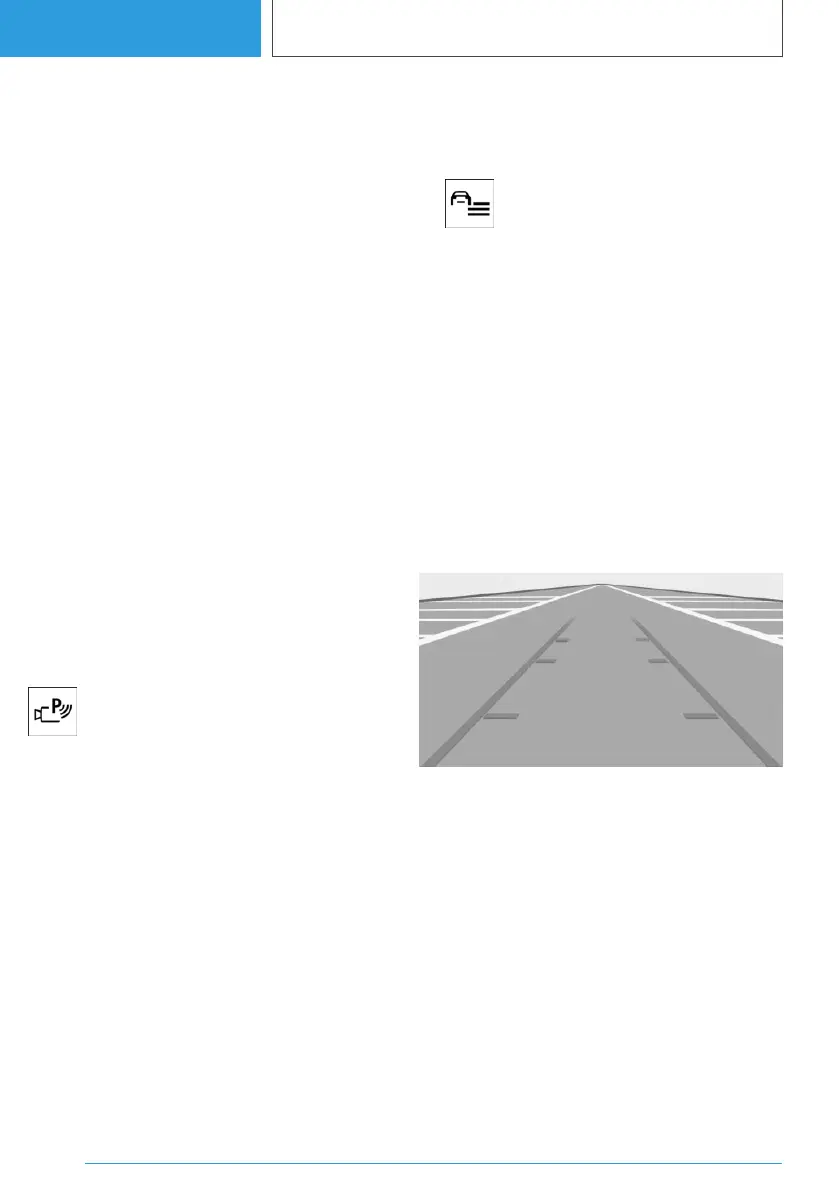
Parking assistance lines
Driving lane lines
Driving lane line help estimate the space required
when parking and manoeuvring on level roads.
The driving lane lines are continuously adapted
to the steering wheel movements depending on
the steering wheel angle.
Seite 262
CONTROLS
Parking
262
Online Edition for Part no. 01405A38CB9 - VI/21


 To Next Page
 Loading...