1126700 SmartPAC 2 User Manual
3-16 Keyboard, Displays, Etc.
Initialization Mode
Initialization mode allows you make settings that control the operation of SmartPAC 2 with
any tool. (Settings for individual tools are made in Program mode–see page 3-18.)
Initialization mode is used extensively when you install a new SmartPAC 2, but you will
likely use it only occasionally after SmartPAC 2 is set up and the press is running.
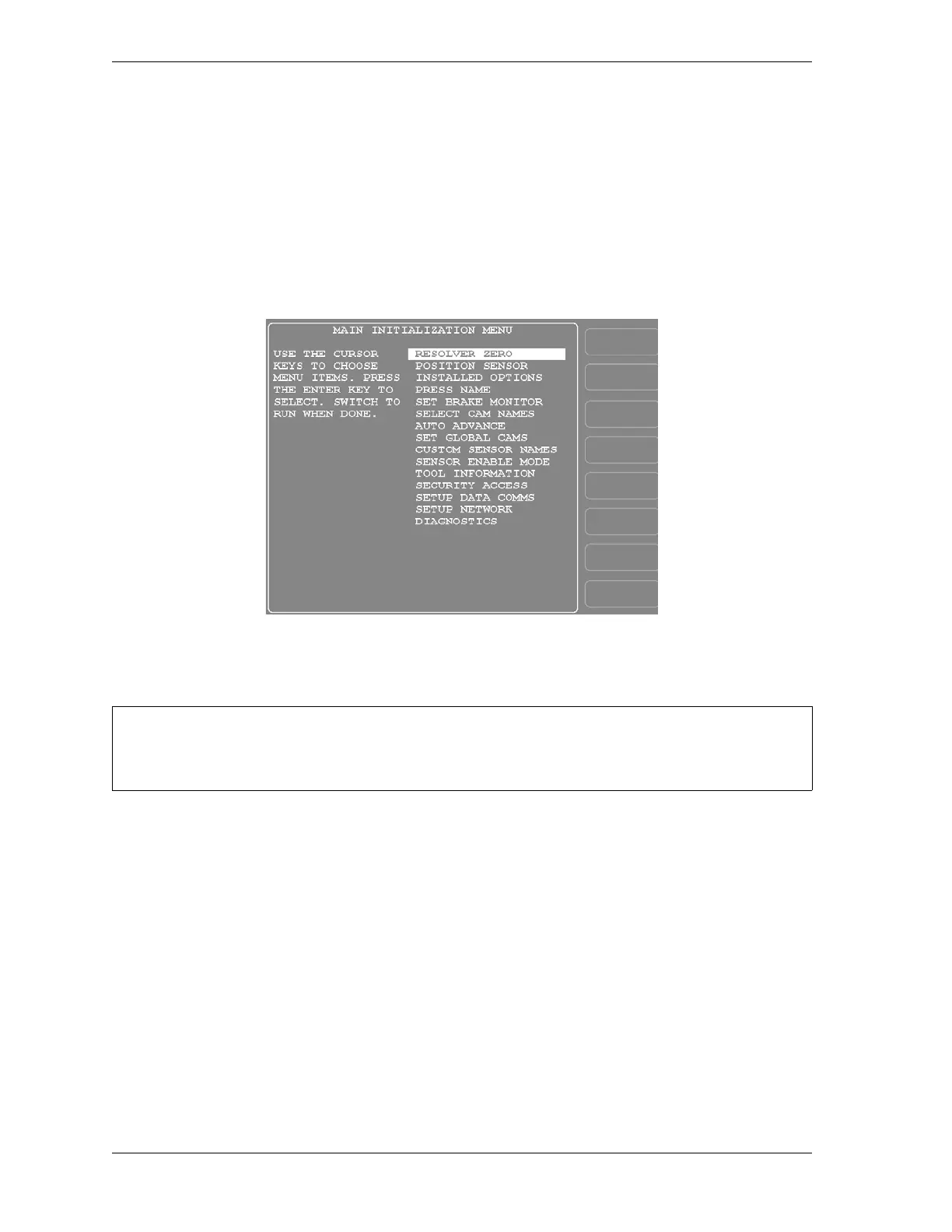
The Main Initialization Menu is shown in Figure 3-22. Figure 3-23, page 3-17 shows you
how to navigate through the SmartPAC 2 menus in Initialization mode.
See Chapter 4 for detailed instructions on how to use SmartPAC 2 in Initialization mode.
Figure 3-22. Initialization Mode Main Menu
For help with an item on the Main Initialization Menu, press the HELP key when that screen is
displayed.


 To Next Page
 Loading...
