6. RADAR
6-12
You can mute the audio alarm by selecting [Off] in the [Alarm] - [Alarm Sound] menu
of the main menu (paragraph 2.10.6).
6.13.3 How to hide the guard zone
1. Select [Guard Zone] from the RotoKey menu.
2. Deselect [Visible]. The guard zone disappears from the screen.
Note: This operation is available when the guard zone is deactivated.
6.13.4 Guard zone menus
There are four sub menus in [Guard Zone]; [Visible], [Alarm], [Auto Acquire] (see
paragraph 6.30.3) and [Resize]. When the guard zone is visible, you can select these
sub menus from both the RotoKey menu and pop-up menu. To display the pop-up
menu, select anywhere on the lines of the guard zone.
6.14 Watchman
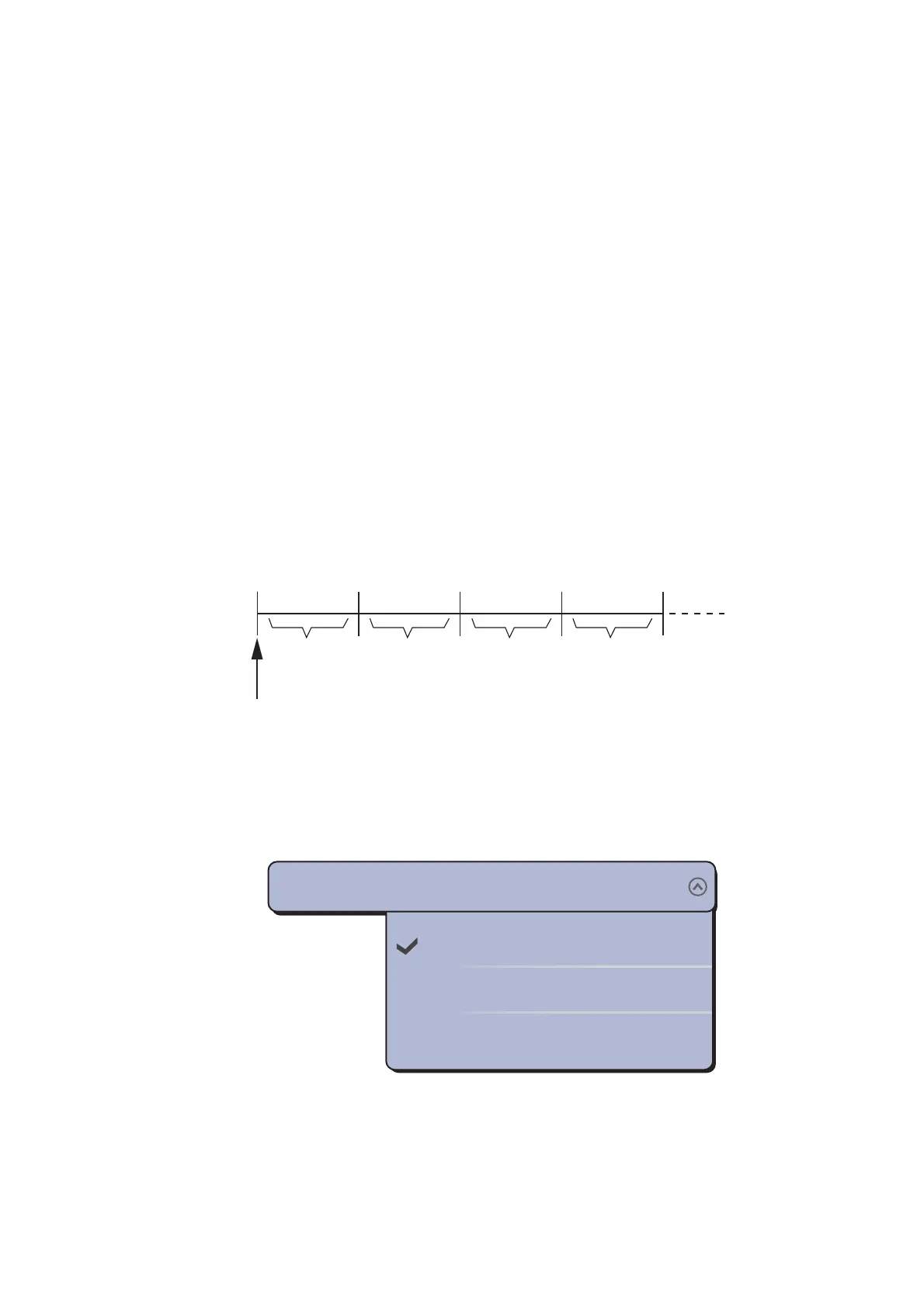
The watchman feature transmits the radar for one minute at a specified time interval
(5, 10 or 20 minutes) to monitor the guard zone. If a target is found in the guard zone,
the watchman is cancelled and the radar continues to transmit. This feature helps you
watch for targets in the area you set when you do not continuously require the radar.
1. Set a guard zone. See section 6.13. (Watchman does not operate unless a guard
zone is active. You can set Watchman when the radar is in transmit state.)
2. Select [Menu] on the menu icon bar to open the main menu.
3. Select the [Radar] - [Watchman] menu.
4. Select a watchman rest interval.
5. Select [Close] to exit the menu.
6. Select [Watchman] from the RotoKey menu to activate the watchman function.
1 min 1 min
TX TXST-BY ST-BY
Watchman starts
5, 10 or
20 min
5, 10 or
20 min
5’00s
10’00s
20’00s
Watchman
5’00s


 To Next Page
 Loading...












