1. SYSTEM INTRODUCTION
1-26
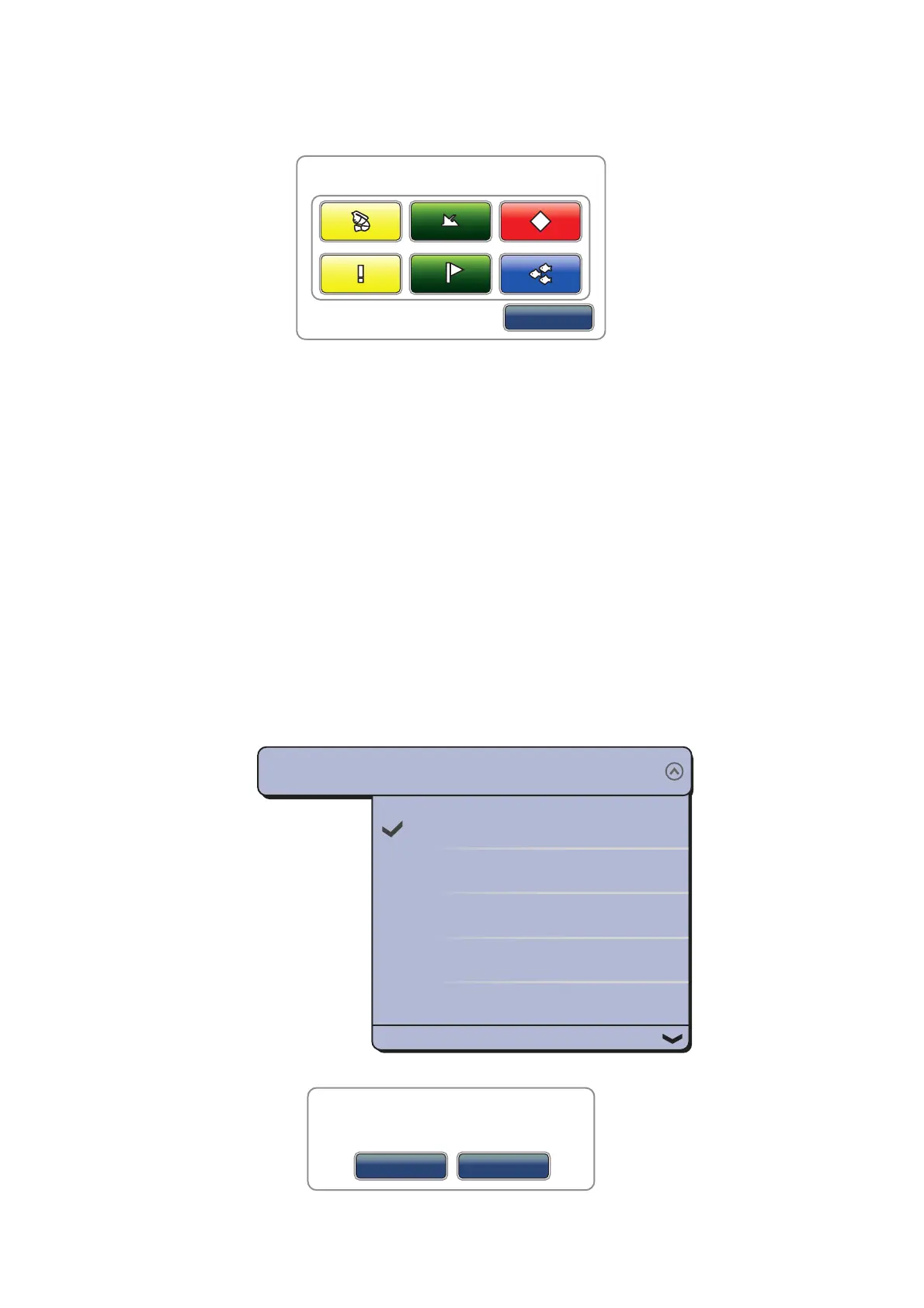
[Event]: Record an event to the logbook. The selected mark is put at the position
at the time the screen was tapped to open the [Creating Event] window (see
paragraph 4.2.2)
[MOB]: Record MOB position to the logbook (see section 1.18).
[Home]: Open the display selection window (see section 1.5) and display the
menu icon bar (see section 1.13).
[Menu]: Open the main menu (see section 1.13).
[Lists]: Open the lists menu (see section 1.13 and section 4.7).
[Tide]: Open the tide graph (see section 1.13 and paragraph 3.2.4).
[Fusion]: Open the full FUSION screen (see section 10.7).
[Fusion Ctrl]: Open the control bar for FUSION menu (see section 10.7).
4. Select [Close] to exit the menu.
1.16 Language
The default interface language is English (United States). You can select a language
to use as follows:
1. Select [Menu] on the menu icon bar to open the main menu.
2. Select the [General] - [Language] menu.
3. Select the desired language to use. The confirmation message appears.
4. Select [Yes] then this equipment restarts.
Cancel
Creating Event
English (United States)
English (United Kingdom)
Spanish (Spain)
French (France)
German (Germany)
Language
English (United States)
Application have to restart now!
Do you want to restart application ?
OK
No


 To Next Page
 Loading...












