13. AUTOMATIC IDENTIFICATION SYSTEM (AIS)
13-3
13.5 How to Ignore the AIS Targets
In the default setting, all AIS targets within 12 NM* from your ship are shown on the
display. Slow-moving targets within the AIS proximity alarm range cause frequent vi-
olation of the alarm. You can prevent this frequent violation if you ignore targets within
the alarm range that are slower than the value you set.
1. Select [Menu] on the menu icon bar to open the main menu.
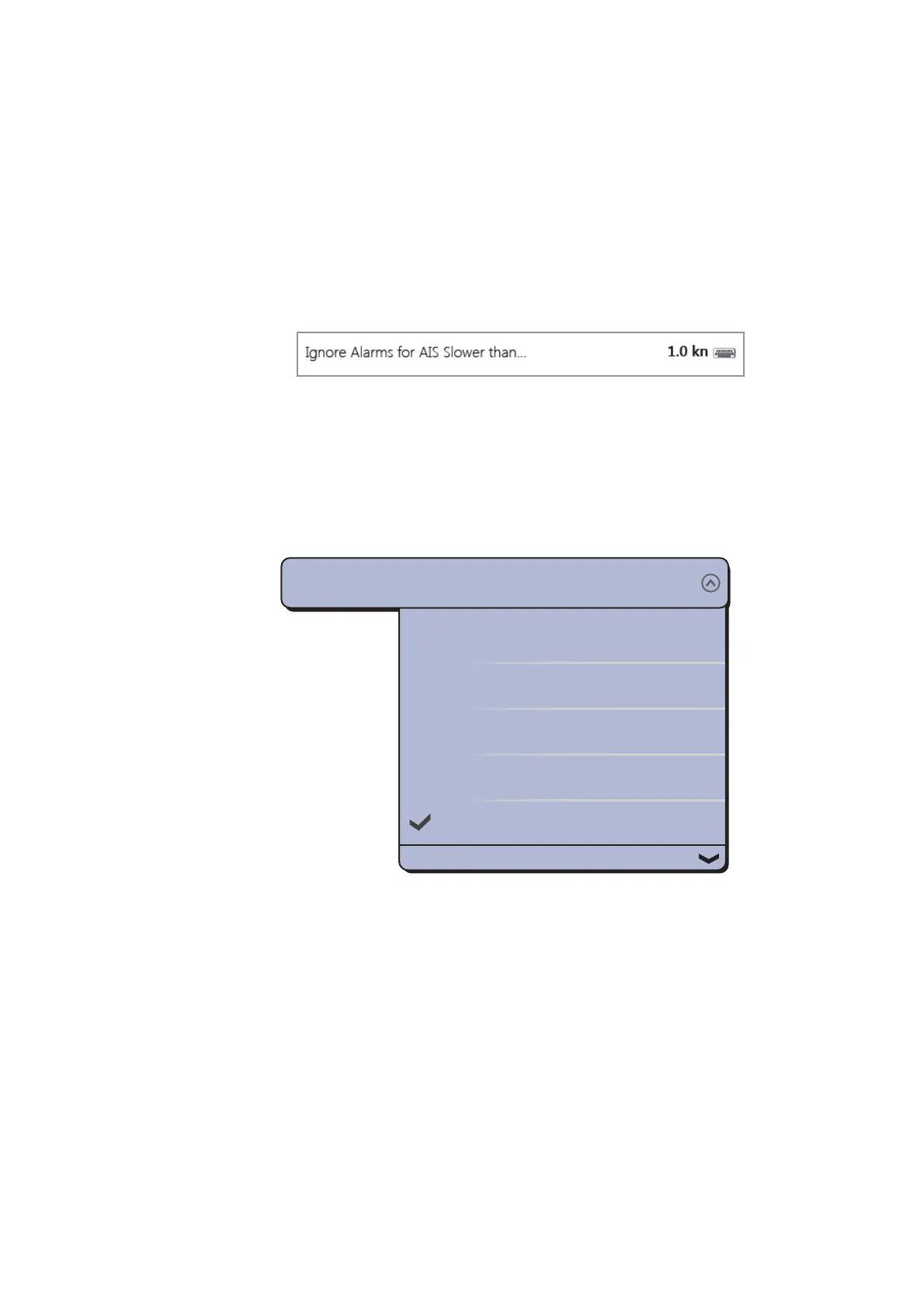
2. Select the [Targets] - [Ignore Alarms for AIS Slower than...] menu to open the soft-
ware keyboard. This menu item prevents frequent violation of the AIS proximity
alarm against AIS targets that are slower than the value set here.
3. Set a speed then select [Confirm]. The setting range is 0.0 - 9.9 (knots).
4. Select [Close] to exit the menu.
*: You can change this value. You can hide the AIS symbols that are beyond the dis-
tance you set here.
1. Select [Menu] on the menu icon bar to open the main menu.
2. Select the [Targets] - [Hide AIS Targets Farther than...] menu.
3. Select a distance. Targets at a distance greater than set here are not shown on
the screen.
4. Select [Close] to exit the menu.
1.000 NM
2.000 NM
3.000 NM
6.000 NM
12.00 NM
Hide AIS Targets Farther than...
12.00 NM


 To Next Page
 Loading...












