9. FILE OPERATIONS
9-7
9.9 How to Copy Files From an SD Card
You can copy the data from one SD card (left slot) to another (right slot).
Note: It takes approx. one hour to copy a 60 GB file.
1. Put the source SD card in the left card drive and the copy destination SD card in
the right card drive.
2. Select [Menu] on the menu icon bar to open the main menu.
3. Select [Files].
4. Select [Clone SD-Card].
5. Select [Start Clone].
6. After the equipment has copied the data, select [Close] to exit the menu.
9.10 How to Delete Points, Routes and Tracks
You can delete all points, routes and tracks currently stored in a TZT unit.
1. Select [Menu] on the menu icon bar to open the main menu.
2. Select [Files].
3. Select [Clean Points, Routes & Tracks].
4. Select [Yes].
5. After the equipment has deleted the data, select [Close] to exit the menu.
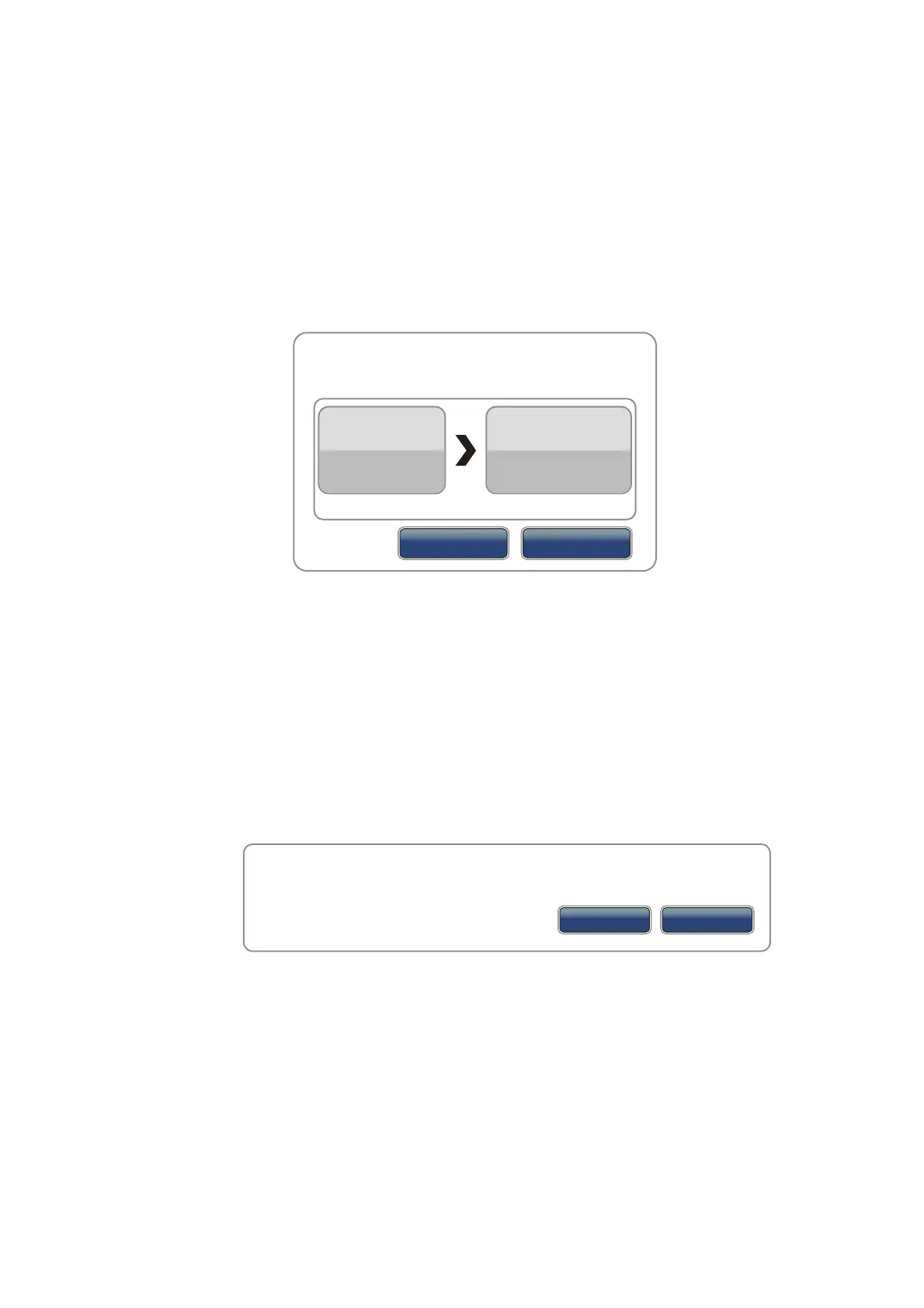
Clone SD-Card
SD Card Left
Ready
SD Card Right
Ready
You must insert All SD-Cards
Cancel
Start Clone
Are you sure you want to delete all points, routes & tracks? Important : all Navnet
TZT have to be connected for this operation.
Yes
No


 To Next Page
 Loading...












