1. SYSTEM INTRODUCTION
1-33
1.21.5 The DSC list
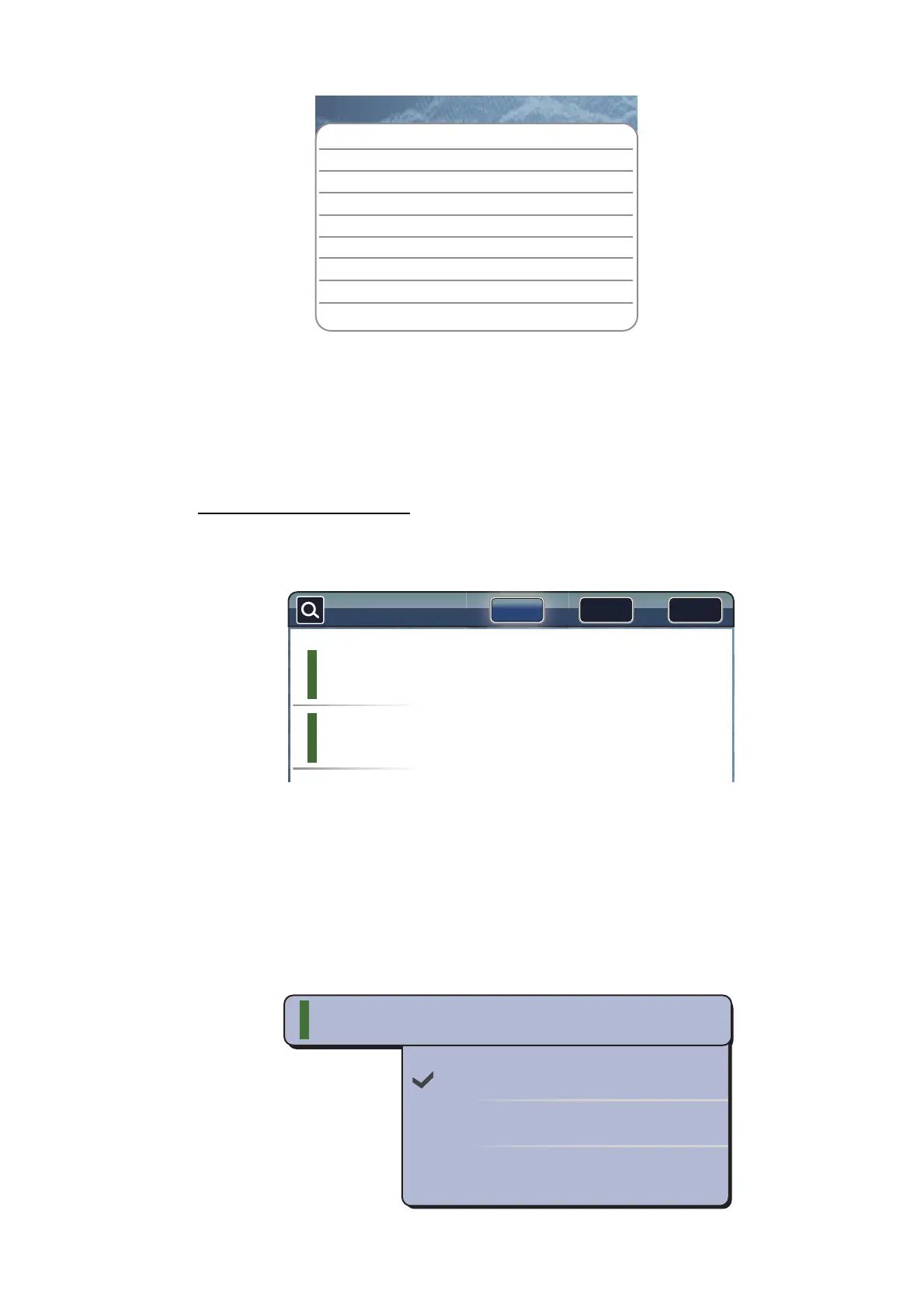
When you receive a DSC message, it is automatically registered to the DSC list. To
help you identify a ship quickly on the chart plotter and radar displays, you can replace
the MMSI no. indication with the name of your choice; for example, ship’s name.
How to open the DSC list
1. Select [Lists] on the menu icon bar to open the lists menu.
2. Select [DSC List].
3. Select [Name], [Range] or [Cpa] in the [Sort by] area at the top of the list.
[Name]: DSC sorted in alphanumeric order
[Range]: DSC sorted by range in ascending order
[Cpa]: DSC sorted by CPA in ascending order
To see the detailed information for a DSC, select a DSC then select [Detail].
To center a DSC marker on the screen, select the DSC then select [Find On Chart].
To edit DSC nickname, select the DSC then select [Edit Nickname] (refer to "How to
edit an AIS nickname" on page 13-6).
Target Info
Nickname
ABCDEF
MMSI
333336789
COG 263.4°M
SOG 1.5 kn
Range
2.101 NM
Bearing 210.4°
Time
9’34s
Position
N 47°47.692’; W122°29.653’
Nature of Distress
Distress
Detailed information
Name
Range Cpa
Sort by:
Name/Mmsi
AAAAA
333331111
Range/Bearing
19.71 NM
25.6 °M
Cpa/Tcpa
16.16 NM
-1h40’
Name/Mmsi
BBBBB
333332222
Range/Bearing
20.42 NM
20.5 °M
Cpa/Tcpa
19.42 NM
-27’20s
Detail
Find On Chart
Edit Nickname
AAAAA
333331111
Name/Mmsi
Range/Bearing
Cpa/Tcpa
19.71 NM
25.6
°
M
16.16 NM
-1h40’


 To Next Page
 Loading...












