13. AUTOMATIC IDENTIFICATION SYSTEM (AIS)
13-8
How to delete an entry from the buddies list
1. Select [Menu] on the menu icon bar to open the main menu.
2. Select the [Targets] - [Buddies List (AIS & DSC)] menu.
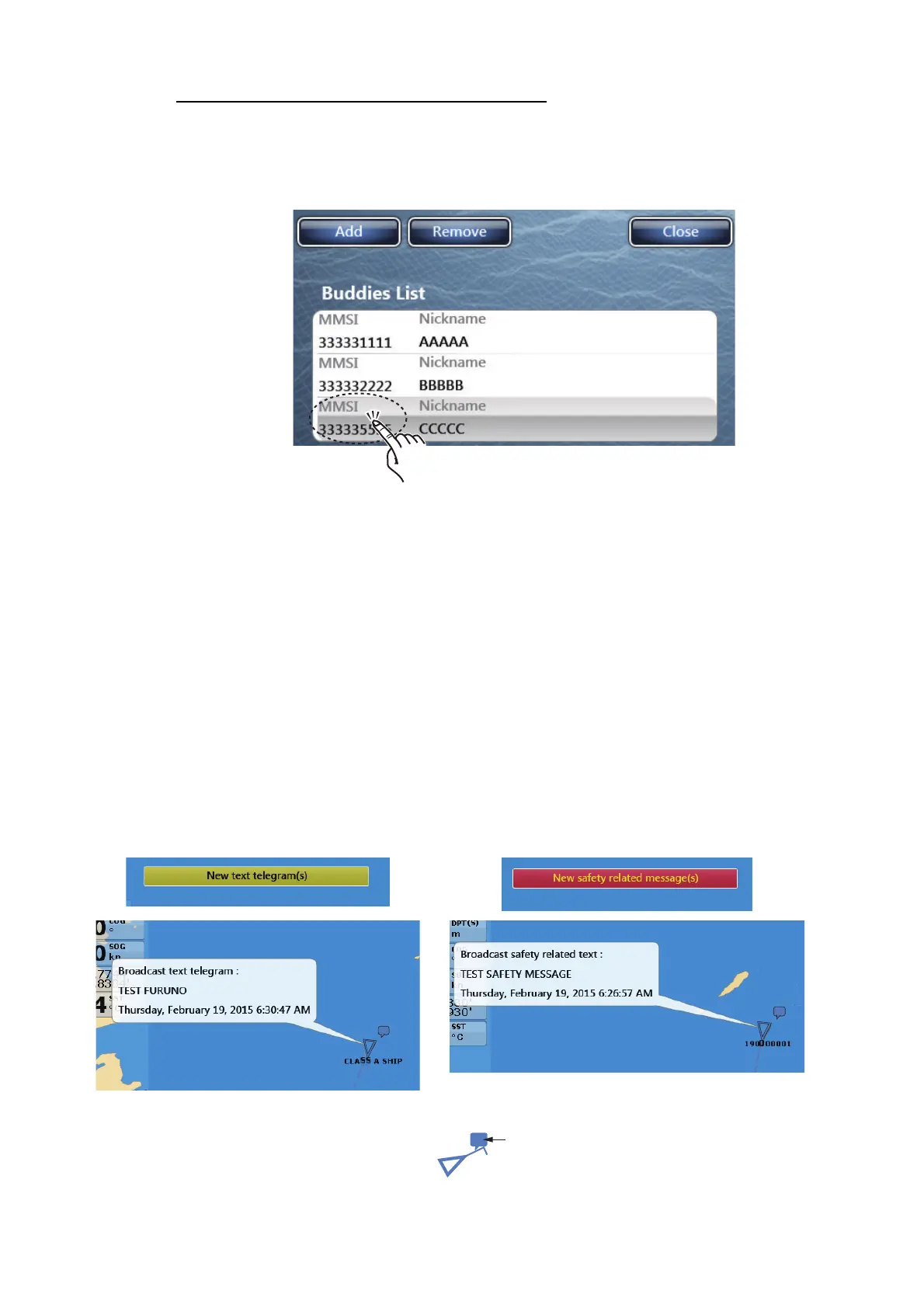
3. Select the [MMSI] field in the AIS or DSC to delete then select [Remove].
4. Select [Close] twice to exit the menu.
13.10 Receiving AIS Messages
When a binary or safety message (ID 6/8: binary, ID12/14: safety) is received, the sta-
tus bar shows the type of AIS message received. Additionally, the plotter and radar
displays mark the ship that sent the message, with the TX marker. To receive notifi-
cation of AIS message received, open [Menu]-[Targets], then set [Ais Message Noti-
fication] to [ON].
To show the message contents do one of the following:
• Tap the Status bar.
• Tap the on-screen call-out, then select [Last Message].
To erase the message, tap the on-screen call-out, then select [Erase Message].
Binary message
Broadcast safety message
TX marker
(callout)


 To Next Page
 Loading...












