2. RADAR, CHART RADAR OPERATION
2-55
How to find details about an alert
Click the status icon in the list to show details about an
alert.
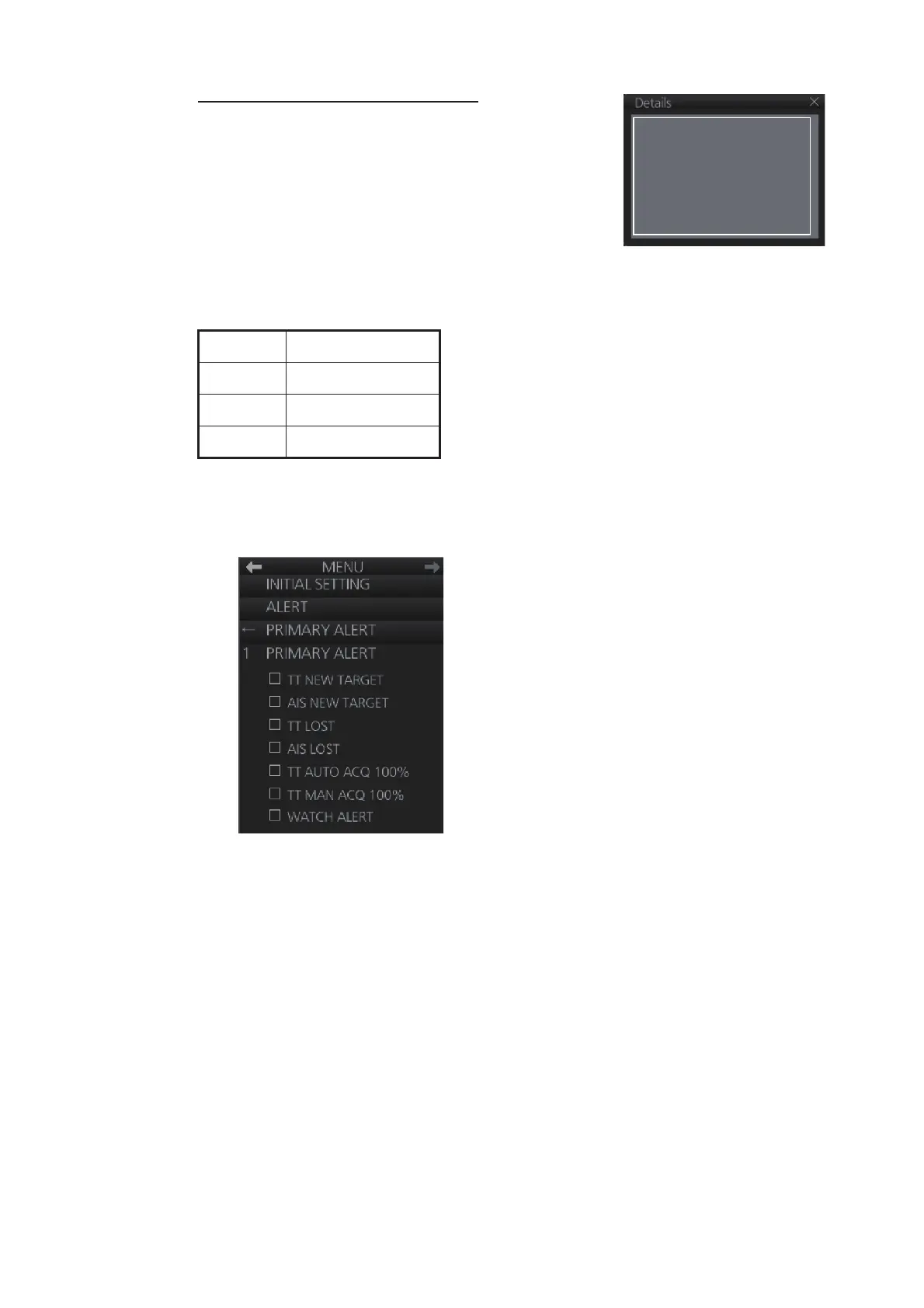
2.36.3 Changing priority of primary alerts
Alerts are categorized and prioritized as shown below.
If desired, you can specify the events that are to have the same priority as “Alarm”.
1. Open the menu then select the [8 INITIAL SETTINGS] and [4 ALERT] menus.
2. Select [3 PRIMARY ALERT].
3. Click the box to the left of an alarm name to show a circle to give that alarm the
same priority as the alert category "Alarm."
4. Close the menu.
The priority is immediately changed for an inactive alert. For an active alert, the priority
selected becomes effective when the alert is acknowledged and regenerated.
Priority Alert category
High Alarm
Middle Warning
Low Caution
Alert Number : 255
Source: No. 2 Chart Radar
Description: Gyro 1 COM Error
Detail : Gyro 1 COM Error


 To Next Page
 Loading...








