4. AIS OPERATION
4-18
9. To transmit the message, click [4 TRANSMIT MESSAGE]. You are asked if you
are sure to transmit the message. Click the [OK] button to transmit the message.
The Alert (ALF format: 10540,3) "542 AIS Transmitting" appears in the [Alert] box
while the message is being transmitted. If the message could not be transmitted, the
Alert 541 (ALF format: 10540,2) "AIS Message Transmit Error" appears.
4.16.2 How to transmit a saved AIS message
If you have saved some previously transmitted AIS messages, you can edit one and
send it as follows.
1. Right-click the AIS mode indication then click [AIS Menu] to show that menu.
2. Open the [8 TRANSMIT MESSAGE] menu.
3. Go to page 2 of the menu, select [1 OPEN FILE] then select the number of the
message to transmit.
4. Select [3 EDIT] to edit the message.
5. To save the message, select [2 SAVE FILE].
6. To transmit the message, select [4 TRANSMIT MESSAGE]. The confirmation
message "Attention: Do you wish to transmit AIS message?" appears. Click the
[OK] button to transmit the message.
4.16.3 How to display received AIS messages
When you receive an AIS message, the Alert 539 (ALF format: 10540,1) "AIS Mes-
sage Received" appears.
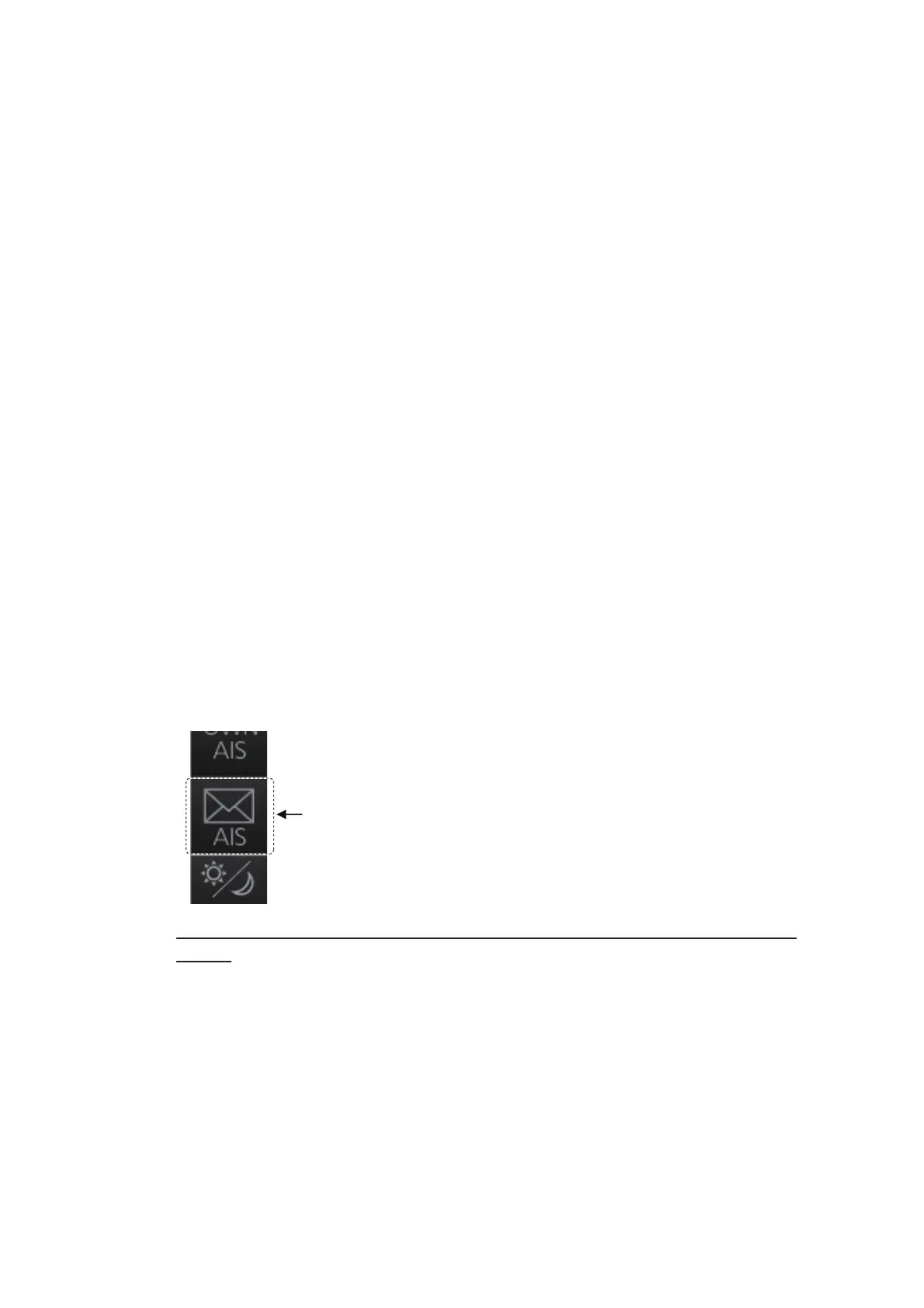
To display the message manually, click the AIS message button on the InstantAccess
bar™.
How to get notification of AIS message reception with the [AIS message]
button
Right-click the AIS mode indication then click [AIS Menu] to show that menu. Go to
page 2 and set [1 AUTO DISP MESSAGE] to [ON]. When you receive an AIS mes-
sage, the [AIS message] button is displayed in orange.



 To Next Page
 Loading...







