1. OPERATIONAL OVERVIEW
1-17
1.10 InstantAccess Bar
TM
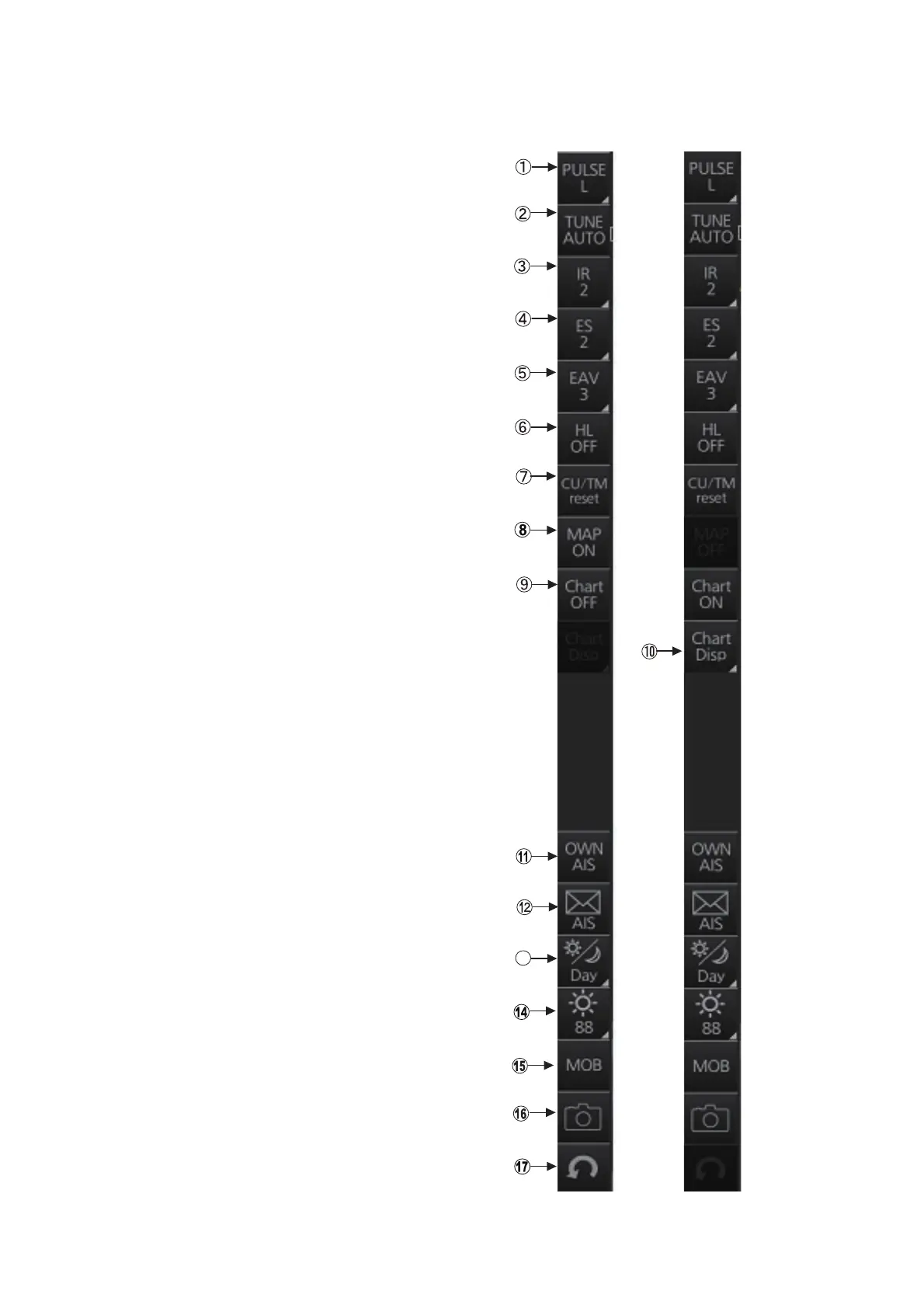
The InstantAccess bar™ runs vertically along the
left edge of the screen and is displayed always.
This bar provides, in the radar and chart radar
modes, buttons for adjustment of the radar picture
and chart, AIS operations, display brilliance con-
trol (FURUNO monitor only), MOB, screenshot,
etc.
For a description of the InstantAccess bar™ used
in the chart mode, see section 6.1.2.
Radar
mode,
map
ON
Radar
mode,
chart
ON
13


 To Next Page
 Loading...








