1. OPERATIONAL OVERVIEW
1-34
1.23.3 How to restore default settings to a profile
Select the applicable profile from the “Profile” drop-down list then click [Restore De-
fault Settings].
1.23.4 How to activate a profile
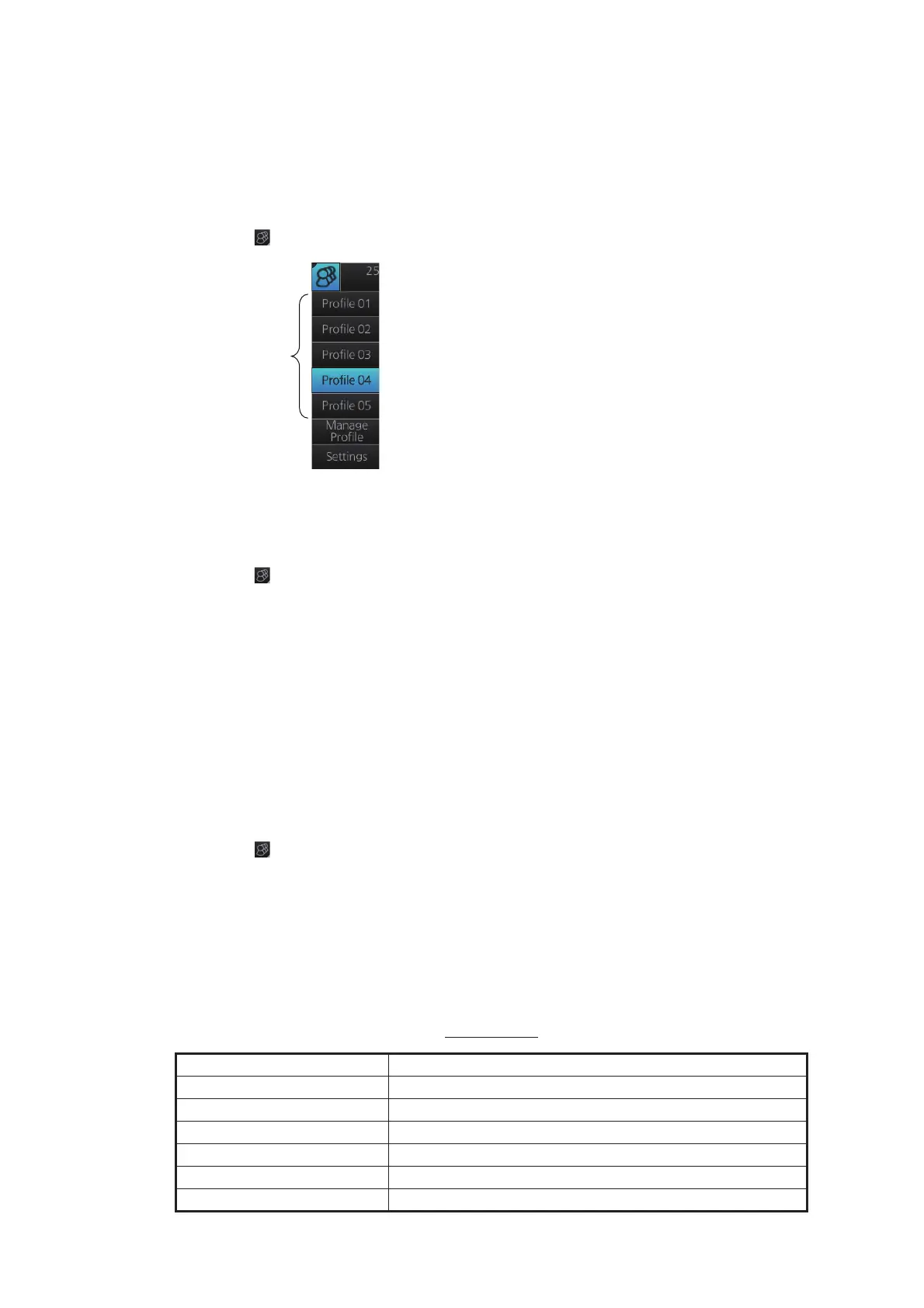
1. Click [ ] on the Status bar.
2. Click the profile number to activate.
1.23.5 How to restore a profile to the default settings
1. Click [ ] on the Status bar then click [Manage Profile].
2. Select a profile number from the “Profile” drop-down list.
3. Click [Restore Default Settings]. The confirmation message "Attention: This profile
will be restored to the default. Do you wish to continue?" appears.
4. Click [Yes].
Note: This setting for the default is available when selecting a profile to activate next
time. See section 1.21.3.
1.23.6 How to change the settings on the current display to the rec-
ommended settings
1. Click [ ] on the Status bar.
2. Click [Default Settings]. The confirmation message "Attention: Settings will be
changed to the default. Do you wish to continue?" appears.
3. Click [Yes]. The settings on the following table are changed to the recommended
settings.
Note: This function is not available when using the interswitch function. See sec-
tion 2.28.
Radar Mode
Items Settings
RAIN, SEA AUTO
GAIN 80
EAV No change
TUNE TUNE AUTO
RANGE 6 NM, 6 SM, 6 km, 6 kyd
VRM1 0.25 NM, 0.25 SM, 0.25 km, 0.25 kyd



 To Next Page
 Loading...







