3. TARGET TRACKING (TT)
3-11
Number of TT/AIS target data box to display
You can select how many target data boxes to display with the following procedure.
1. Open the menu, then select [4 INFORMATION BOX] and [4 TARGET DATA].
2. Select the number of boxes to display from [1 BOX], [2 BOX], or [3 BOX].
Note: The [3 BOX] option is not available for 19 inch monitors.
3. Close the menu.
The target data are displayed from bottom up in order of acquisition. When target data
box(es), information box and zoom display are available, target data box(es) has pri-
ority.
3.8.2 TT pop-up information
The TT pop-up shows abbreviated TT data (target no.,
COG, SOG, CPA and TCPA) for the selected TT. Simply
put the cursor on the TT symbol to show the pop-up. The
pop-up can be enabled or disabled with [TT POP-UP INFO]
in the [TT•AIS SYMBOL] menu.
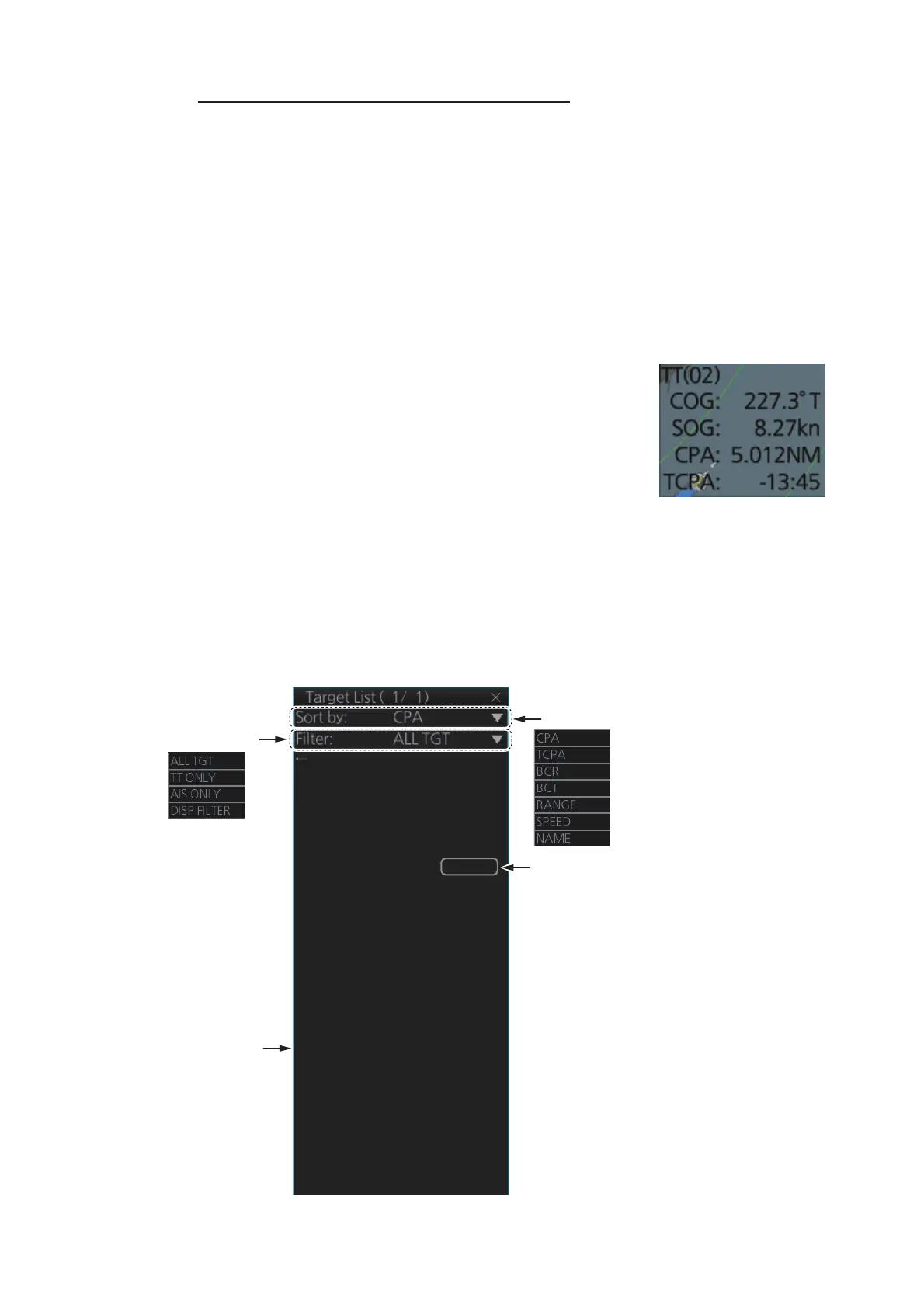
3.8.3 Target list
The target list shows the data for all tracked targets and AIS targets. To show the list,
click the [Target List] button at the right side of the screen or press the TARGET LIST
key on the Control Unit. (The button is light-blue when the target list is displayed.)
To close the list, click the Close button (X) on the list or press the TARGET LIST key.
Filter targets:
Click to refresh data
CLOSE
1 TT Target
No. 21
BRG: 125.5°T RNG 3.434NM
CPA: 2.923NM TCPA: 12:00
2 AIS Target INFO: A
FURUNO
BRG: 120.2°T RNG: 5.211NM
CPA: 3.345NM TCPA: 14:30
3 AIS Target
VOYAGER
BRG: 88.2°T RNG: 7.321NM
CPA: 3.662NM TCPA: 16:25
0 Refresh data
→ Next
Sort targets by:
[
INFO
]
column: Click to show/hide the
target information for each target. The
information displayed varies depending
on the target selected.
• For AIS targets: The order in which the
targets appear in the details window is
displayed (A, B or C). For example, a
target with the indication “B” in the
[
INFO
]
column appears in the second target
details box.
“C” is not shown for 19” monitors.
• For TT targets: The target number (01
to 200) appears.
• For reference targets: The referrence
number (R01 to R03) appears.


 To Next Page
 Loading...








