1. OPERATIONAL OVERVIEW
1-10
1.7 Display Modes
This chart radar has three main display modes:
• The radar mode provides the traditional radar display.
• The chart for radar mode shows the electronic charts.
• The conning mode provides a comprehensive navigation data display.
1.7.1 How to select a display mode
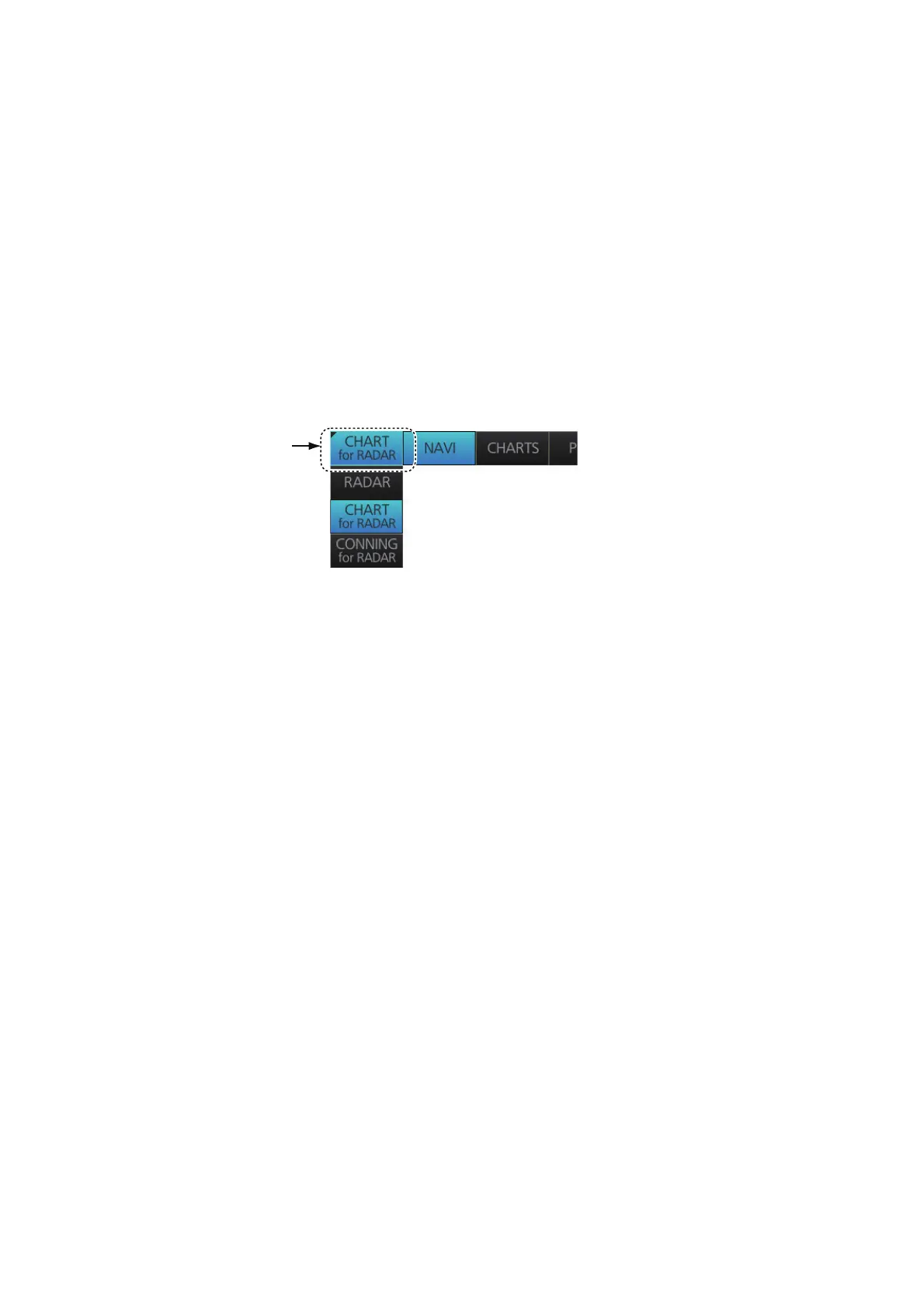
Click the Display mode button to select desired mode.
[ RADAR]: Radar or chart radar mode (see section 1.8.2)
[CHART for RADAR]: Chart for radar mode
[CONNING for RADAR]: Conning mode (see section 24.1)
1.7.2 Limitations when using the chart radar mode
The presentation mode in the chart radar mode can be course-up RM, north-up RM,
or north-up TM. The presentation mode is automatically switched to north-up RM if the
mode is head-up at the time the chart radar mode is selected.



 To Next Page
 Loading...







