5. RADAR MAP AND TRACK
5-6
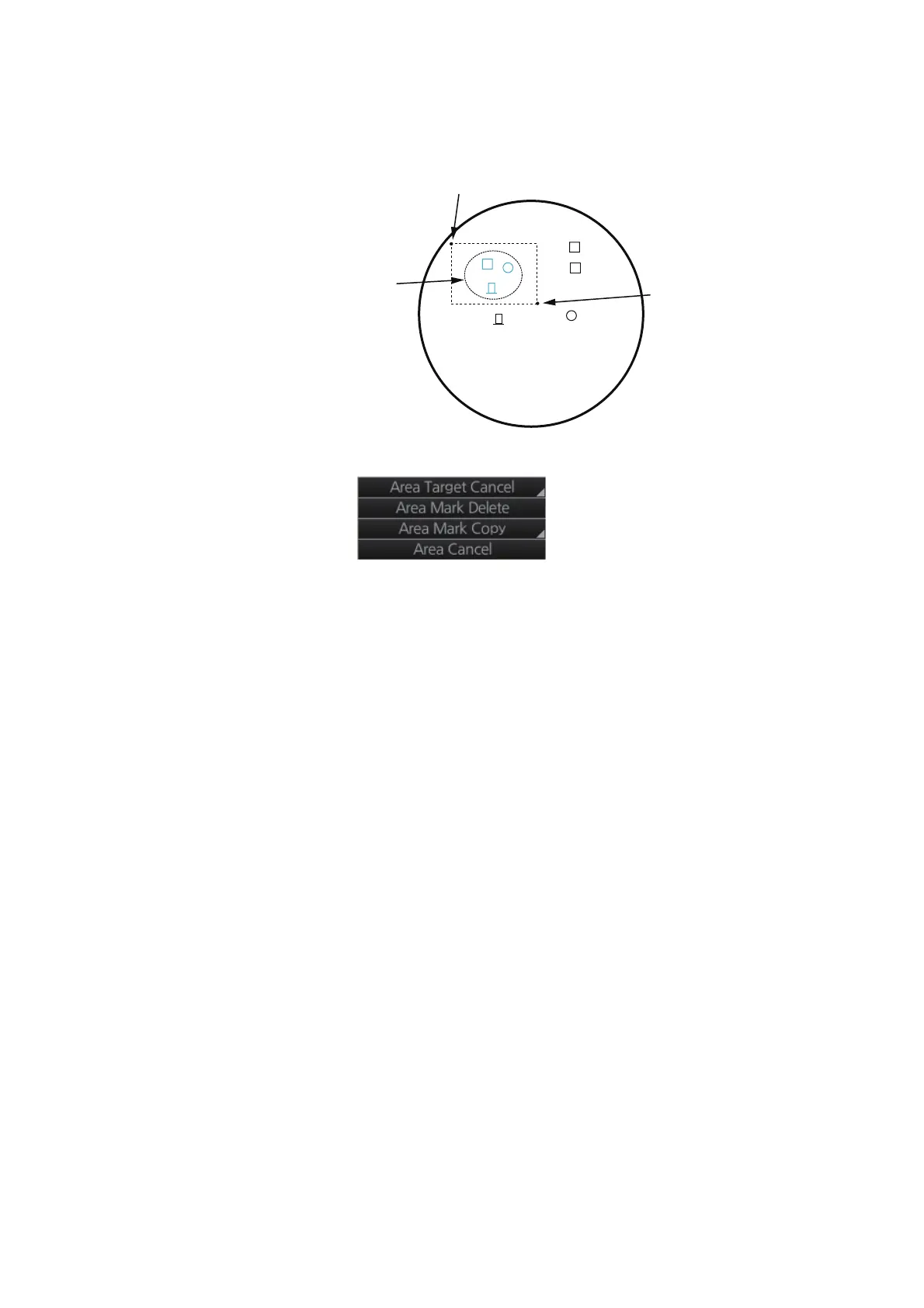
3. Specify the area as follows:
1) Put the cursor on the start point and push the left button.
2) Drag the cursor diagonally to the end point and push the left button.
4. Right-click the display area to show the context-sensitive menu.
5. Click [Area Mark Delete] to delete the marks and lines in the area selected.
5.8.3 How to erase all radar map marks and lines in a map file
You can erase all radar map marks and lines in the map file currently displayed. Be
absolutely sure you want to erase the marks and lines - erased marks and lines cannot
be restored.
1. Right-click the [Mark] box, select [Map•Mark Menu] and [1 MARK SETTING].
2. Select [8 MAP MARK ALL DELETE]. The confirmation message "Attention: Do
you wish to delete all map mark?" appears. Click the [OK] button to erase all
marks and lines.
3. Close the menu.
Start point
End point
Marks within the area
are colored light blue



 To Next Page
 Loading...







