GE VOLUSON
i / VOLUSON
e
D
IRECTION KTI106052, REVISION 10 SERVICE MANUAL
3-40 Section 3-5 - Connection of Auxiliary Devices
3-5-3-7 Installation of the Probe Mux Box Voluson Station
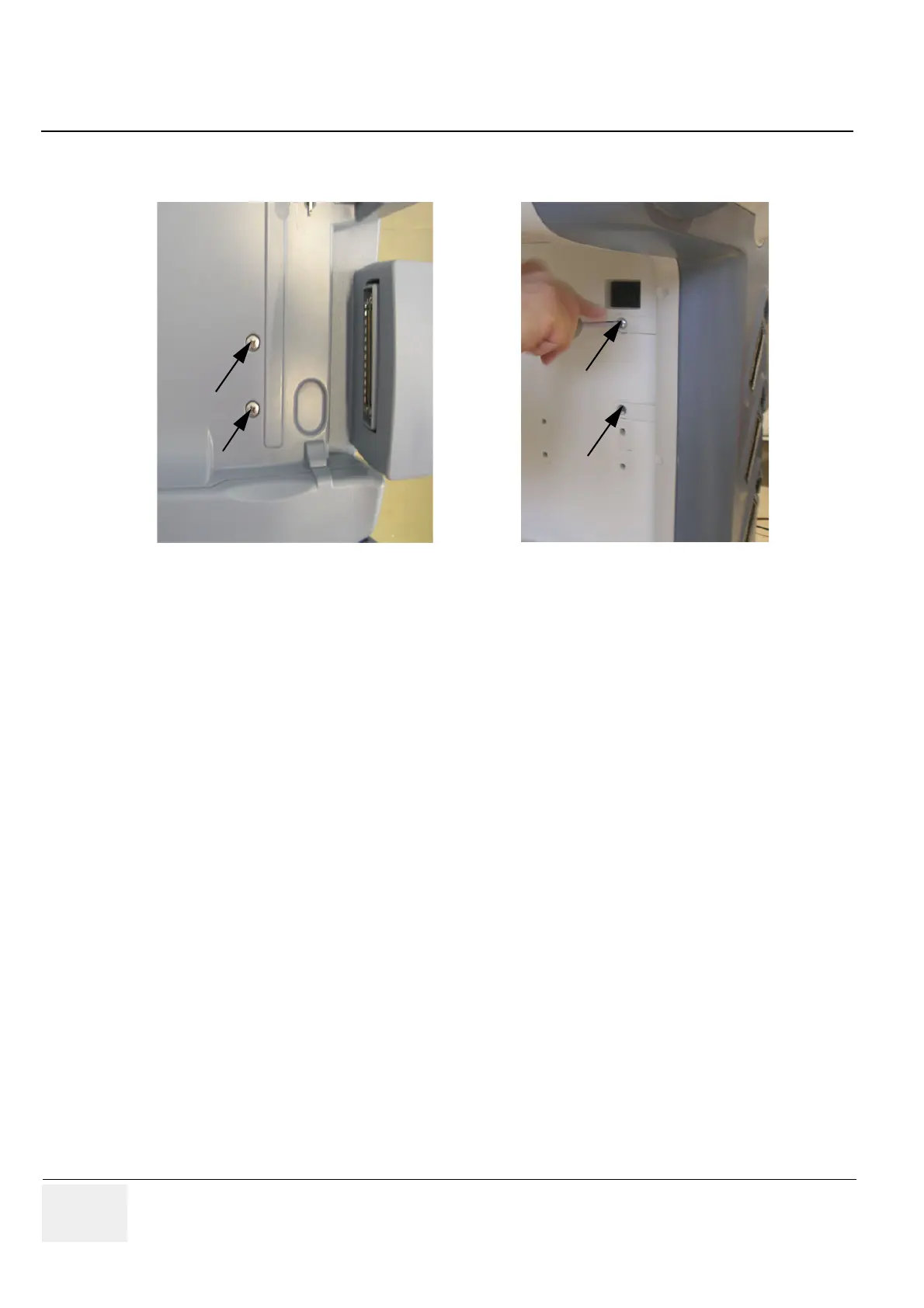
1.) Fasten the Probe Mux Box with the 4 screws.
2.) Push the probe connector into the probe socket of the Voluson i / Voluson e and lift the system’s
locking lever upwards to lock the probe connector.
NOTE: The docking lever cannot be operated if the Probe Box is connected to the Voluson i / Voluson e.
Figure 3-48 Installation Probe Mux Box


 To Next Page
 Loading...