3 - 105
Main unit
Main unit
Assembly
17
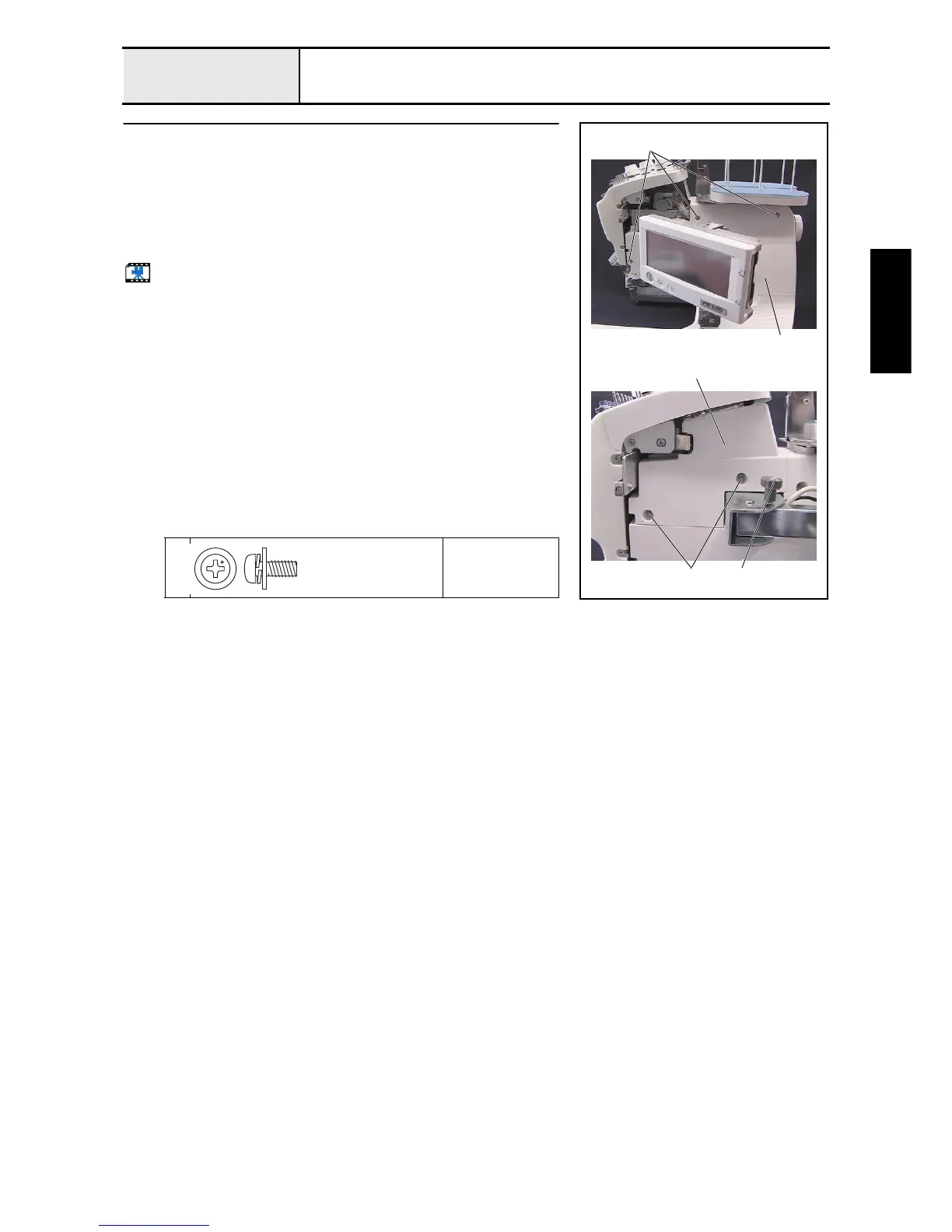
Arm cover R attachment
1. Attach the arm cover R 1 with the 3 screws 1.
2. Attach the arm cover R lid 2 with the 2 screws 2.
*Key point
• Remove the operation panel assembly's thumb bolt M4S 3
before attaching the arm cover R lid.
3. Attach the 5 screw covers.
Start movie clip (CD-ROM version only)
1
2
Torque
0.78 –
1.18 N-m
2 3
1
1
2
Screw, Pan (S/P washer)
M4X10DB
Color; Silver


 To Next Page
 Loading...











