4 - 27
Inspection and
Adjustment
Check Needle threading check
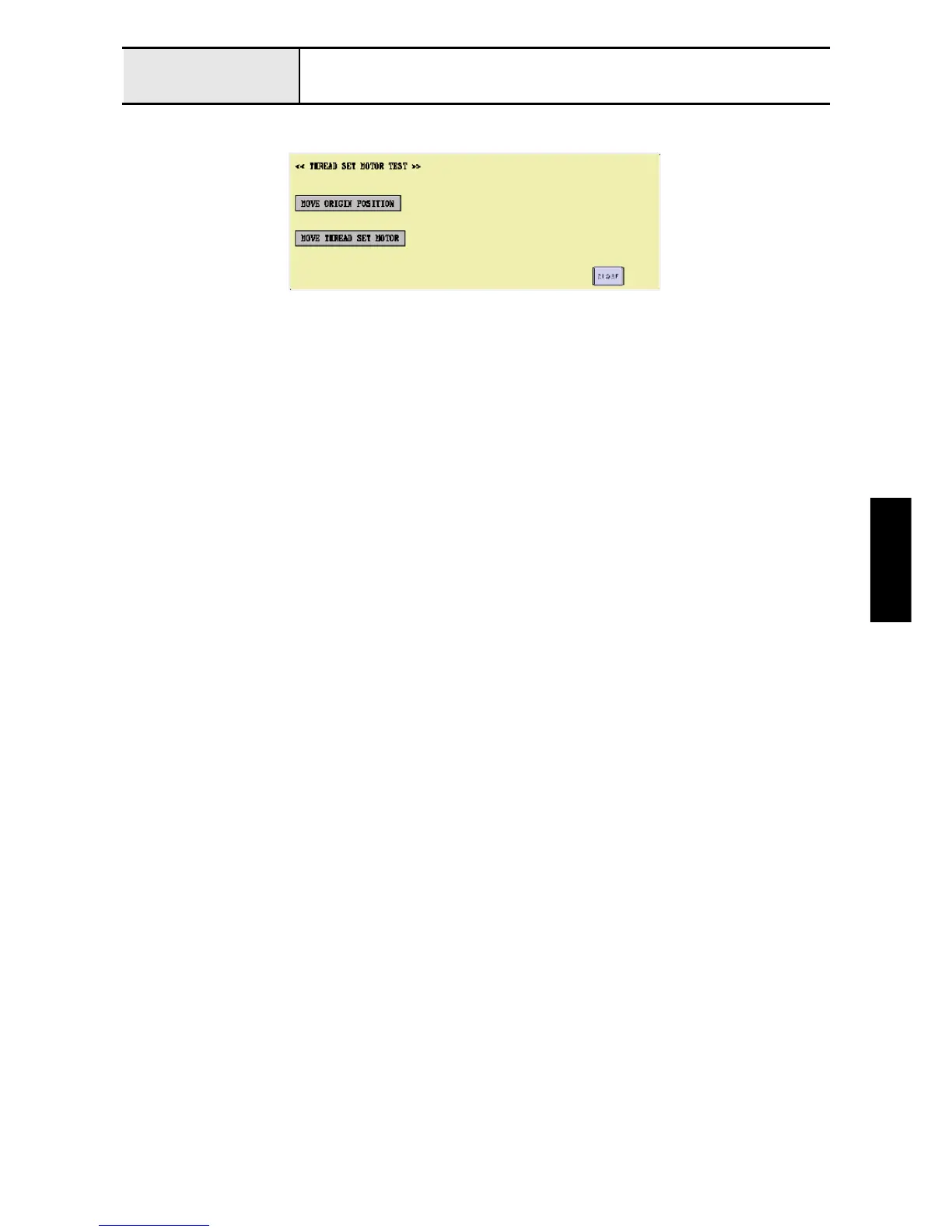
1. Enter the test mode, and press [MAIN BOARD TEST MODE] and then [THREAD SET MOTOR TEST].
2. Press [MOVE ORIGIN POSITION] to move the hook to its origin.
3. Press [MOVE THREAD SET MOTOR] to check that the hook passes through the needle hole.
4. Check that the hook passes through the needle hole for the other 5 needle bars.
*Key point
• Press [CLOSE], [MAIN BOARD TEST MODE], and then [NEEDLE THREADER], and then pressing [←] or
[→] selects the other needle bars.


 To Next Page
 Loading...











