2 - 28
Main unit
Needle thread unit
4
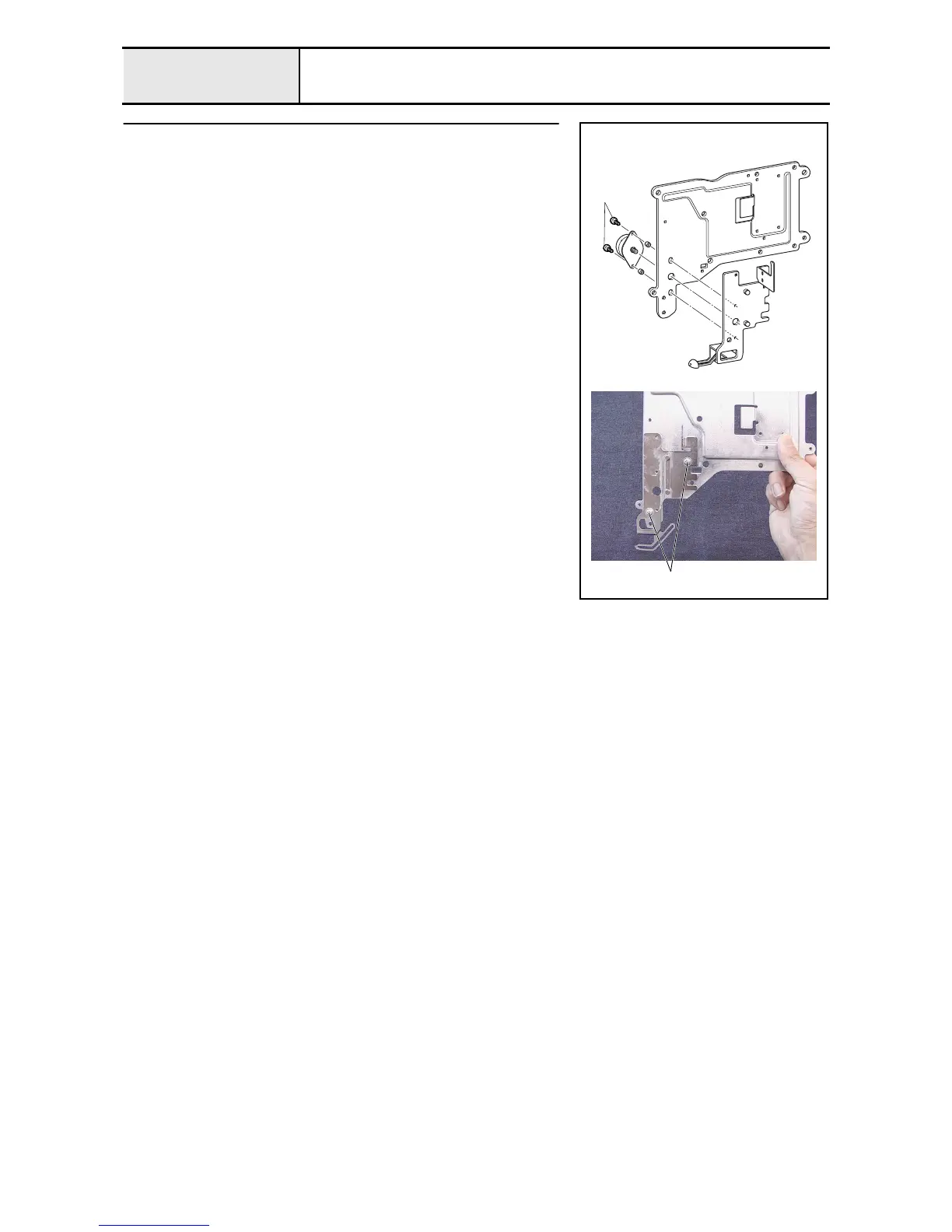
Thread motor assembly removal
1. Remove the 2 screws 1, and then remove the thread motor assembly and
the 2 spacers.
2. Remove the 2 screws 2, and then remove the base plate assembly from the
thread guide base.
3. Remove the screw 3, and then remove the damper spring holder lower
from the thread guide base.
1
2


 To Next Page
 Loading...











