2 - 12
Main parts
Main unit
16
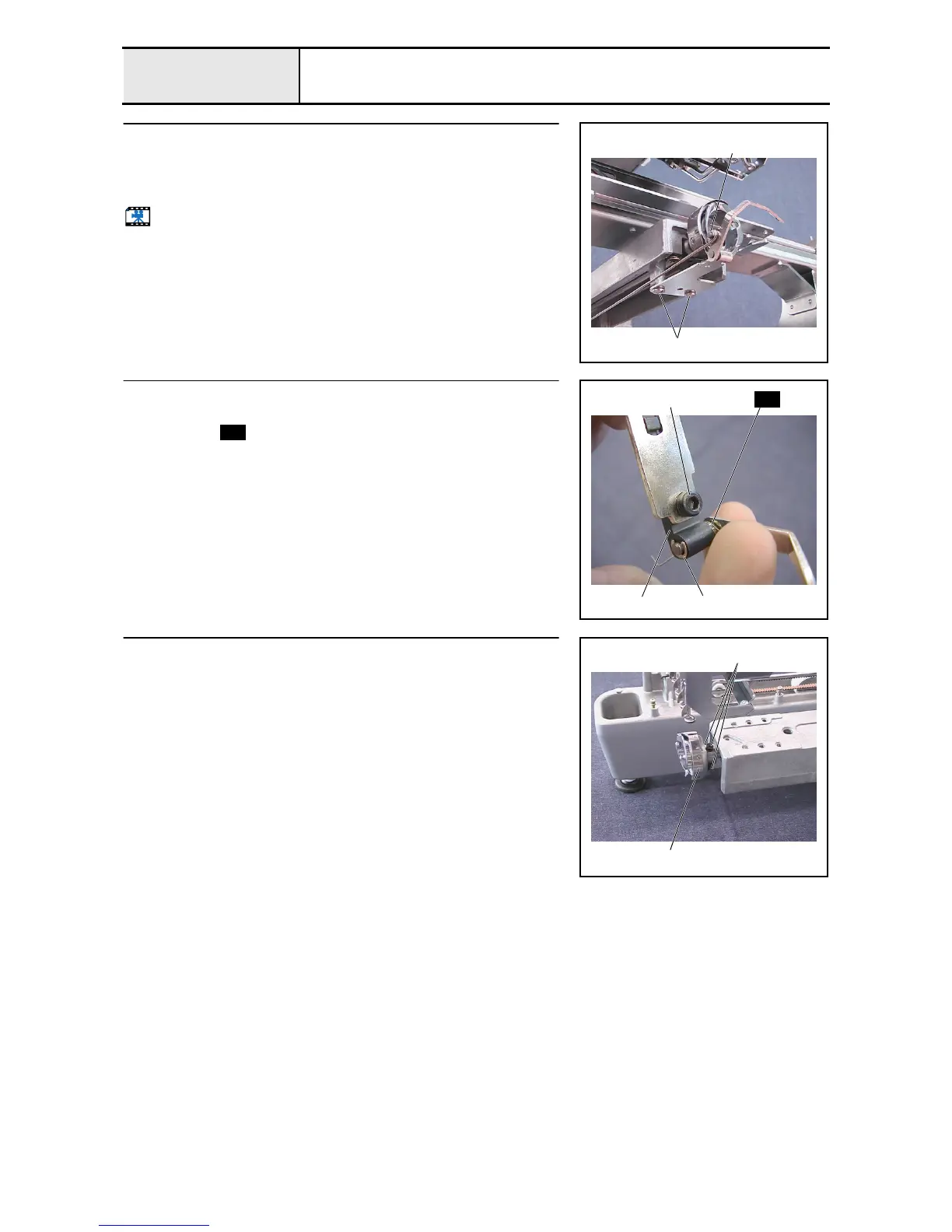
Picker bracket removal
1. Remove the retaining ring E2, and then remove the picker link.
2. Remove the 2 screws 1, and then remove the picker bracket final
assembly.
Start movie clip (CD-ROM version only)
Retaining ring E2
1
17
Picker bracket disassembly
1. Remove the retaining ring E2, and then remove the picker assembly and
the spring .
2. Remove the screw 1, and then remove the picker holder 1 from the
picker bracket.
Retaining ring E2
S54
1
1
S54
18
Rotary hook removal
1. Remove the 3 screws 1, and then remove the rotary hook 1 from the
lower shaft.
1
1



 To Next Page
 Loading...










