4 Device settings
4.3 Function "Optical device recognition"
48
Lenze · i700 servo inverter · reference manual · DMS 3.0 EN · 06/2016 · TD06
_ _ _ _ _ _ _ _ _ _ _ _ _ _ _ _ _ _ _ _ _ _ _ _ _ _ _ _ _ _ _ _ _ _ _ _ _ _ _ _ _ _ _ _ _ _ _ _ _ _ _ _ _ _ _ _ _ _ _ _ _ _ _ _
4.3 Function "Optical device recognition"
0x2021 - Device: Optical recognition
4.4 Device commands
0x2022 - Device command
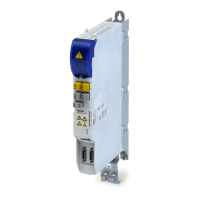
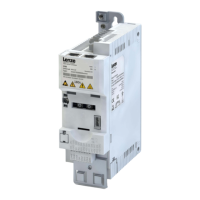
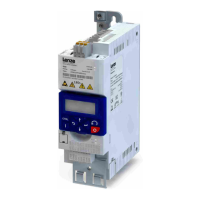
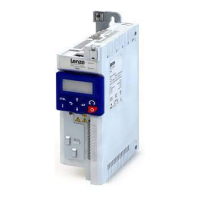
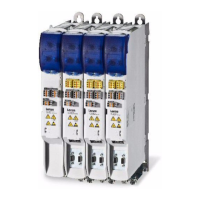
In the case of applications with multiple interconnected servo inverters it may be difficult to locate a device that has
been connected online. The "Optical device recognition" function serves to locate the Servo-Inverter i700 by means
of blinking LEDs.
• A setting of "1: Start" in subindex 1 activates the function:
• The two LEDs "RDY" and "ERR" on the front of the i700 servo inverter will blink for the time period set in
subindex 2 with a blinking frequency of 20 Hz. Then the function is deactivated automatically.
• The LEDs on the RJ45 sockets are not used for this function.
• If the function is reactivated within the time set, the time is extended correspondingly.
• With the setting "0: Stop" in subindex 1 the function can be aborted/deactivated prematurely.
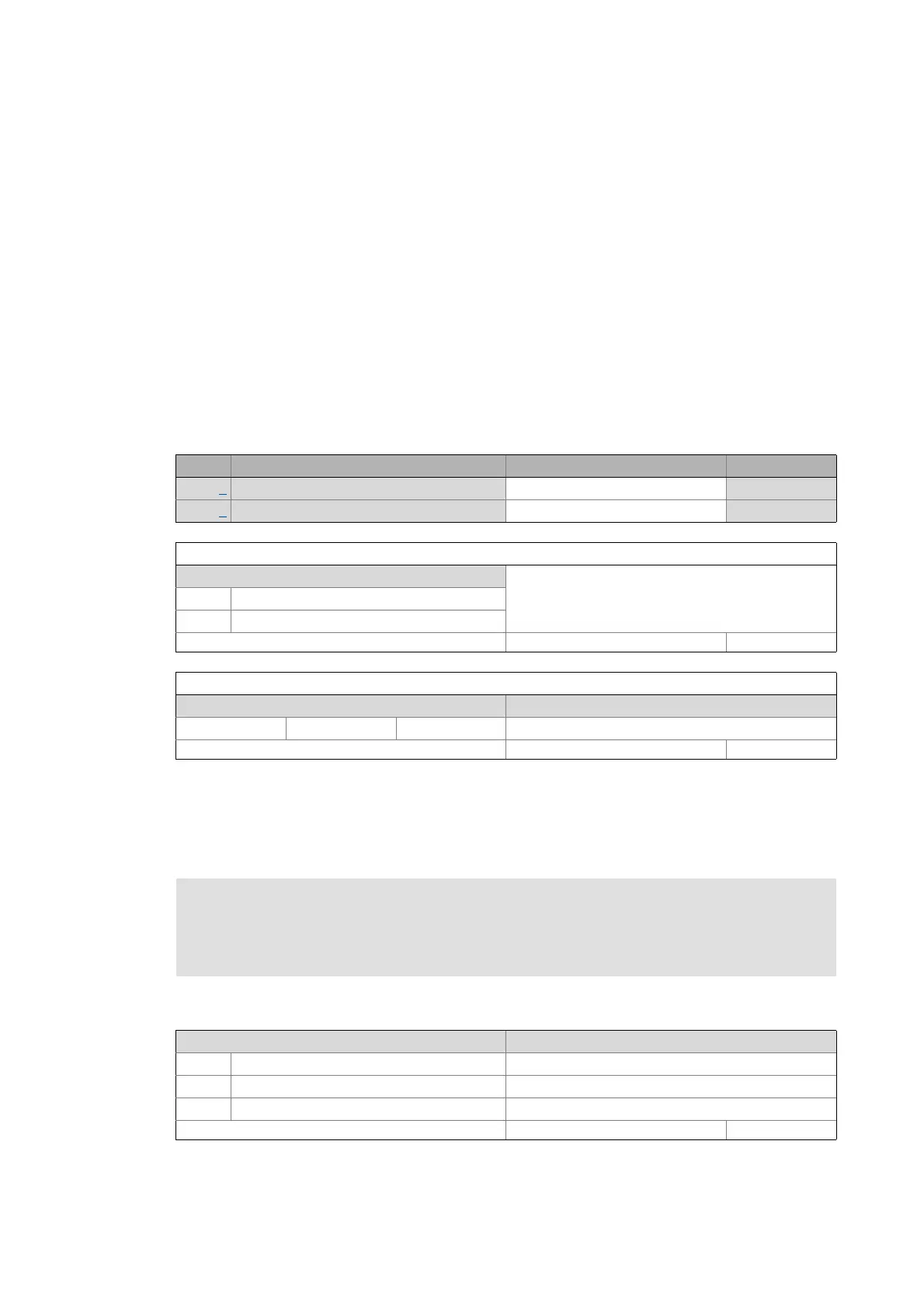
Sub. Name Lenze setting Data type
1 Start optical recognition 0: Stop UNSIGNED_8
2 Optical recognition: Blinking time 5 s UNSIGNED_16
Subindex 1: Start optical recognition
Selection list (Lenze setting printed in bold)
0Stop
1Start
Write access CINH OSC P RX TX UNSIGNED_8
Subindex 2: Optical recognition: Blinking time
Setting range (min. value | unit | max. value) Lenze setting
0 s 6000 5 s
Write access CINH OSC P RX TX UNSIGNED_16
Note!
The execution of a device command may lead to an interruption of the EtherCAT
communication with the master and to a standstill of the axis!
Selection list (Lenze setting printed in bold) Info
0No command
1000 Load Lenze setting Load default parameter set
1100 Restart device Device restart
Write access CINH OSC P RX TX UNSIGNED_32


 To Next Page
 Loading...