8-10 Phaser 7500 Printer Service Manual
Service Parts Disassembly
REP 1.2 Imaging Unit (Drum) (Y/M/C/K)
PL8.1.4
Do not expose the Imaging Unit to light for more than 5 minutes. Cover the
Imaging Unit to avoid damage.
Do not touch the surface of the Imaging Unit.
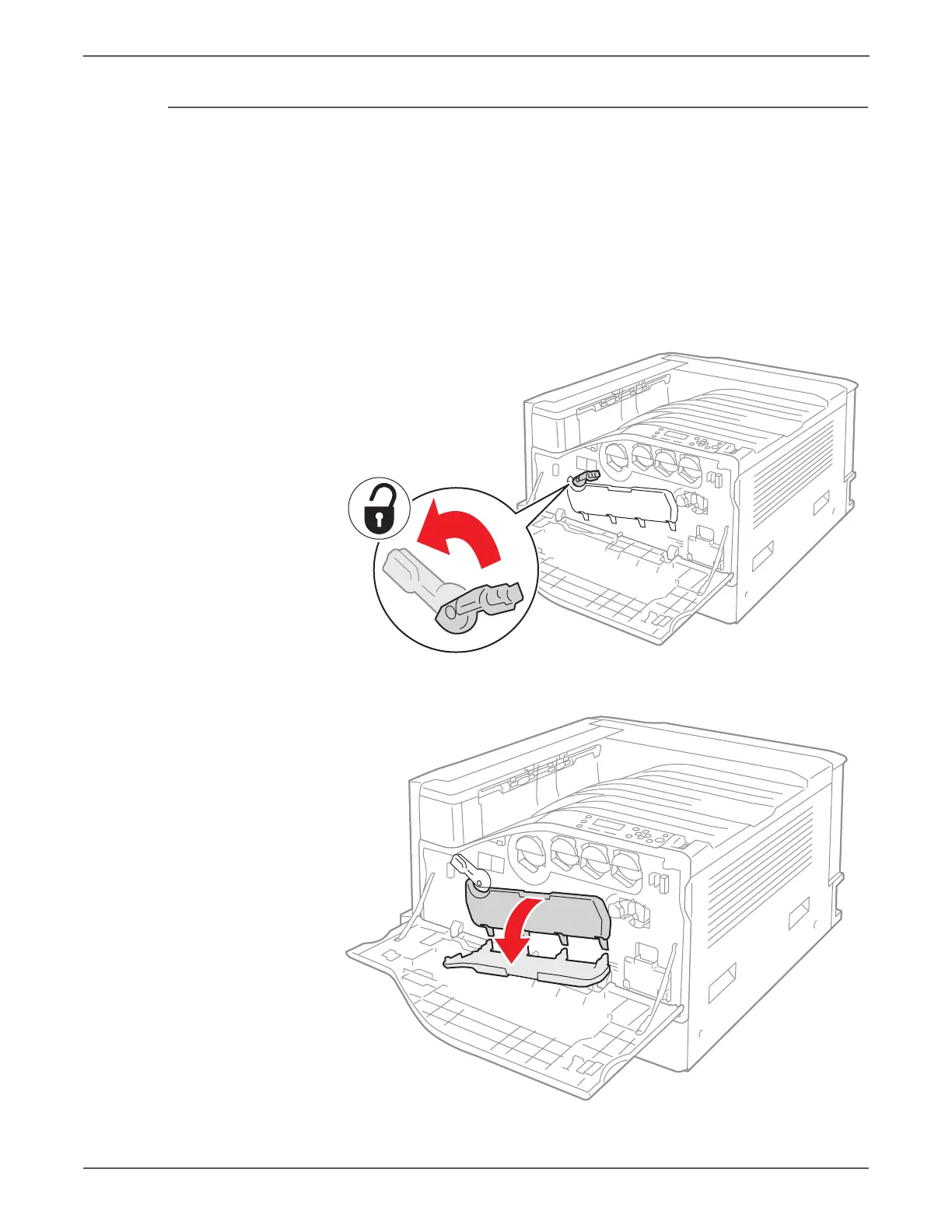
1. Open the Front Door.
2. Turn the Imaging Unit Cover latch clock-wise to unlock the Imaging Unit
Cover.
3. Open the Imaging Unit Cover.


 To Next Page
 Loading...














