Failure Investigation
for Electronic Parts
Failure Investigation for Electronic Parts
Failure Investigation
for Electronic Parts
5 - 3
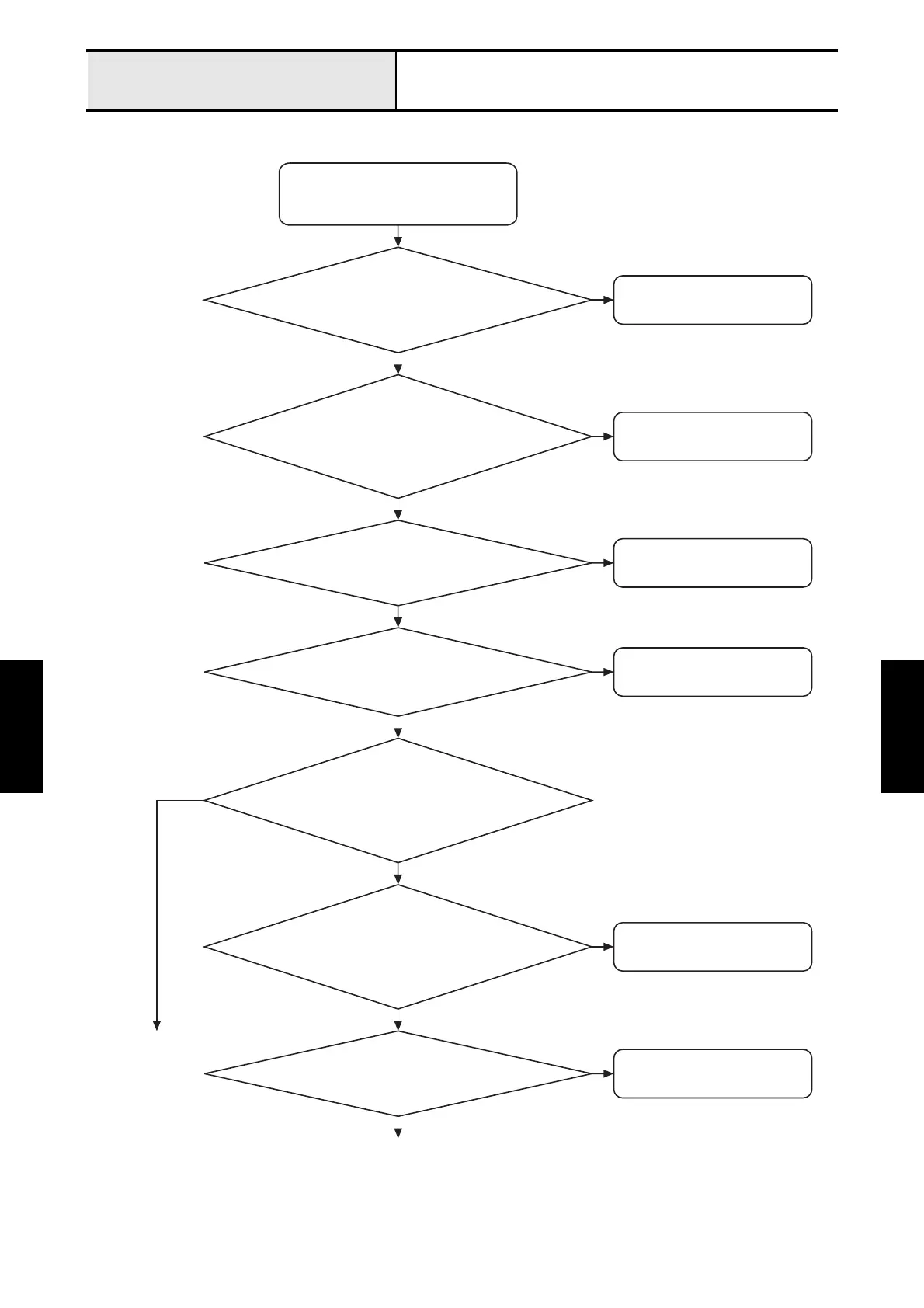
The power is not turned on.
• The power is not turned on
or
•
Nothing is displayed on the display.
Connect it properly.
N
Y
Change the power cord.
Is the resistance between the two terminals at
both ends 1 or below when the power cord
is removed from the plug outlet and the inlet?
N
Y
Is the power cord properly connected
to both the inlet and the plug outlet?
Connect it properly.
Is connector CN26 on the main
PCB properly connected?
N
Y
Is the panel-main lead properly connected
to connector CN12 on the main PCB?
Is the power lead properly connect to
connector CN2 on the power supply PCB?
Y
Connect it properly.
N
Connect it properly.
N
Connect it properly.
N
Is the voltage between pins 1 and 2, and 3 and 4
of connector CN26 on the main PCB 38.0 - 42.0V,
23.0 - 27.0V, respectively, when the power is ON?
N
Is the power lead properly connected to
connector CN1 on the power supply PCB
and the power switch's fasten tab terminal?
Y
To the next page
Y
Y
To the next page


 To Next Page
 Loading...













