2 - 72
Thread tension unit
Main unit
Disassembly
Disassembly
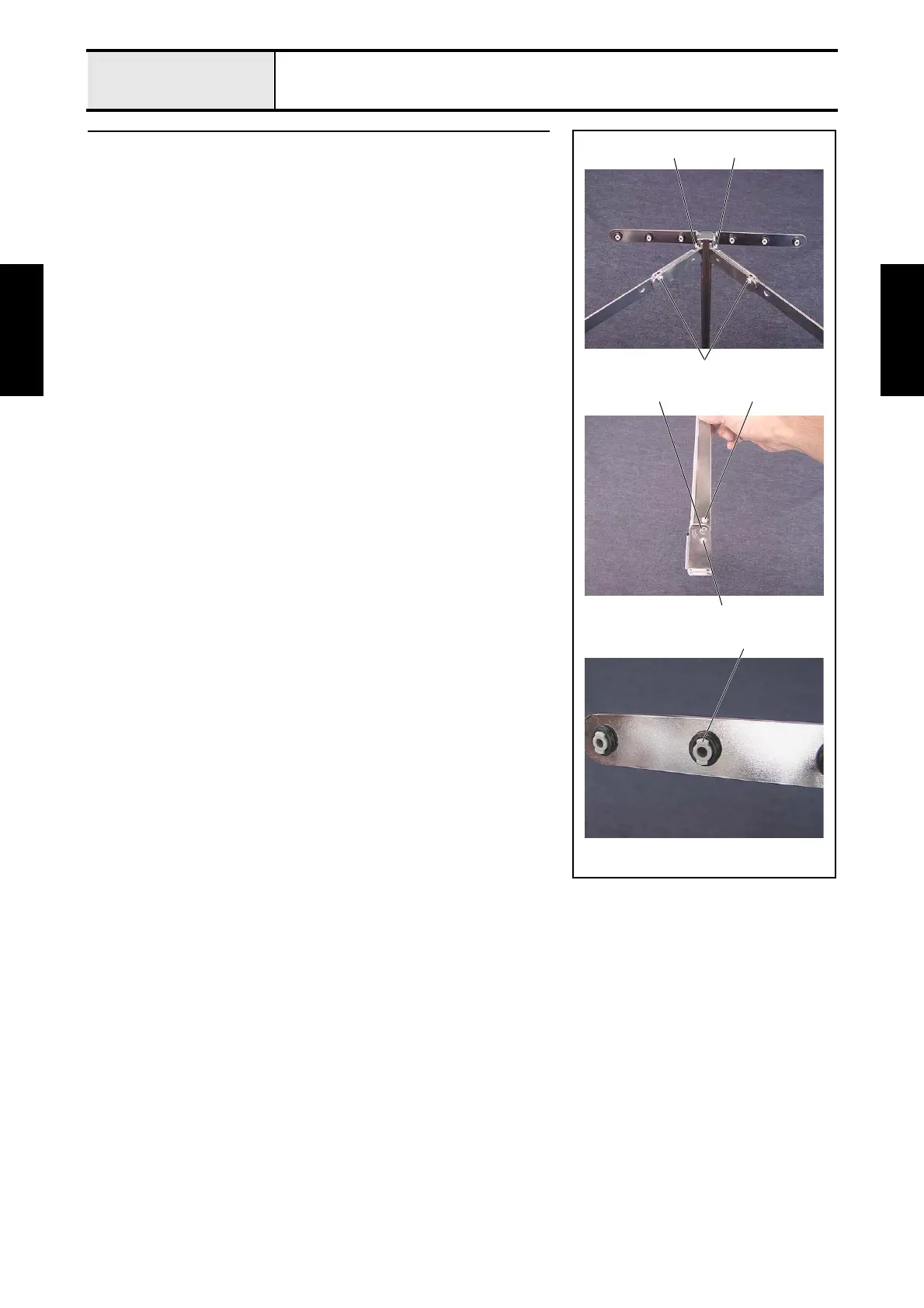
7 Antenna disassembly
1. Remove the 4 screws 1, and then remove the 2 antennas A, 2 antennas B,
and antenna E assembly from the antenna C assembly.
2. Remove the screws 23 from the antenna C assembly.
3. Remove the retaining ring E5, separate the antenna C assembly from the
antenna D, and then remove the antenna shaft.
4. Remove the retaining ring E5 from the antenna shaft.
5. Remove the 6 O-rings (P5) from the tip of the 6 pipe bushes A 1 attached
to the antenna E assembly, and then remove the 6 pipe bushes from the
antenna E assembly.
*Key point
• Turn the pipe bush 90 degrees to remove it.
1
1
1
2
1
Retaining ring E5
3


 To Next Page
 Loading...













