Appendix
H00007091 - Absolute Arm User Manual │Version 5.2.0 (2019-03-07) │194
Configuration for HEXAGON
®
scanners (RS5 / HP-L-20.8)
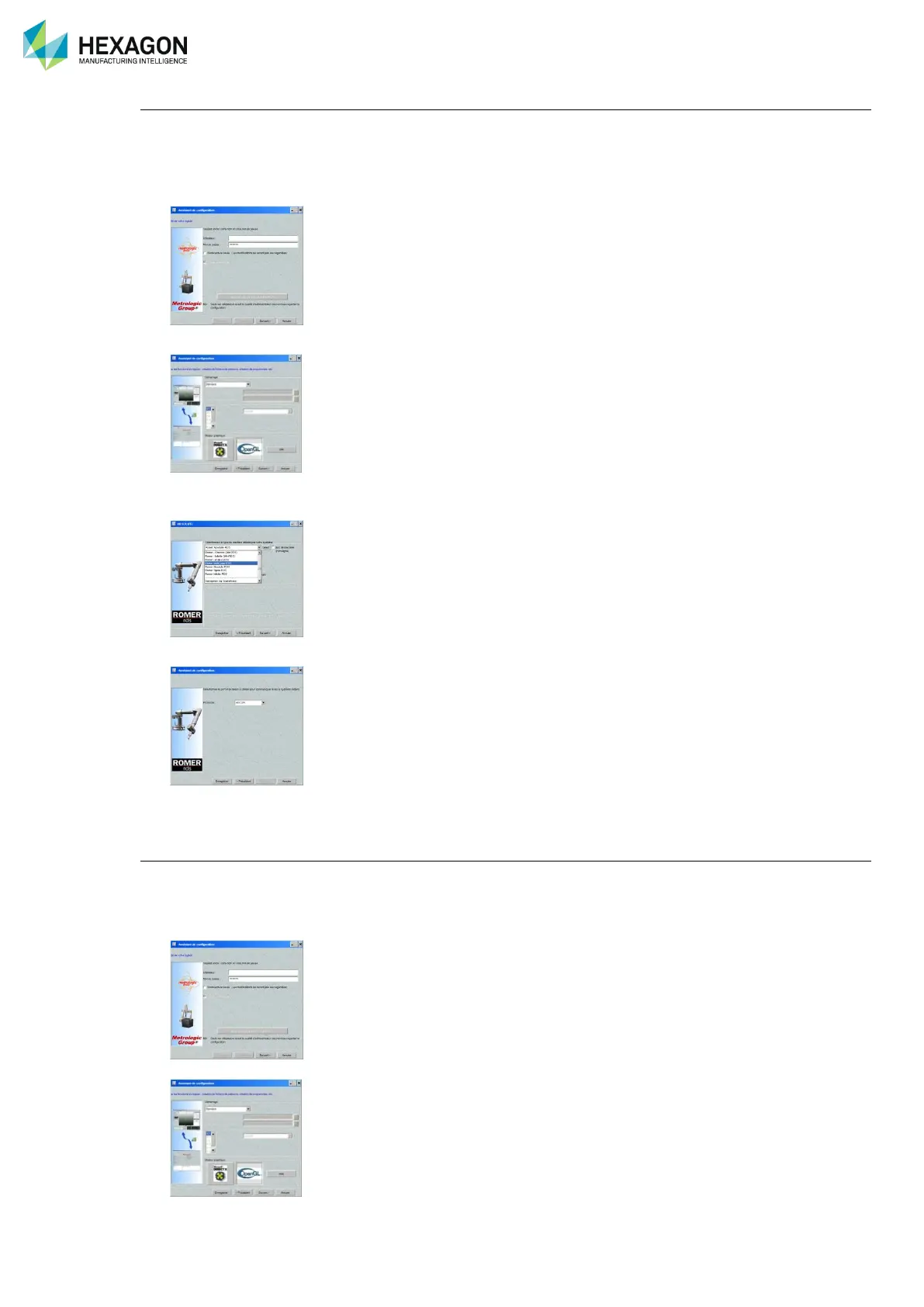
Once Metrolog is installed, run Metrolog configuration program (in case it doesn’t start automatically: Start
Menu > All Programs > Metrolog > Configuration Assistant.
1. Enter your user name and password then Next
2. Skip following window by “Next”
3. On next window, select “type of machine”: “ROMER Absolute SI RDS” or “ROMER Absolute SE
CMS108 RDS” and tick “Automatically recall last probes file” then click on “Next”.
4. Finish the configuration by clicking on “Save”
5. Run Metrolog software, probe is automatically recognized and activated, the system is ready to use.
Configuration for Perceptron
Once Metrolog is installed, run Metrolog configuration program (in case it doesn’t start automatically: Start
Menu > All Programs > Metrolog XG > Configuration Assistant.
1. Enter your user name and password then Next
2. Skip following window by “Next”



 To Next Page
 Loading...