Components description
H00007091 - Absolute Arm User Manual │Version 5.2.0 (2019-03-07) │44
B.5.3 WRIST DISPLAY
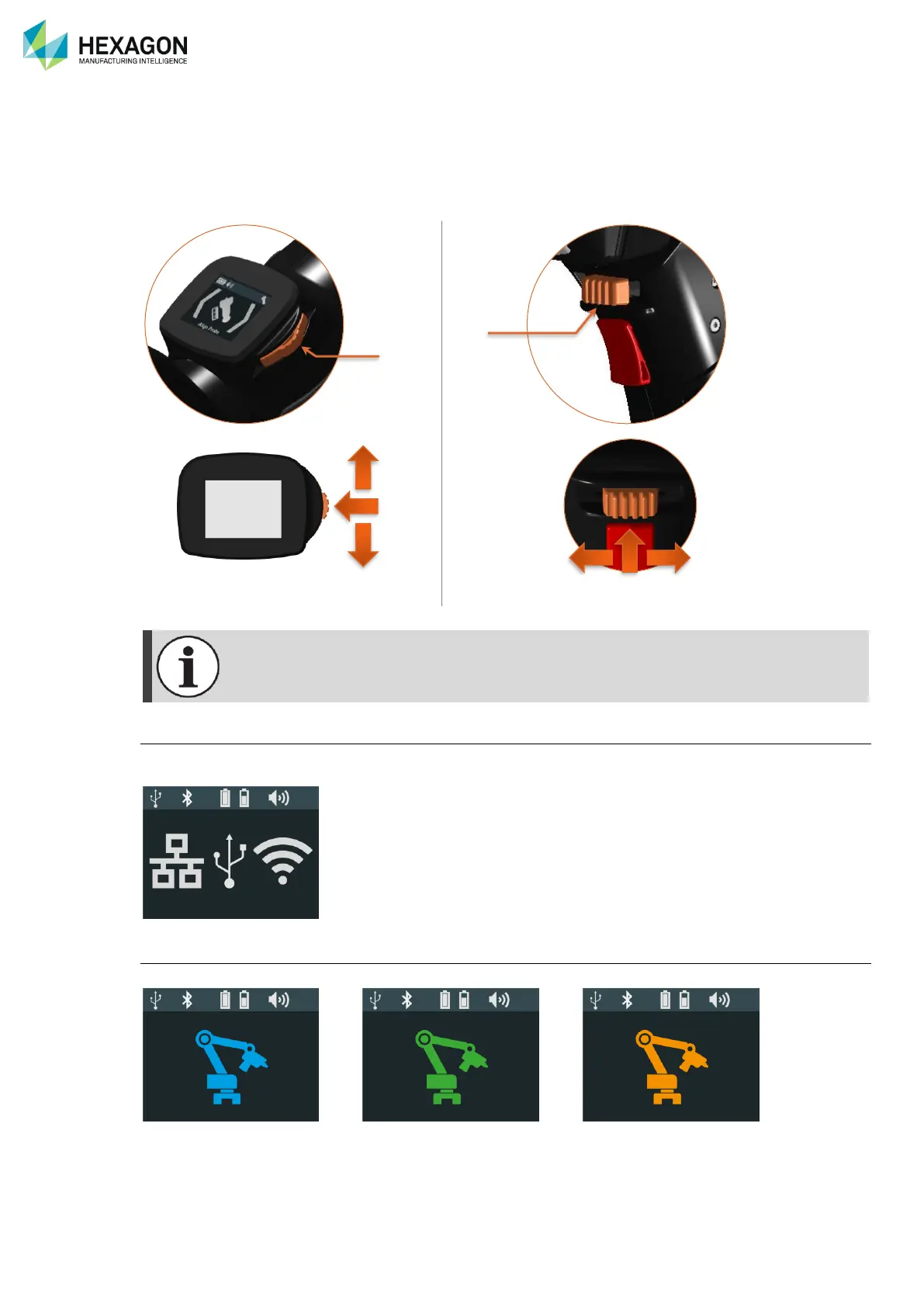
The 7-axes wrist is equipped with a helpful control display.
This Wrist Display permits an easy access to the main settings and status information of the arm.
The Display can be controlled by the 3-State button (B3S), located on its right side (1) or the one located
on the Pistol Grip, above the Trigger Button (2).
Connection
Until the arm is connected, as the base pictograms, the Wrist display shows the available types of
connection.
Status
Once connected, the Wrist Display shows the status of the arm.
System is ready Measurement in progress System not ready


 To Next Page
 Loading...
