Chapter 19 Control Panel Setup (Panel)
1124
Overall Control Panel Settings (Config Menu)
The Link Table Adjust menu appears.
The status area lists the status of the currently selected link, combinations
of video signals and sources, and the sources that can be selected.
2
Using any of the following methods, select the switcher cross-point button
and the matrix source to be linked to the button.
• Press directly on the list in the status area.
• Press the arrow keys to scroll the reverse video cursor.
• Turn the knobs.
3
To confirm the matrix source selection made in step 2, press [Link Source
Set].
This confirms the selection, which is reflected in the status area.
4
As required, repeat steps 2 and 3 to select the matrix sources to be linked
to other cross-point buttons.
To initialize the set links
In the Panel >Config >Link/Program Button >External Bus Link >Link Matrix
Adjust menu, press [Init Link Table].
A confirmation message appears.
Press [Yes].
The links set using the above procedure are initialized to the default settings,
and this is reflected in the status area.
Making link bus settings
For the link number selected in the External Bus Link menu, use the following
procedure.
1
In the Panel >Config >Link/Program Button >External Bus Link menu,
press [Link Bus Adjust].
The Link Bus Adjust menu appears. The status area lists the current link
status, and the switcher buses and router destinations that can be selected.
In this menu too, you can use knob 1 to select the link to be set.
2
Using any of the following methods, select the switcher bus and the router
destination to be linked to the switcher bus.
• Press directly on the list in the status area.
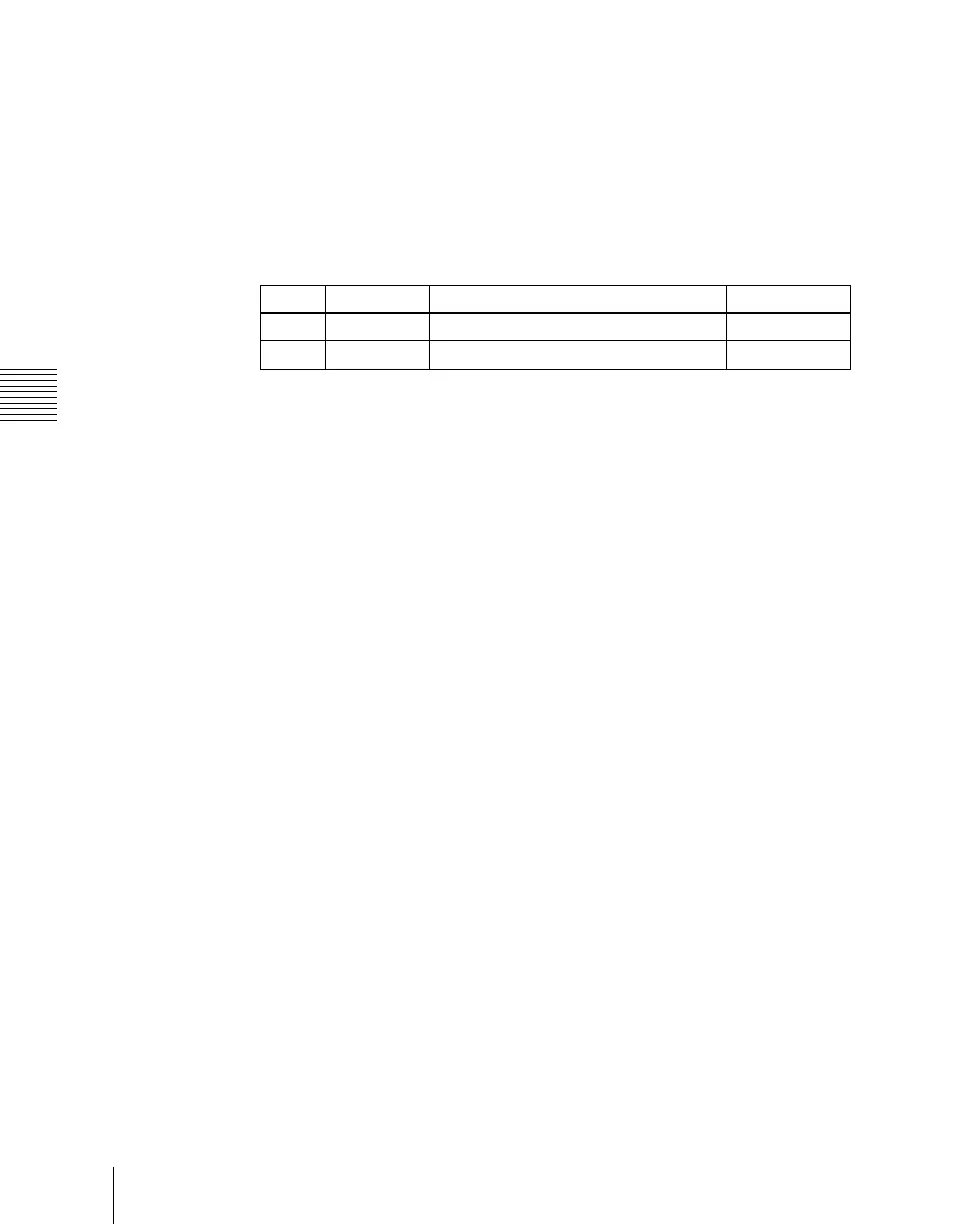
Knob Parameter Adjustment Setting values
1 Main No Switcher cross-point button 1 to 128
2 Source No Matrix source selection 1 to 128


 To Next Page
 Loading...









