190-01115-01 G3X/G3X Touch Installation Manual - GDU 37X Config and Post Install Checkout
Rev. AC Page 33-25
If removal and replacement of a GMU magnetometer is required after post-installation calibration has been
completed, the GMU mounting rack must not be moved. If the mounting screws that secure the GMU 11
or GMU 22 mounting rack are loosened for any reason, post-installation calibration procedures GMU 11
Unit Orientation (Section 33.4.3.1
, if applicable), Magnetometer Interference Test (Section 33.4.4.2), and
Magnetometer Calibration (Section 33.4.4.3
) must be repeated before the aircraft can be returned to
service.
Any GMU magnetometer removal or replacement requires repeating the Magnetometer Calibration
(Section 33.4.4.3
).
A repeat of the Pitch/Roll Offset Compensation (Section 33.4.3.2
) requires a repeat of the Magnetometer
Calibration (Section 33.4.4.3
).
The addition, removal, or modification of components that are ferrous, or otherwise magnetic, within 10.0
feet of the GMU magnetometer location after the Magnetometer Interference Test (Section 33.4.4.2
) or
Magnetometer Calibration Procedure (Section 33.4.4.3)
were completed requires a repeat of both
procedures.
Furthermore, electrical changes to the installation that affect components within 10.0 feet of the GMU
magnetometer after the Magnetometer Calibration (Section 33.4.4.3
) and Magnetometer Interference Test
(Section 33.4.4.2
) were completed will require a repeat of the Magnetometer Interference Test (Section
33.4.4.2). If new magnetic interference is detected, it must be resolved, then the Magnetometer Calibration
(Section 33.4.4.3
) must be repeated. Wiring or grounding changes associated with a device located in the
vicinity of the GMU magnetometer is a good example of such a change.
33.4.4.1 Unit Orientation (GMU 11 Only)
1. Enter configuration mode by holding down the left-hand softkey while powering on the PFD 1
display (if needed).
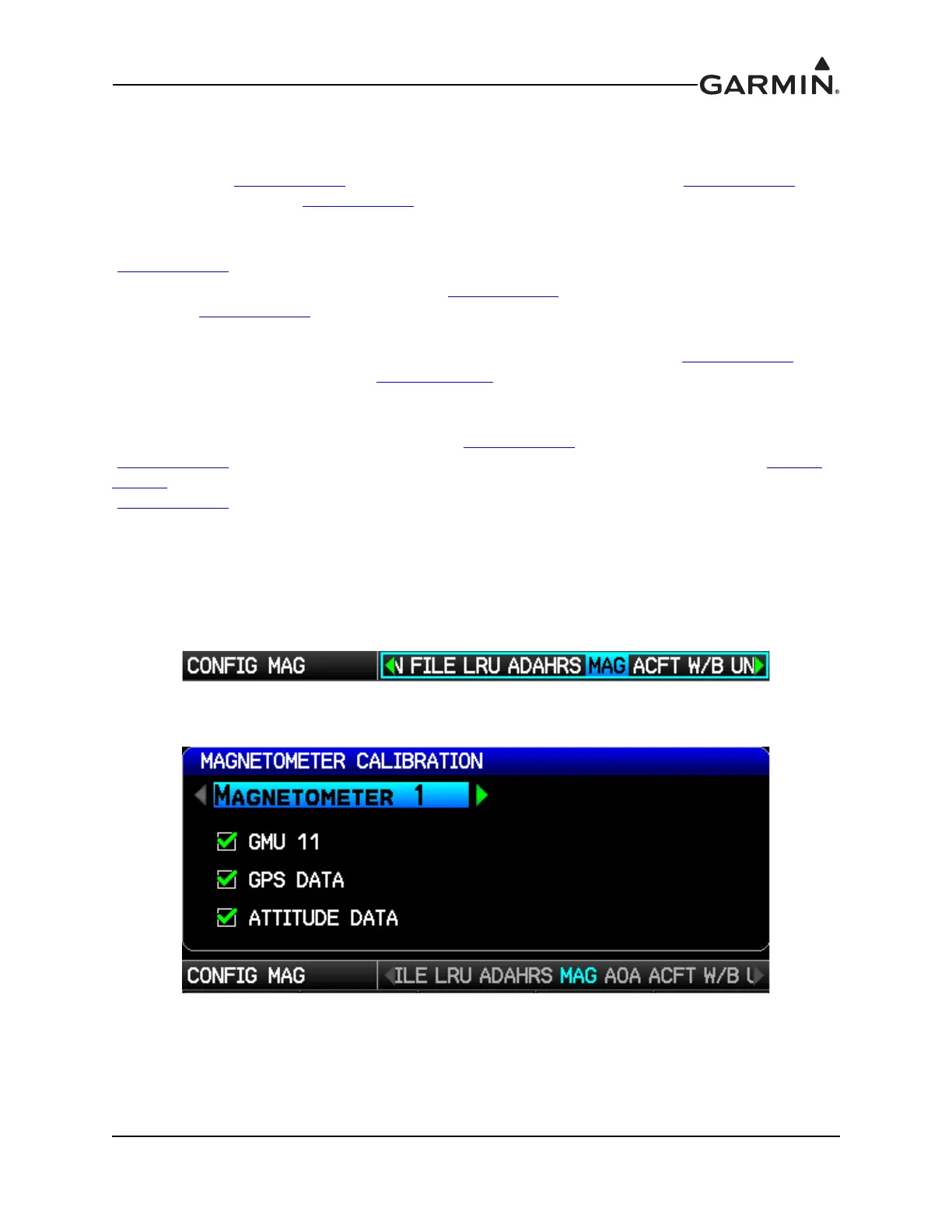
2. Use the FMS Joystick to select the MAG Page (if needed).
3. Use the FMS Joystick to select the Magnetometer designated for the GMU 11 and press the ENT
key.



 To Next Page