190-01115-01 G3X™/G3X Touch™ Avionics Installation Manual
Rev. AV Page 30-8
30.4.5 Configuration Files Page
NOTE
An SD card must be in the display’s SD card slot for the Config Files page to be shown on
the Configuration Mode page.
The Config File page is used to enable uploading and downloading of the G3X System configuration to an
SD card. The configuration is written to the loader card in a format which can be uploaded to the system.
To export the configuration:
1. In configuration mode, use the Touch Panel or a Move Selector Knob to select the Config Files
Page.
2. Use the Touch Panel or a Move Selector Knob to select Menu.
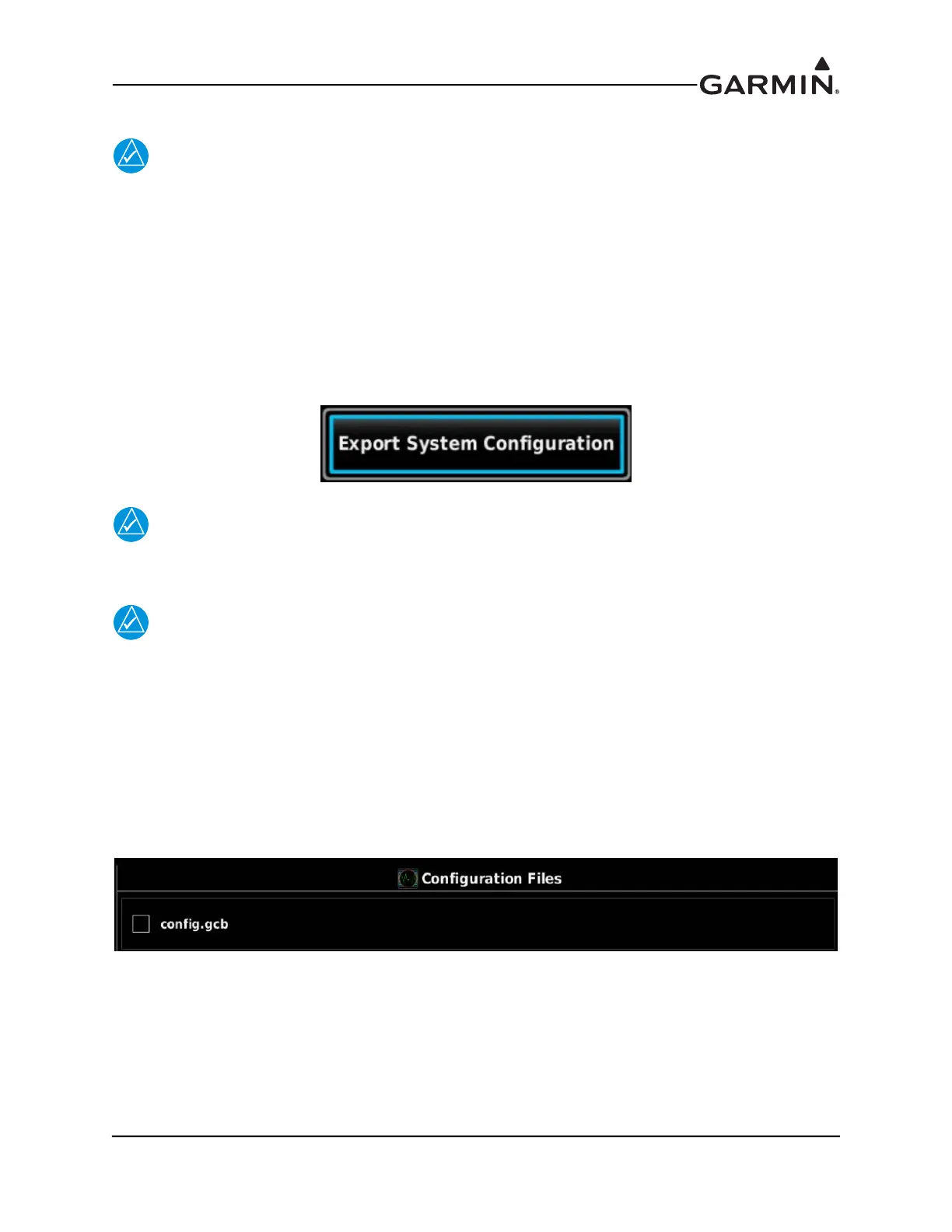
3. Use the Touch Panel or a Move Selector Knob to select Export System Configuration.
NOTE
If restoring data to the system from a backup, all previously saved data (including
calibration data) will be loaded.
NOTE
If saved configuration data is loaded into a different G3X Touch™ avionics system, the
aircraft specific calibration data will not be overwritten.
To import the configuration:
1. Insert an SD card in the display with the .gcb configuration file placed in a folder named "config"
within the "Garmin" folder on the SD card.
2. In configuration mode, use the Touch Panel or a Move Selector Knob to select the Config Files
Page.
3. Use the Touch Panel or a Move Selector Knob to select Import System Configuration.


 To Next Page
 Loading...












