190-01115-01 G3X™/G3X Touch™ Avionics Installation Manual
Rev. AV Page 30-177
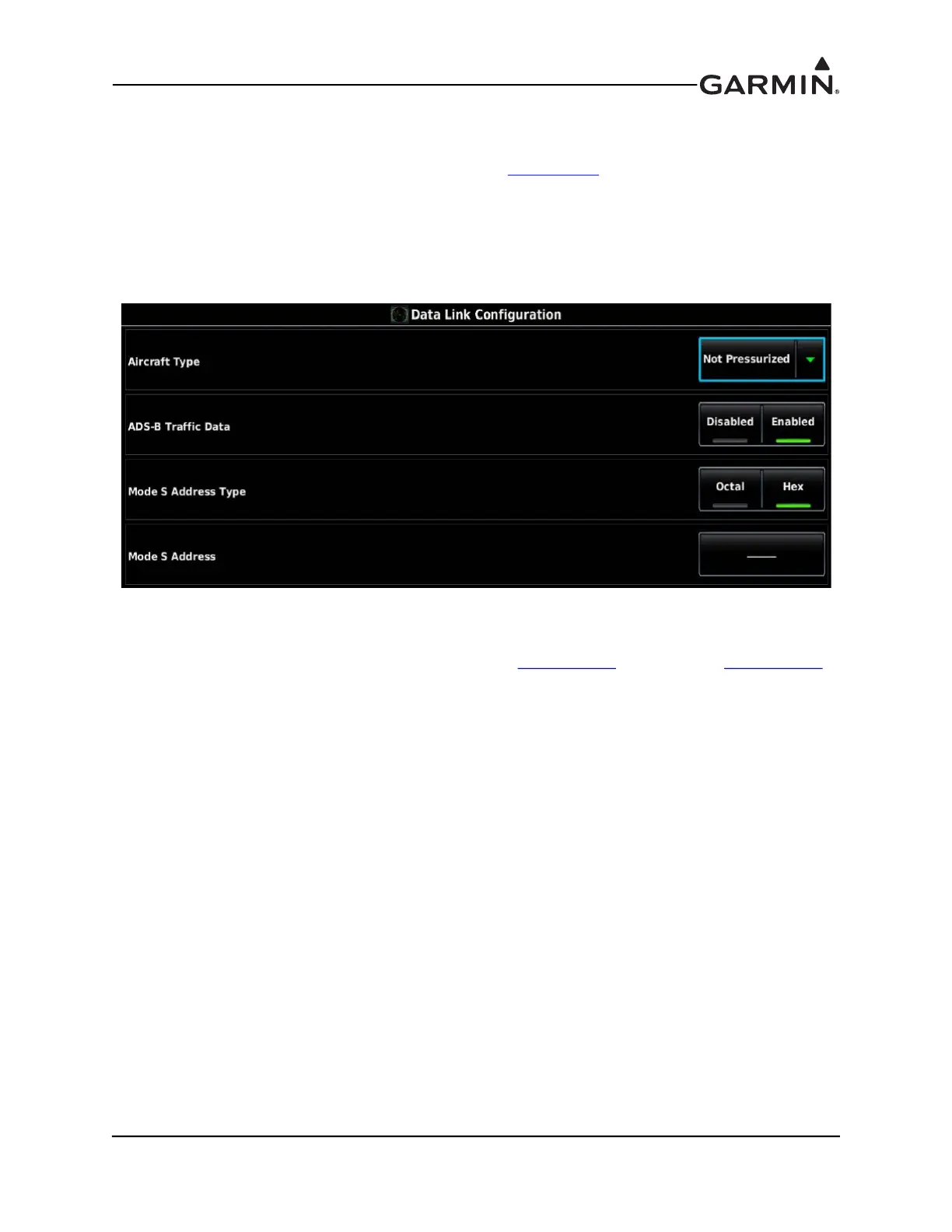
30.4.30 Data Link Configuration Page
The Data Link Configuration Page is only displayed when the unit is configured to communicate with and
has successfully communicated with a GDL 39/5XR (see Section 24.2)
for interface and configuration
info). Aircraft Type should be set to “Not Pressurized”. The Mode S Address field is displayed (and is
editable) if configured for a Mode S Transponder or not configured for any transponder. The Mode S
Address field is not displayed if configured for a non-Mode S Transponder, such as a GTX 327.
1. In configuration mode, use the Touch Panel or a Move Selector Knob to select the Data Link
Configuration Page.
2. Use the Touch Panel or a Move Selector Knob to select the desired configurable item and make the
desired change.
3. Enter data (where applicable) using the Keyboard (Section 30.4.1
) or Slider Bar (Section 30.4.2).
4. Press the Back key to return to the Configuration Mode page when finished (if desired).


 To Next Page
 Loading...












