190-01115-01 G3X™/G3X Touch™ Avionics Installation Manual
Rev. AV Page H-118
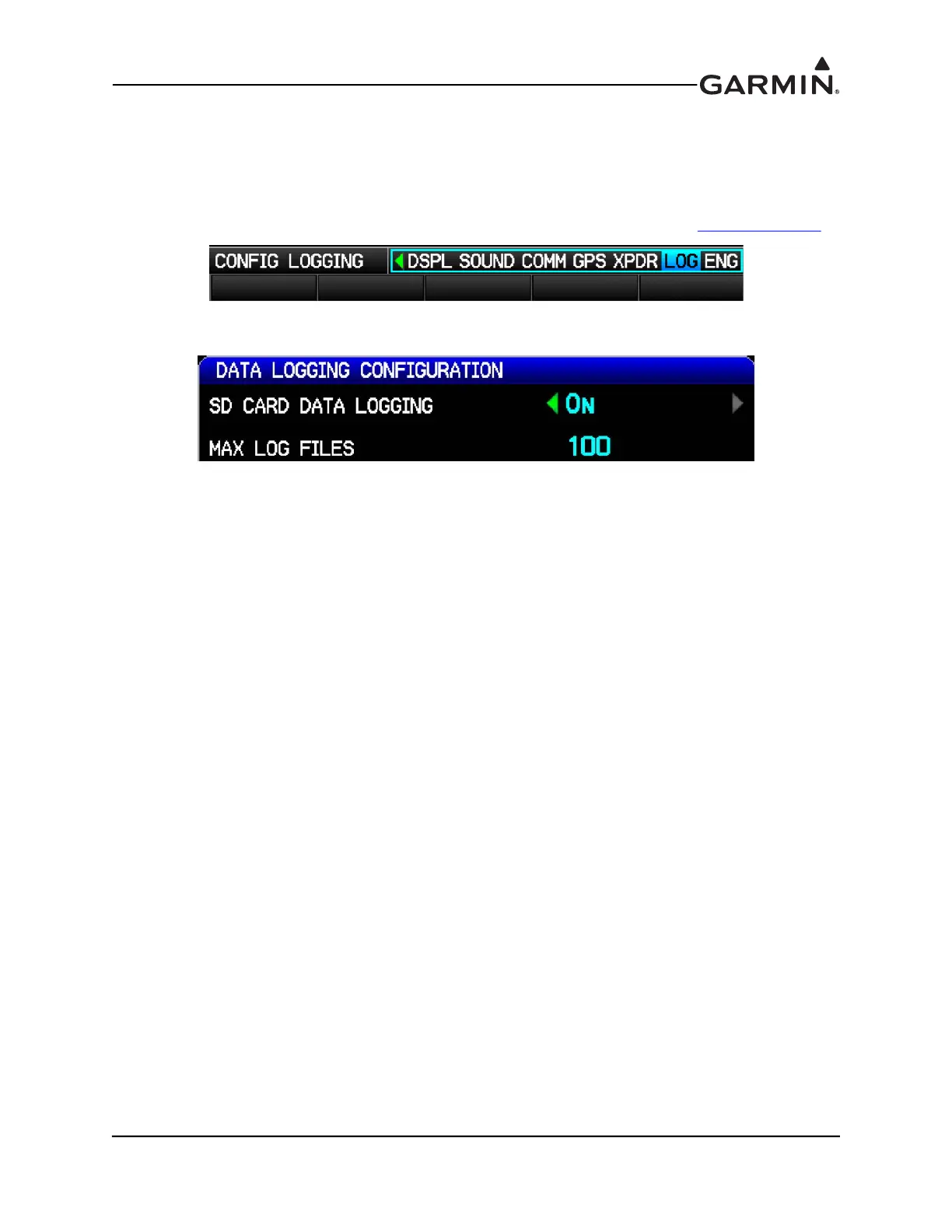
H.4.18 LOG Configuration Page
The Data Logging Configuration page enables the storage of flight data as .csv files to the "data_log"
folder on an SD card. If data logging is enabled, the files are automatically written to the SD card after it is
inserted into the card slot. These files can be opened in Excel, or imported into Google Earth for viewing
using the Garmin Flight Log Conversion tool. The tool and instructions needed to import the files into
Google Earth are available from the G3X Product Page found on the Garmin website www.garmin.com
.
Select On or Off for SD Card Data Logging. Use Max Log Files to set the maximum number of log files to
be stored, or press CLR for no limitation on the maximum number of files stored.


 To Next Page
 Loading...












