190-01115-01 G3X™/G3X Touch™ Avionics Installation Manual
Rev. AV Page 30-179
30.4.32 Engine and Airframe Configuration Page
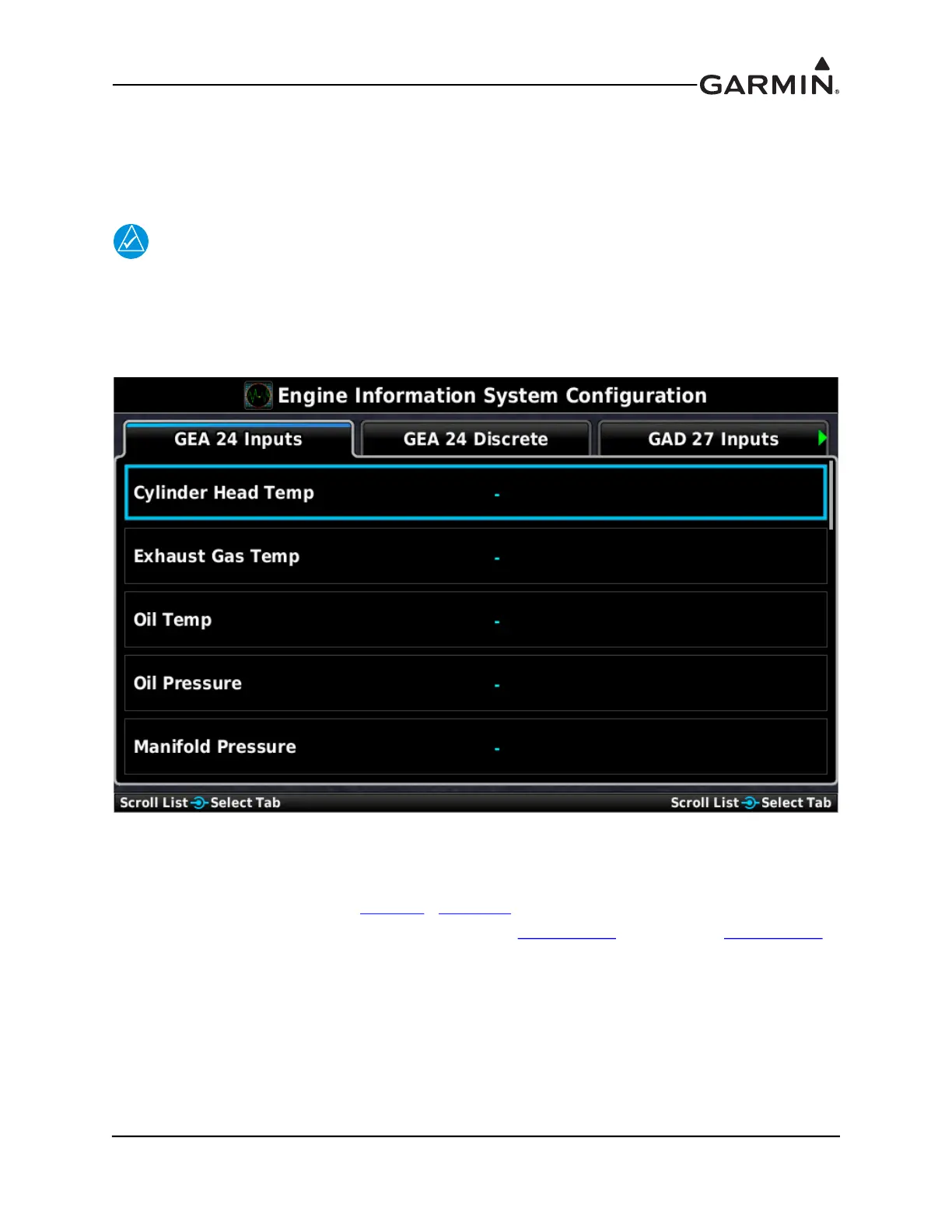
The Engine Information System Configuration section of the Engine and Airframe Configuration Page
allows enabling/disabling and customization of the engine/airframe input options that make up the EIS
display and the Engine Page.
NOTE
The GAD 27 Inputs tab will only be displayed if the Electrical Control System is enabled
from the LRU Configuration Page.
1. In configuration mode, use the Touch Panel or a Move Selector Knob to select the Engine
Configuration Page.
2. Use the Touch Panel or a Move Selector Knob to select the desired configurable item and make the
desired change.
3. Use the Touch Panel or a Move Selector Knob to select the desired configurable item and make the
desired change(s) (Sections 30.4.32.3
- 30.4.32.35).
4. Enter data (where applicable) using the Keyboard (Section 30.4.1
) or Slider Bar (Section 30.4.2).
5. Press the Back key to return to the Configuration Mode page when finished (if desired).


 To Next Page
 Loading...












