190-01115-01 G3X™/G3X Touch™ Avionics Installation Manual
Rev. AV Page 30-131
30.4.14 Flaps Configuration Page
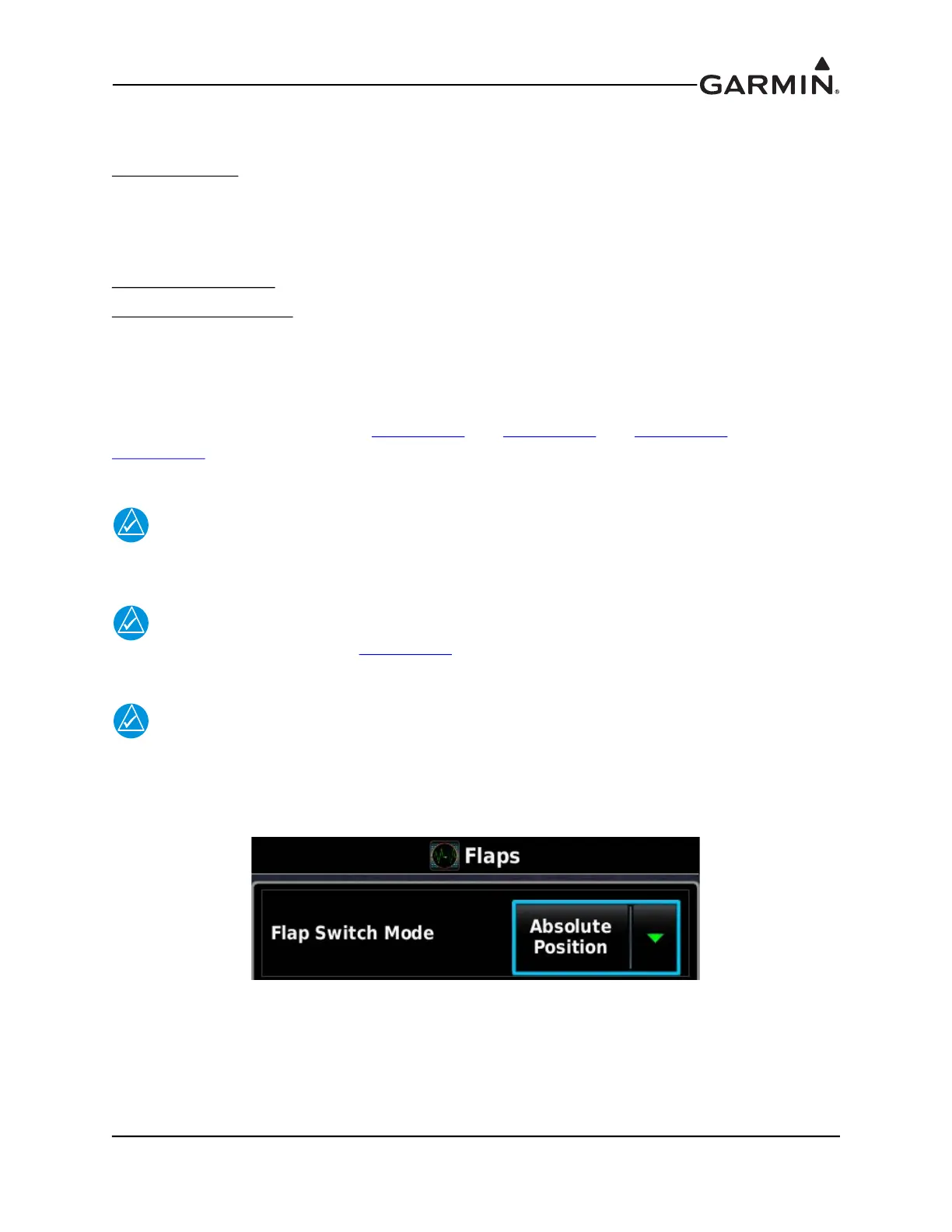
The Flaps Configuration Page contains the following three items:
Flap Switch Mode
-
a. In Absolute Position mode, the flaps move to one of four absolute positions in response to an
active low on the flap discrete inputs, and there are no speed constraints.
b. In Relative Position mode, the switch up/switch down flap motion is relative to the last position
and there are optional speed constraints on partial/full flap deployment.
Full Flap Max Airspeed
- Enter maximum airspeed for full flap deployment. (Relative Position mode only)
Partial Flap Max Airspeed
- Enter maximum airspeed for partial flap deployment, entry must be greater
than the full flap maximum airspeed. (Relative Position mode only)
The airspeed values are only used in conjunction with the flap control and appear only when the GAD 27 is
present. These values do not affect airspeed display.
The GAD 27 flap wiring examples in Figure 24-2.2
p. 2, Figure 24-2.3 p. 1, Figure 24-2.3 p. 2,
Figure 24-2.3
p. 3 provide one example of a Relative Position flap switch installation and three examples
of Absolute Position flap switch installation.
NOTE
Electrical Control System must be enabled on the LRU Configuration Page in order to
display the Flaps Configuration Page.
NOTE
There must be intermediate flap positions configured (more than only 0 and Full) for the
partial flap maximum airspeed selection to be available.
NOTE
Automatic flap movement is not supported in configuration mode. Hold the flap switch for
1 second or longer (Relative Position) or use the screen controls on the flap position
sensor calibration page (Absolute Position) to perform manual flap movement.


 To Next Page
 Loading...












