COPYRIGHT
©
2000 CANON INC. 2000 2000 2000 2000 CANON iR5000/iR6000 REV.0 JULY 2000
CHAPTER 5 PICK-UP/FEEDING SYSTEM
5-46 P
8.2.2 Stationary Jams
a.Ordinary Stationary Jam
Stationary jam sensor N
Right deck feed paper sensor
Left deck feed paper sensor
Vertical path 1 paper sensor
Vertical path 2 paper sensor
Vertical path 3 paper sensor
Vertical path 4 paper sensor
Laser write start sensor
Registration paper sensor
Claw jam sensor
Internal delivery sensor
External delivery sensor
Reversal sensor 1
Reversal sensor 2
Duplexing paper sensor
Duplexing pre-registration sensor
T05-802-03
b.Stationary Jam at Power-On
A stationary jam at power-on is identified in reference to the presence/absence of paper
over a specific sensor about 1 sec after the control panel power switch is turned on.
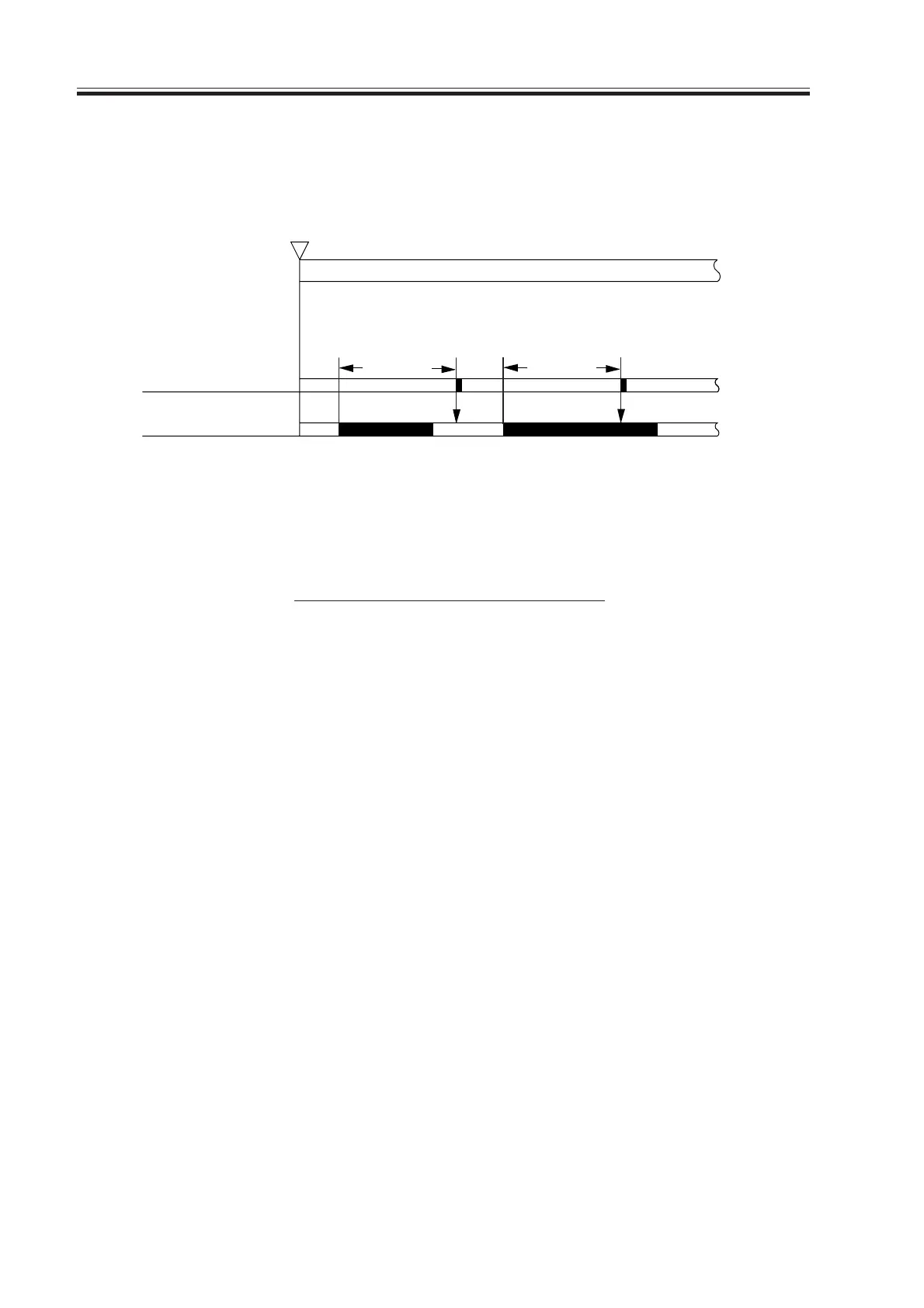
F05-802-03
Start key ON or
PRINT set
INTR / PRINT
Jam check
Sensor N
L + A
Normal Error
L + A
L = paper length. A = specific feed distance.
Download Free Service Manual at http://printer1.blogspot.com


 To Next Page
 Loading...










