COPYRIGHT
©
2000 CANON INC. 2000 2000 2000 2000 CANON iR5000/iR6000 REV.0 JULY 2000
CHAPTER 7 EXTERNALS AND CONTROLS
7-30 P
5.6 Drive System
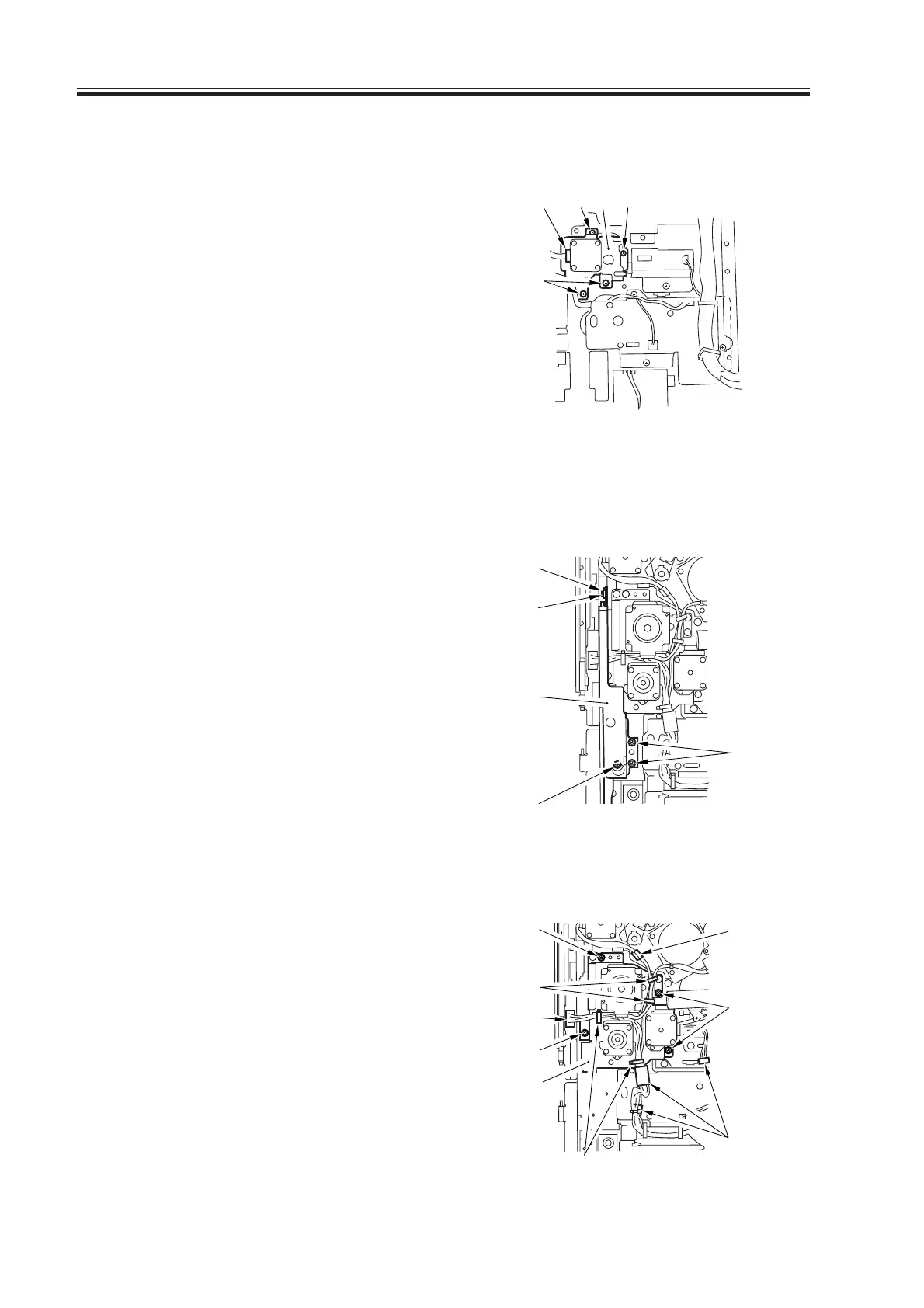
5.6.1 Left Deck Drive Assembly
1) Remove the high-voltage power supply
PCB.
2) Remove the four screws [1], and dis-
connect the connector [2]; then, detach
the left deck drive assembly [3].
F07-506-01
5.6.2 Vertical Path Duplex/Right Deck Drive Assembly
1) Remove the waste toner bottle holder.
2) Remove the the five screws [1], and de-
tach the grip base [2].
F07-506-02
3) Remove the four screws [3], and dis-
connect the five connectors [4]; then,
release the four cable clamps [5], and
detach the vertical path duplex/right
deck drive assembly [6].
F07-506-03
[2] [1] [3] [1]
[1]
[1]
[1]
[2]
[1]
[1]
[3]
[4]
[3]
[5]
[5]
[3]
[4]
[4]
[6]
Download Free Service Manual at http://printer1.blogspot.com



 To Next Page
 Loading...









