25 MODE
1 ADJUSTMENT
[4] Setting the Paper Size
When the LCT paper type is changed, it must be stored
in the main body. This setting is effective when an
optional LCT is added.
Select a paper size among standard, non-standard
paper sizes. After selecting a tray size, specify a paper
size.
Note: In 7255/7272 models, when tray 1 or 2 is
selected, [Non STD size] or [Wide size
paper] are not displayed.
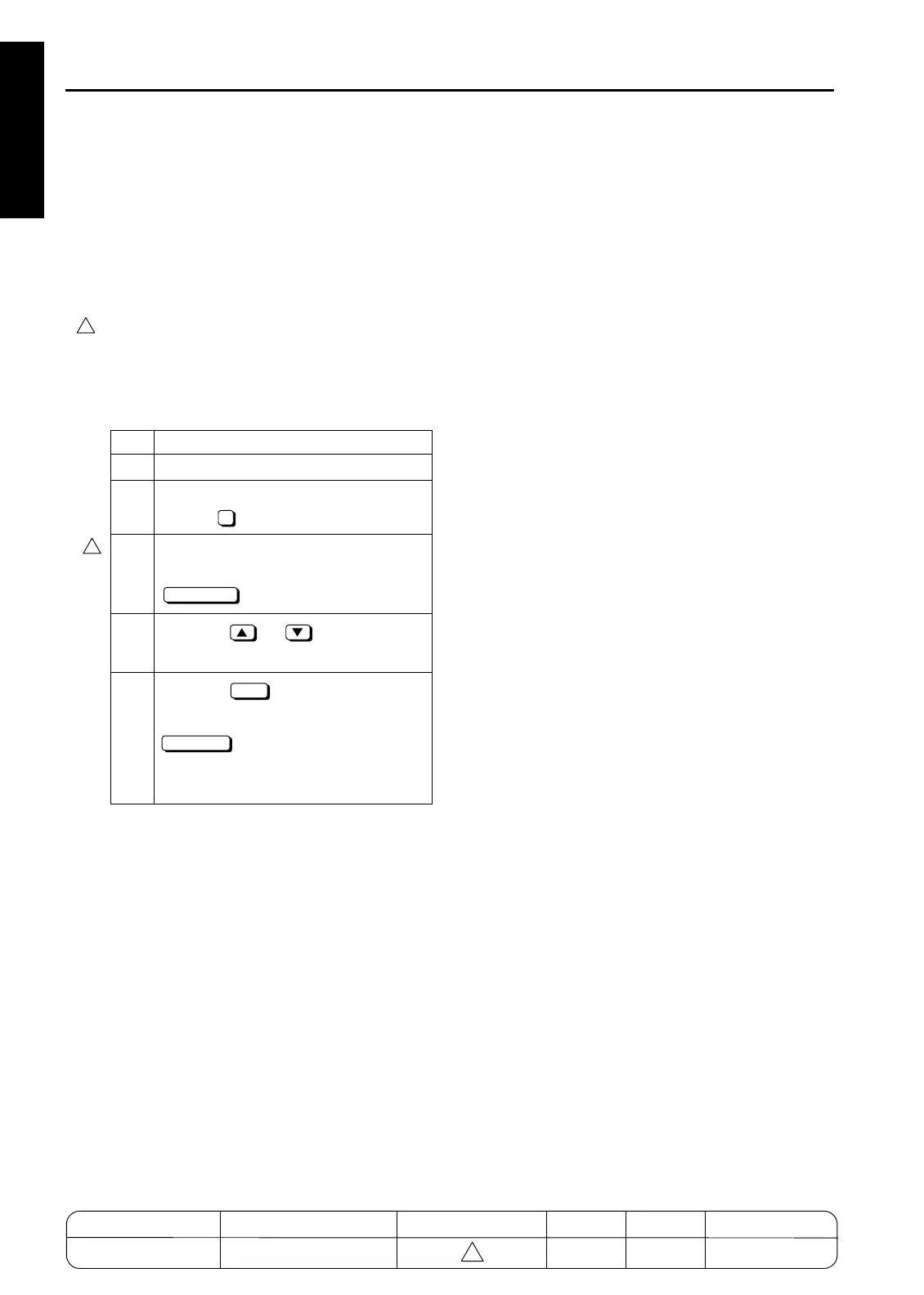
1. Setting the standard size
Step Operation
1 Enter the 25 mode.
2 [Memory setting mode menu Screen]
Select " Paper size setting".
3 [Paper size setting mode Screen]
Select necessary tray and press the
key.
4
Press the or button to select
a paper size.
5
Press the key to finish setting.To
cancel the new setting, press the
key, Pressing either key will
display the Memory setting mode menu
Screen again.
4
2
4
STD SIZE
OK
CANCEL
1-20-2
MODEL MANUAL REVISED EDITION DATE PAGE METHOD
SERVICE MANUAL Dec. 2003
7155/7165/7255/7272
1-20-2 ADDITION
4


 To Next Page
 Loading...







