25 MODE
1 ADJUSTMENT
Reference1: The digits entered in the data field
of each data item will be shifted to
the left one after another.
Reference2: When the number of entered digits
exceeds 4 or 8, the leftmost char-
acter will disappear.
Reference3: Setting the key operator pass-
word, weekly timer password, and
HDD management password to
"0000" allows you to use individual
modes without passwords. That
is, the menu screen of each mode
appears directly without display-
ing the password input screen.
[11] Setting the Telephone Number and/or
Fax Number of the Service Center
This function allows you to set the telephone number
and/or fax number of the service center displayed
when a service call occurs. The telephone number
and/or fax number are/is also displayed as the basic
help topic "Contact Number of Service Center" on the
user screen. This function is not related to the KRDS
functions; the telephone number and/or fax number
are/is just displayed on the screen.
Reference1: If the length of a telephone or fax
number is shorter than 16 digits,
use a hyphen(s) to make the over-
all length 16 digits.
Reference2: The entered digits will be shifted to
the left one after another, starting
at the right end.
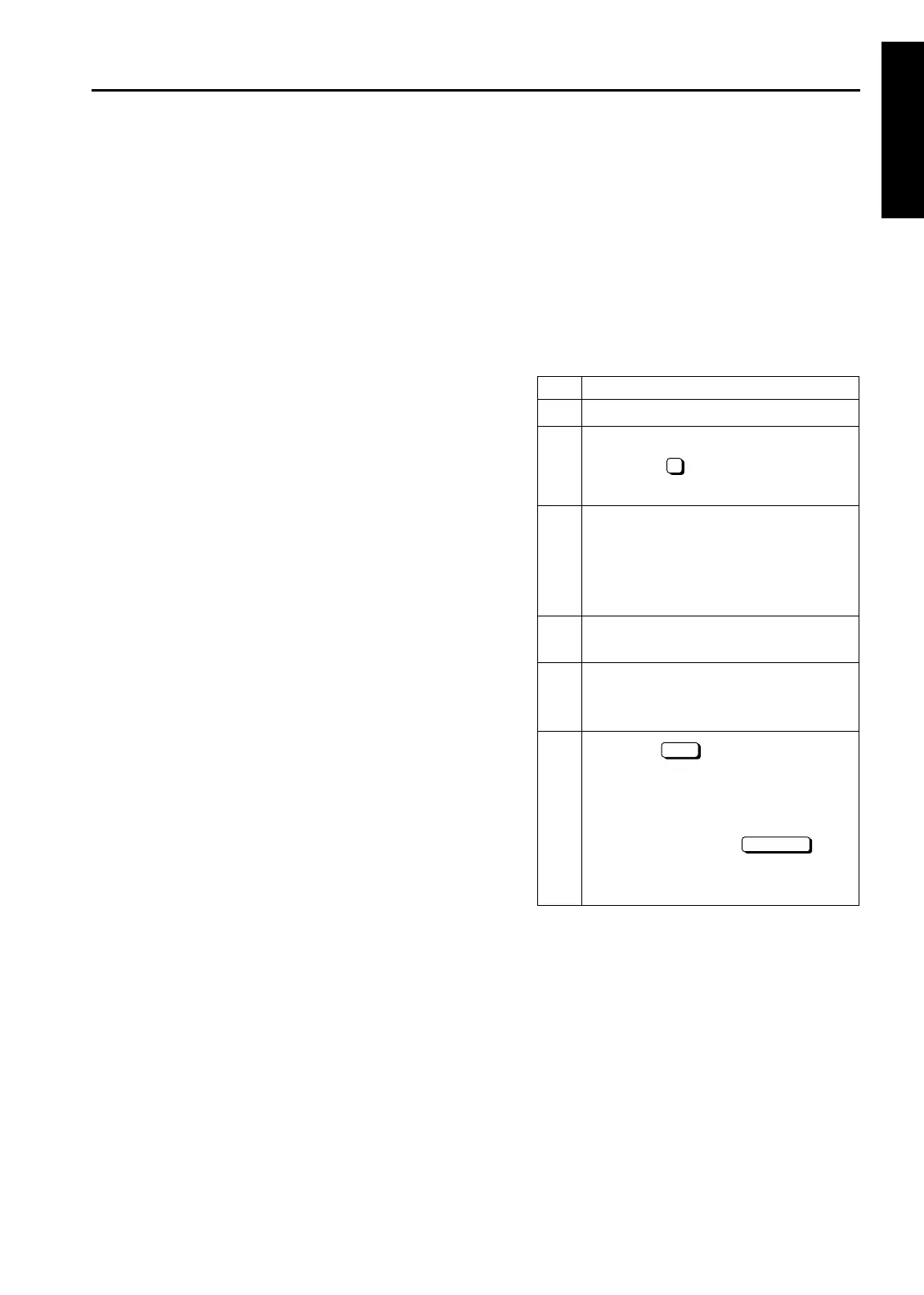
Step Operation
1
Enter the 25 mode.
2
[Memory setting mode menu Screen]
Select the " Telephone number/FAX
number setting".
3
[Customer support TEL/FAX setting
Screen]
Select "Service center Telephone num-
ber (16 digits)" or "Service center Fax
number (16 digits)".
4
Enter the telephone or fax number using
numeric keys.
5
To set both telephone number and fax
numbers, perform steps 3 and 4 repeat-
edly.
6
Press the key to allow the tele-
phone number and/or fax number to take
effect.
To cancel the telephone number and/or
fax number, press the key.
Pressing either key will display the Mem-
ory setting mode menu Screen again.
7
OK
CANCEL
1-45



 To Next Page
 Loading...






